
Vehicle Mods in Vorex GTA
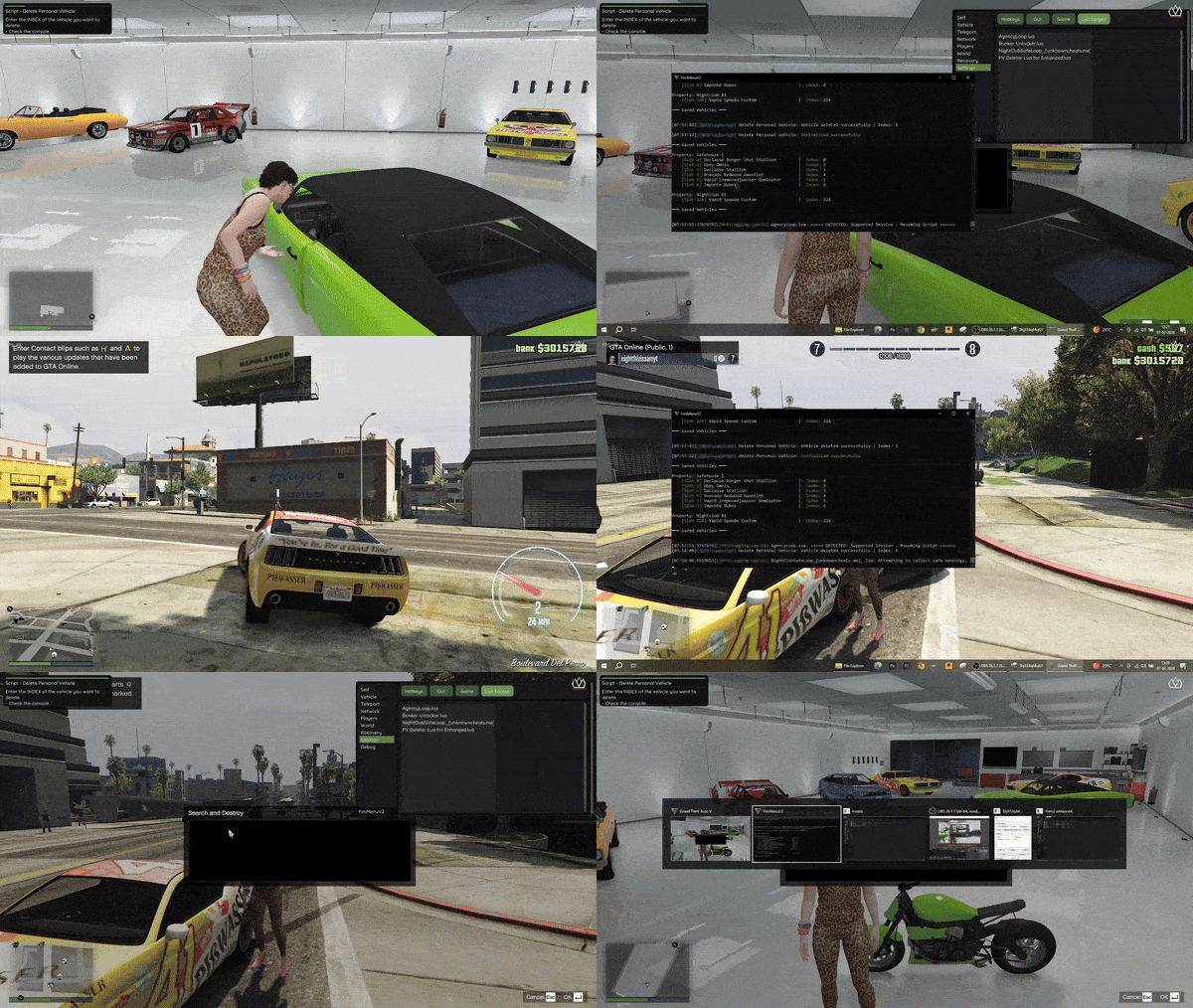
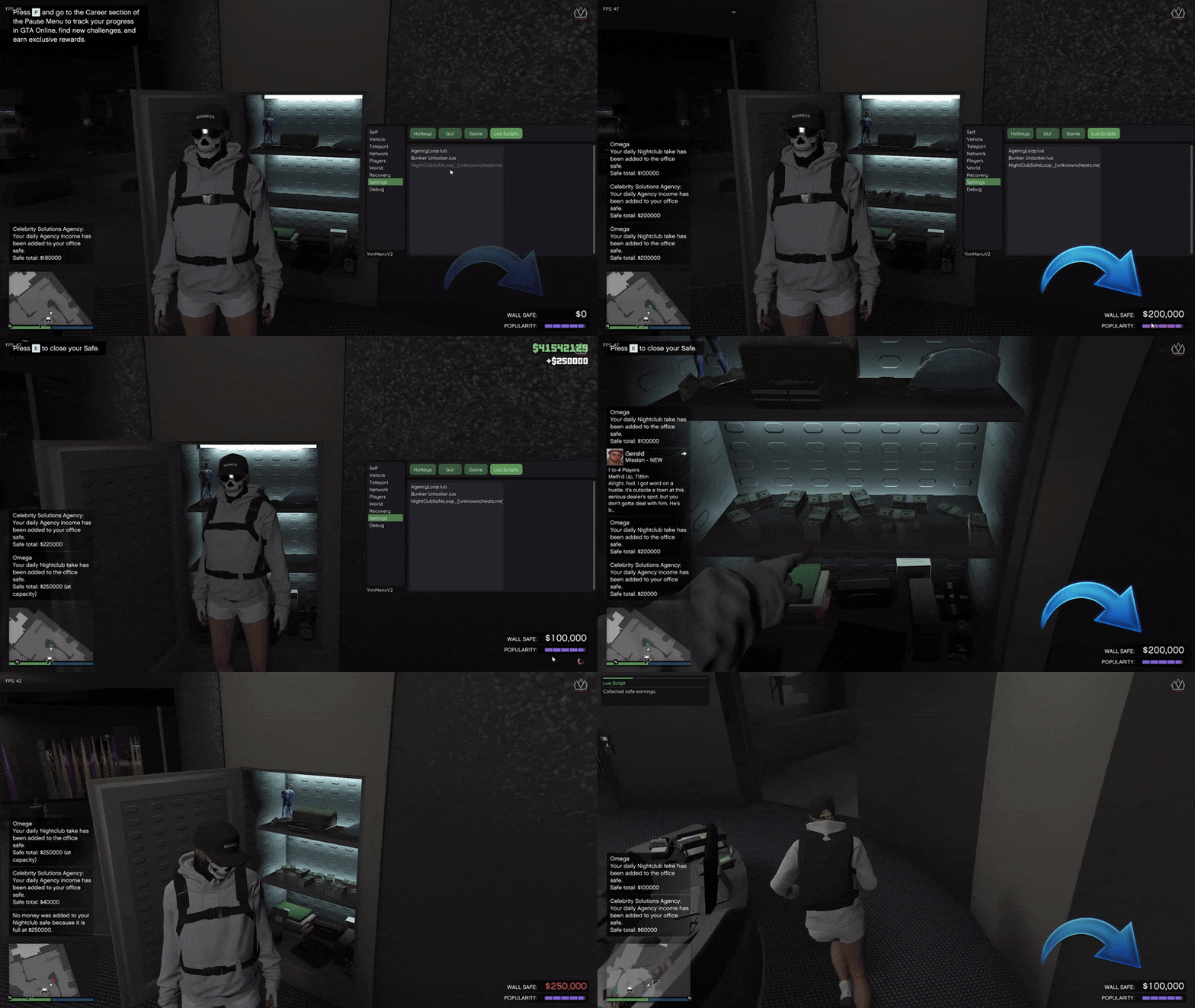
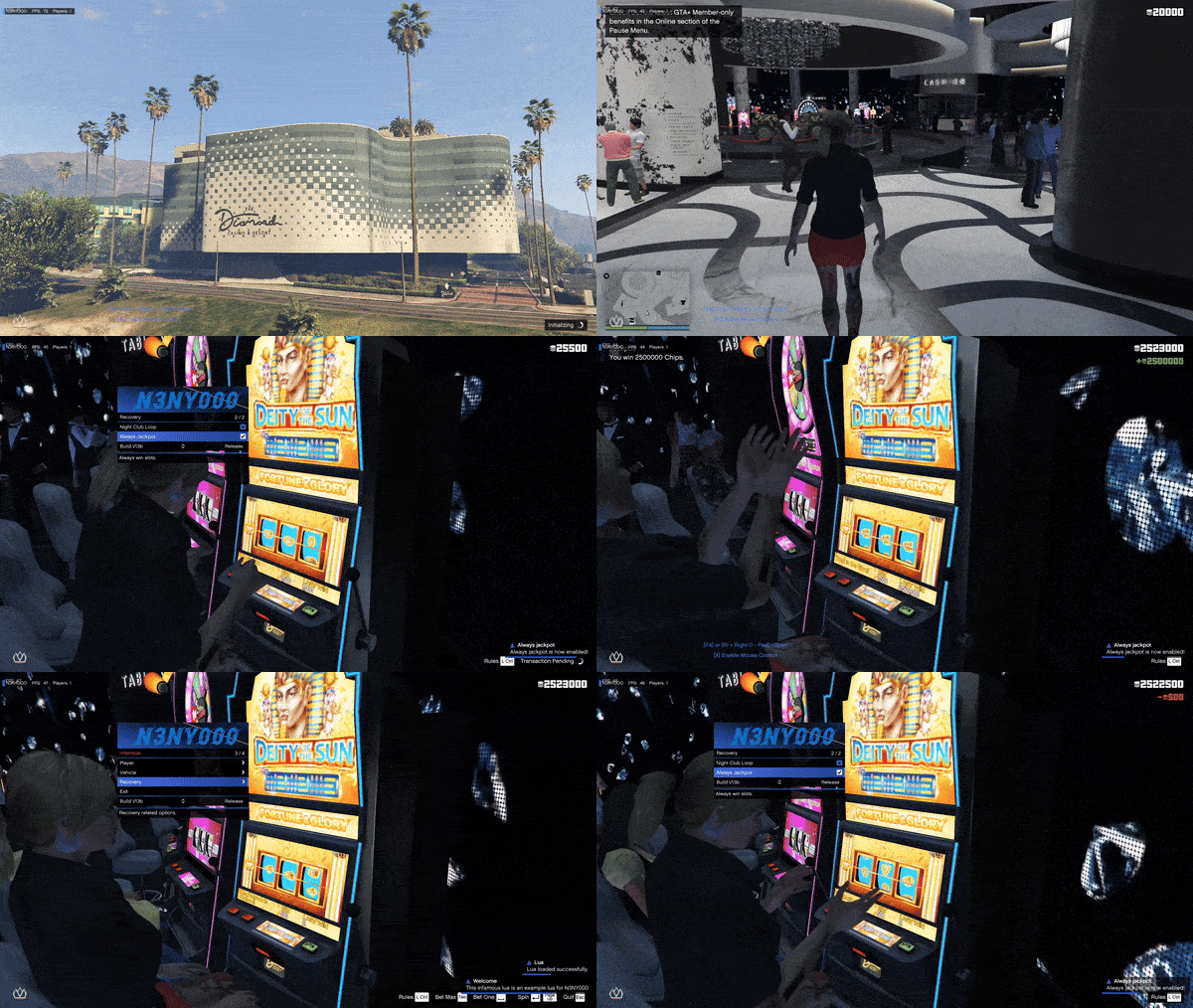
Customizing Grand Theft Auto V (GTA V) has always been a creative outlet for fans. One reason for the long-standing appeal of the GTA series is the option to modify the gameplay beyond what was originally designed. Among the numerous ways to modify GTA V, vehicle modification remains among the most sought-after form of customization. Players may opt to create supercars, build real vehicles, create tuned versions of vehicles, or even make entirely new vehicles. Customized vehicles enable the player to personalize their GTA V experience. The process of loading vehicle mods in GTA V has never been easier than now due to the inclusion of Vorex GTA Enhanced. Additionally, the fact that Vorex GTA Enhanced supports Menyoo XML files further simplifies the process. Vorex GTA is a lightweight alternative to heavy mod installations and complex setups. As such, it is an excellent option for users seeking rapid access to custom vehicles. The ease-of-use of XML based vehicle mods provides users instant access to pre-configured vehicles, complete with modifications, paint and attachments already configured. Not only do XML based vehicle mods provide a faster installation method, they also provide a consistent view of the vehicle within the game. In-Game Menu Screenshots :
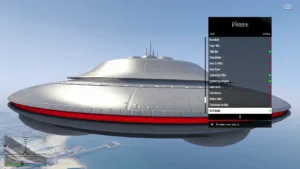
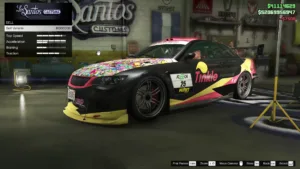
Video Guide
Video Summary – What You’ll See.
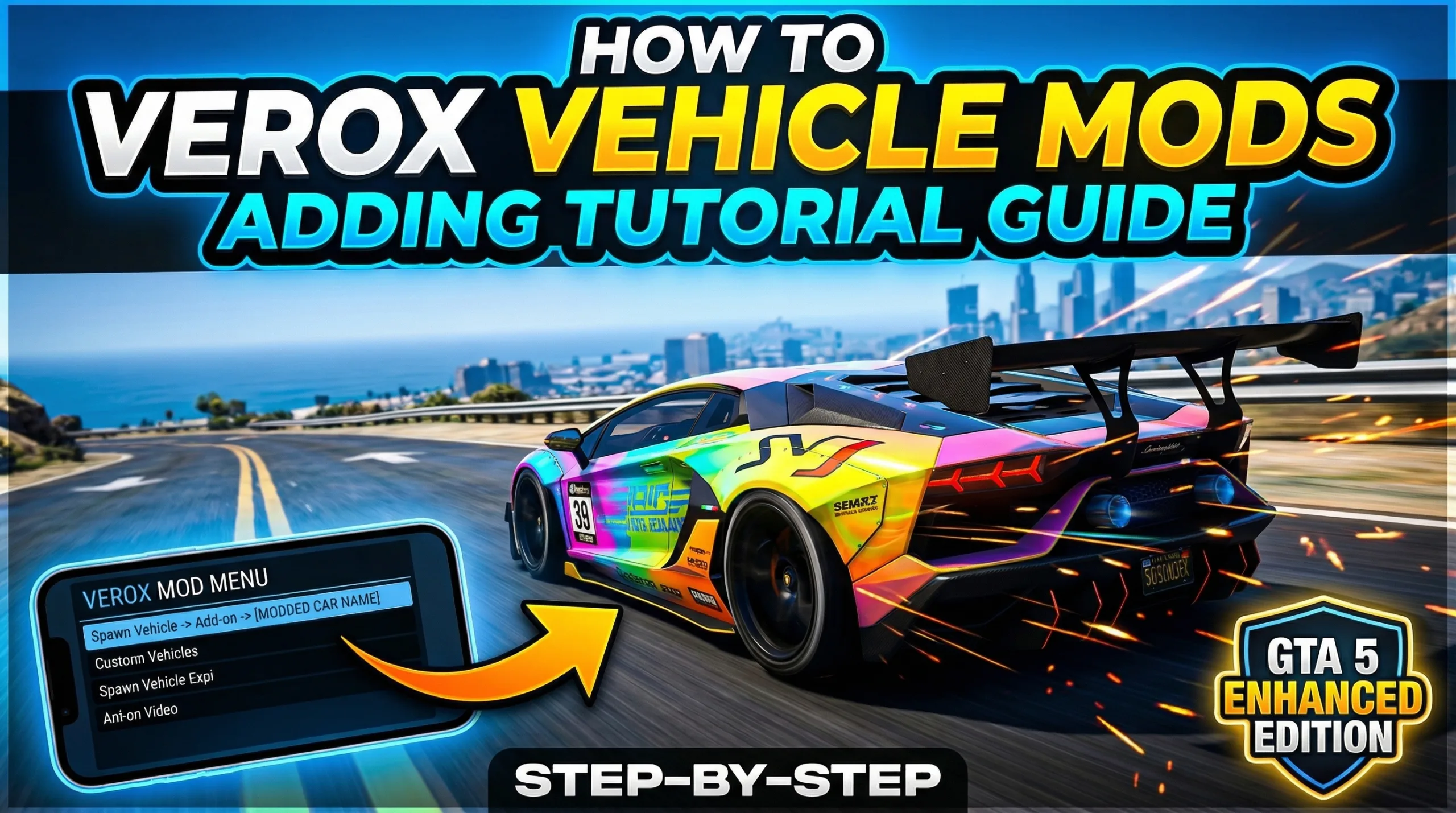
In the video walk-through, the user demonstrates how to inject the menu, how to install vehicle mods for Verox Mod Menu for Enhanced and this mods can also been seen by other players in the session which makes much more intresting and funnier to enjoy the los santos now, all you gotta do is open gta5mods and download vehicle mods of menyoo and download the xml and paste the xml file which you have downlaoded into %appdata% in the windows and paste it inside the verox – vehile mods folder, once the xml file is pasted then open the verox menu from game and refresh the vehicle mods to take effect. thats it with the tutorial.Download Vehicle Mods to Vorex GTA (via GTA5-Mods)
After getting your directory set up, the first thing you’ll want to do is download vehicle mods. The best place to get Menyoo-compatible XML files is at GTA5-Mods Vehicle XML Library. They provide thousands of vehicles created by the community. At GTA5-Mods, you’re able to browse through various categories, preview vehicles and download whatever fits your style. When choosing a vehicle mod, make sure the file is in XML format and has been tagged as “Menyoo” compatible. For the most part, Menyoo-compatible files are clearly marked as such. Once you’ve downloaded the mod, you should see a .zip file that contains the XML. Extract the XML file and then add it to your VehicleMods directory.Adding Vehicle Mods to Vorex GTA
Adding an XML to Vorex GTA is a very easy process. Simply copy and paste the XML file you’ve extracted into the VehicleMods folder in the Verox directory. There’s nothing else you need to do. Vorex will automatically scan the VehicleMods folder for available mods once the XML has been added. Once the XML file has been added to the correct location, you can go ahead and fire-up GTA V. From within GTA V, you’ll be able to open the Verox mod menu. In the Verox mod menu, you’ll see an option to load/spawn vehicle mods. In this area, you should see the XML file you’ve just added. Click on the XML file to instantly spawn the custom vehicle in your game. The custom vehicle will have all of the modifications defined in the XML file. One of the major advantages of Verox GTA is that it provides an extremely easy way to add mods to your GTA V experience. The simplicity of adding mods reduces the complexity of installing mods and allows users to simply enjoy the content they’ve chosen.What are Menyoo Vehicle XML Mods?
Prior to installing vehicle mods in Vorex GTA, it is helpful to understand the concept of Menyoo XML files. Menyoo is a well-established trainer for GTA V, enabling users to save and load user-created content, including vehicles and maps. Menyoo stores this content in XML format. Therefore, XML formatted content can easily be shared and reused throughout multiple tools supporting the same format. XML files containing vehicle information include details regarding the vehicle’s configuration including the vehicle model, vehicle modification, color, attachment and additional customization. Upon loading a vehicle XML file into a compatible tool, such as Vorex GTA, the tool creates the exact vehicle configuration defined in the XML file. In other words, you are not simply loading a basic vehicle; you are creating a fully customized vehicle configuration that was previously created by another user. The level of detail provided in XML based mods is one of the main advantages for players seeking unique, ready-to-load content. There are thousands of vehicle mods available on the GTA5-Mods Vehicle XML Library, which is a repository of user-generated XML vehicle mods. The library is continuously updated with new builds by the community, providing players with a vast array of vehicle options, ranging from realistic vehicles to highly modified versions of standard vehicles.Preparation of Your System for Vehicle Mods
In order to successfully install vehicle mods in Vorex GTA, you must prepare your system to accommodate this functionality. There are several requirements that must be met prior to proceeding with the installation. GTA V must be installed and operating on your system. Vorex GTA must be properly installed and configured. Once these two items are accomplished, you can proceed with obtaining and installing the vehicle mods you wish to add to the game. The next item is to identify the directory that Vorex GTA utilizes to store its mod files. Identifying the proper directory is crucial to the installation process. If you place the files in the incorrect directory, Vorex will not recognize them. The %AppData% folder is utilized by many applications, including Vorex, to store application configuration and user data. Accessing the %AppData% folder is a relatively simple process that does not require advanced technical skills. However, it is very important that you follow the proper procedures to access the %AppData% folder.Accessing the %AppData% Folder and Vorex Directory
You can access the %AppData% folder by utilizing a common Windows shortcut. To access the %AppData% folder, hold down both the Windows Key and the R Key simultaneously to launch the Run dialog box. Enter “%AppData%” in the Input Field and click the Enter button. You will be immediately taken to the Roaming folder, which is the location where Vorex GTA stores its files. Once you are in the Roaming folder, you will see a folder named Verox. The Verox folder contains several subfolders that are utilized for various forms of mods, including vehicles and maps. For vehicle mods specifically, you need to locate the “VehicleMods” folder. All XML vehicle files for Vorex must be located in this folder so that Vorex can recognize them. If you cannot locate the “VehicleMods” folder, you can create it. You can create it without any complications. Simply right-click inside the Vorex directory, select New > Folder and name it exactly as specified. It is critical that you name the folder as specified, since Vorex uses the specified naming convention to identify mod files.Loading/Spawning Custom Vehicles
As soon as you’ve loaded a vehicle mod, you’ll see that the vehicle is displayed in your GTA V game as defined by the creator. The vehicle will display all of the visual modifications, performance upgrades and custom details. As a result, the ability to instantly spawn vehicles that look like this is extremely exciting. Instantly spawning custom vehicles gives you the opportunity to try out different build styles and variations without any restrictions. An added benefit of being able to spawn custom vehicles is that they can typically be seen by all other players in the current session. This creates a much more immersive gaming experience since you don’t have to limit yourself to seeing what the custom vehicle looks like from your own perspective. On the flip side, since the custom vehicles can be seen by all other players, you’ll want to be careful about where and how you use them, especially in public sessions.Stability Considerations When Using Custom Vehicle Mods
While custom vehicle mods are typically safe and light-weight, if you use larger and/or more complex mods, you should exercise some caution. Larger mods, especially those that create detailed maps or large-scale environments, can consume a lot of system memory. If you’re using a mod that consumes a lot of memory, you could potentially cause your system to crash or slow down, depending on your hardware. In order to maximize your experience while minimizing the risk of crashing or slowing down, I recommend sticking to optimized custom vehicle mods. Additionally, I would advise against using extremely large mods. This will help to maintain a stable experience and minimize the chance of having your experience interrupted by a system failure. Verox GTA works best with small, well-optimized mods.Credits to #VoxModz ,BlackSh0t & Yimura & the team behind it
Download Links:
Password : 123