
Guide to VehicleReward.lua — Make Any Vehicle a Personal Vehicle in GTA V
If you enjoy creating GTA V mods and adding extra features to your gameplay through powerful scripts, the VehicleReward.lua script from YimMenu-Lua is a mod you will definitely want to learn about. The VehicleReward.lua mod allows players to instantly turn the vehicle you're currently in into a personal vehicle, providing a huge amount of additional options for convenience and customizing your gameplay. This article provides an overview of everything you need to know about VehicleReward, including how to install it, how it works, and why it's beneficial for both casual players and modding fans.
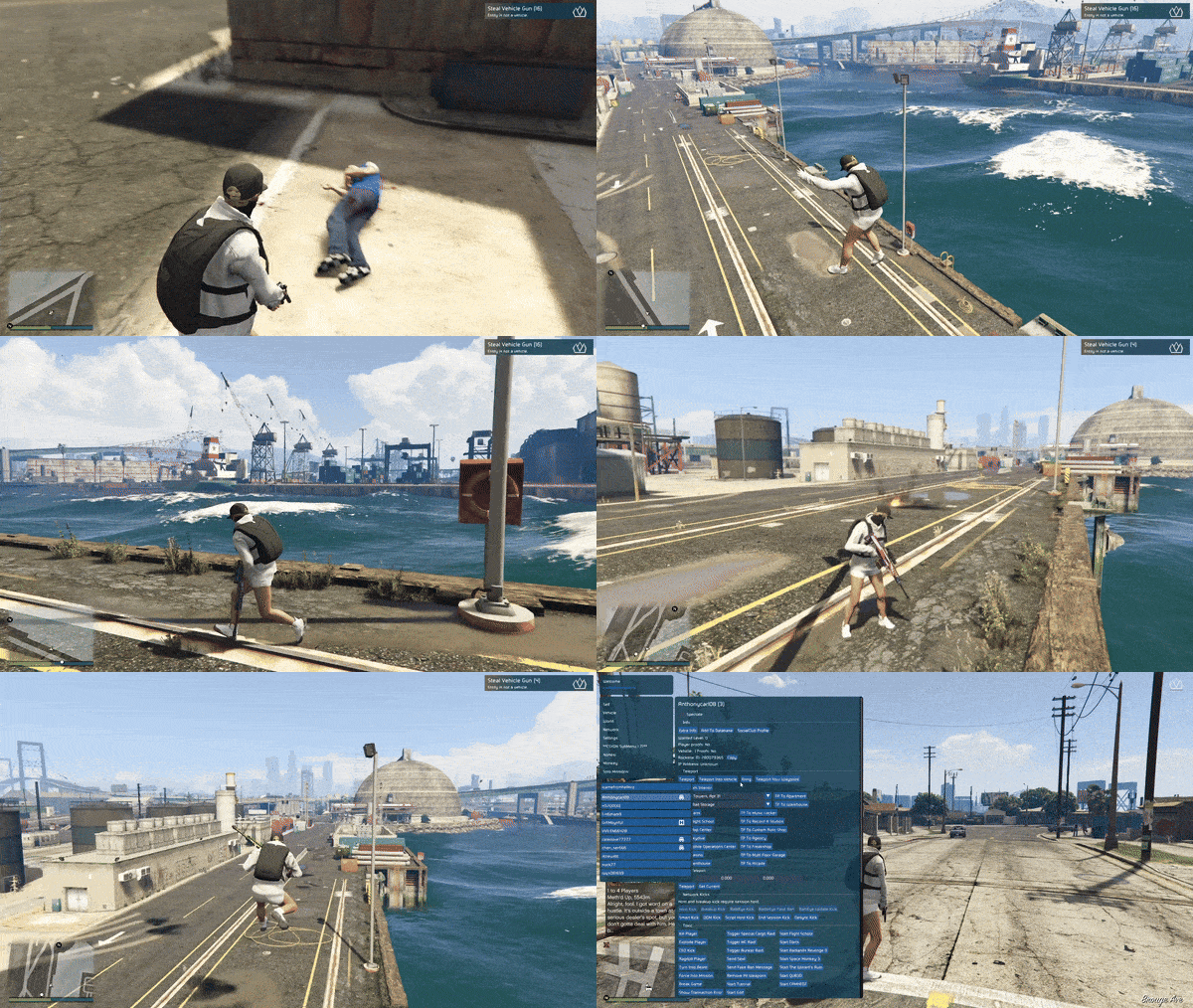
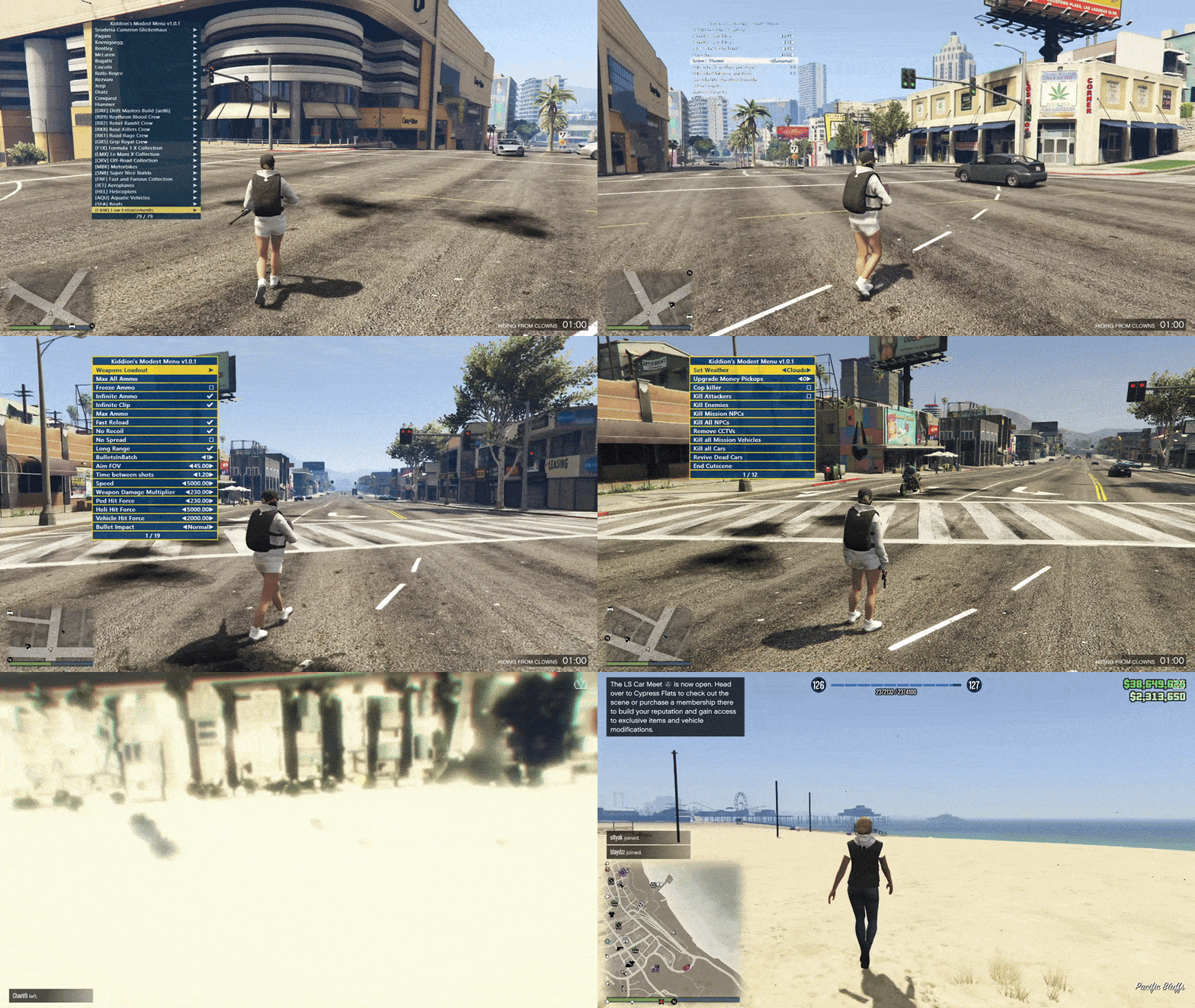
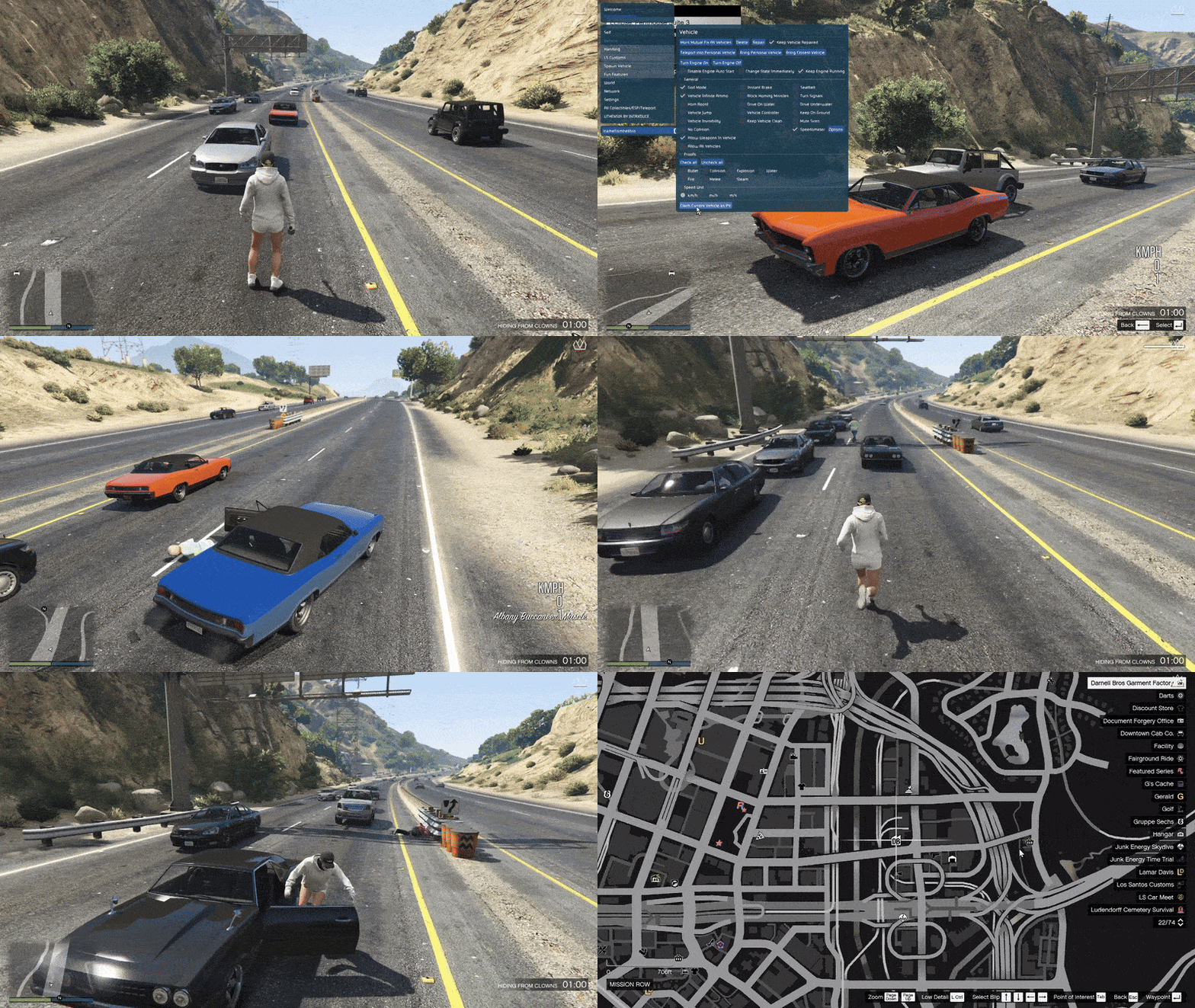
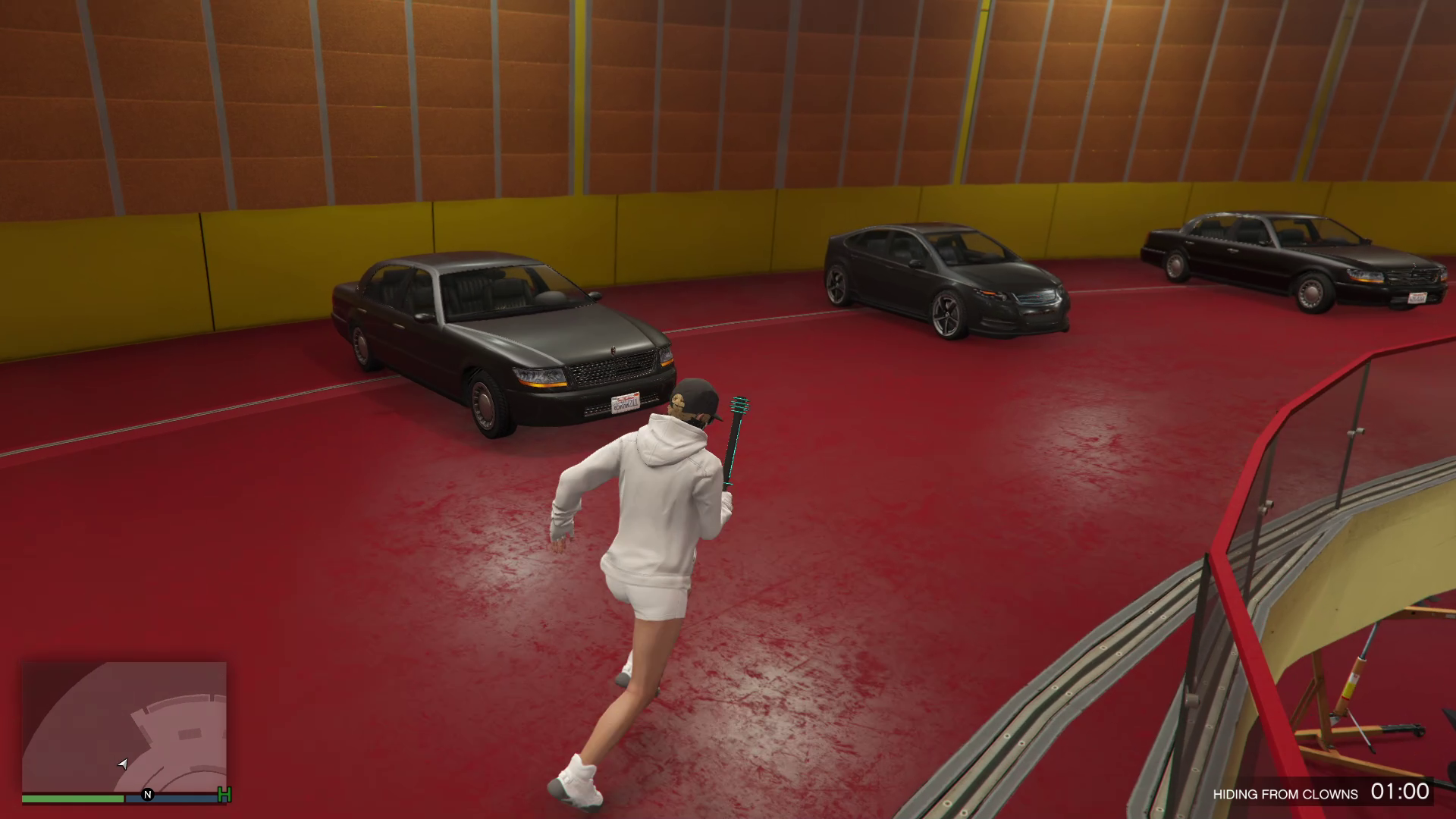
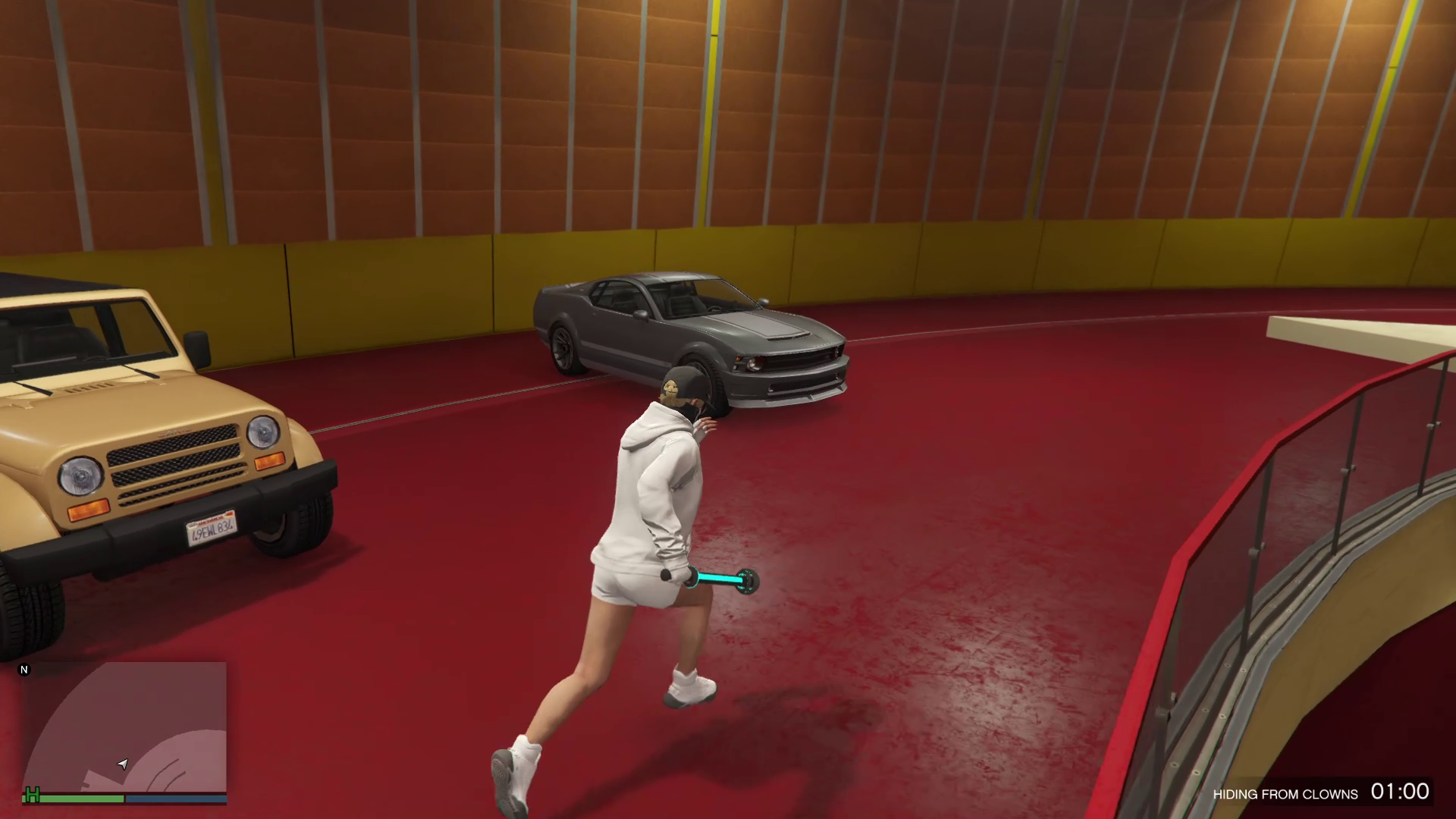
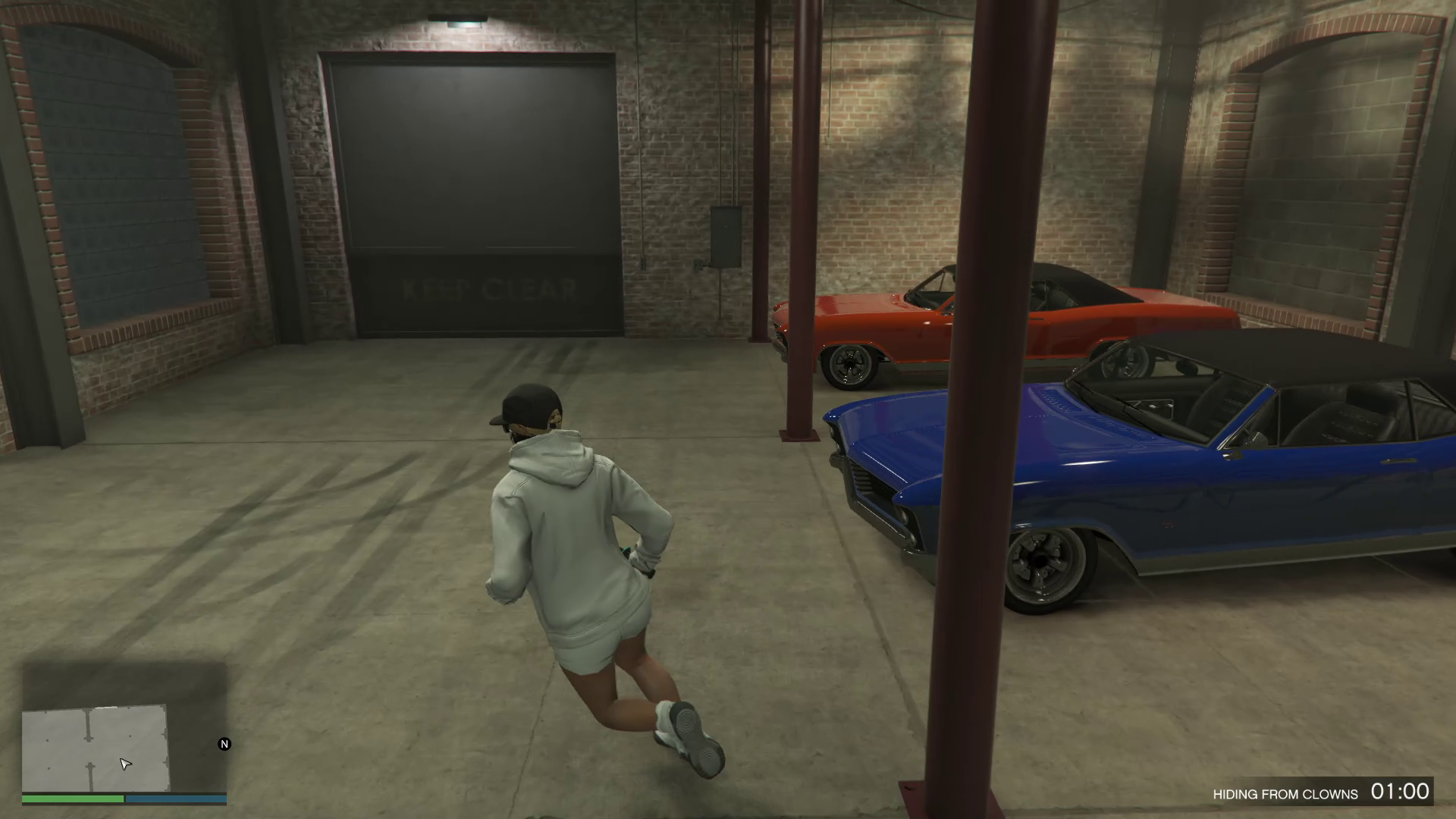
In-Game Picture:
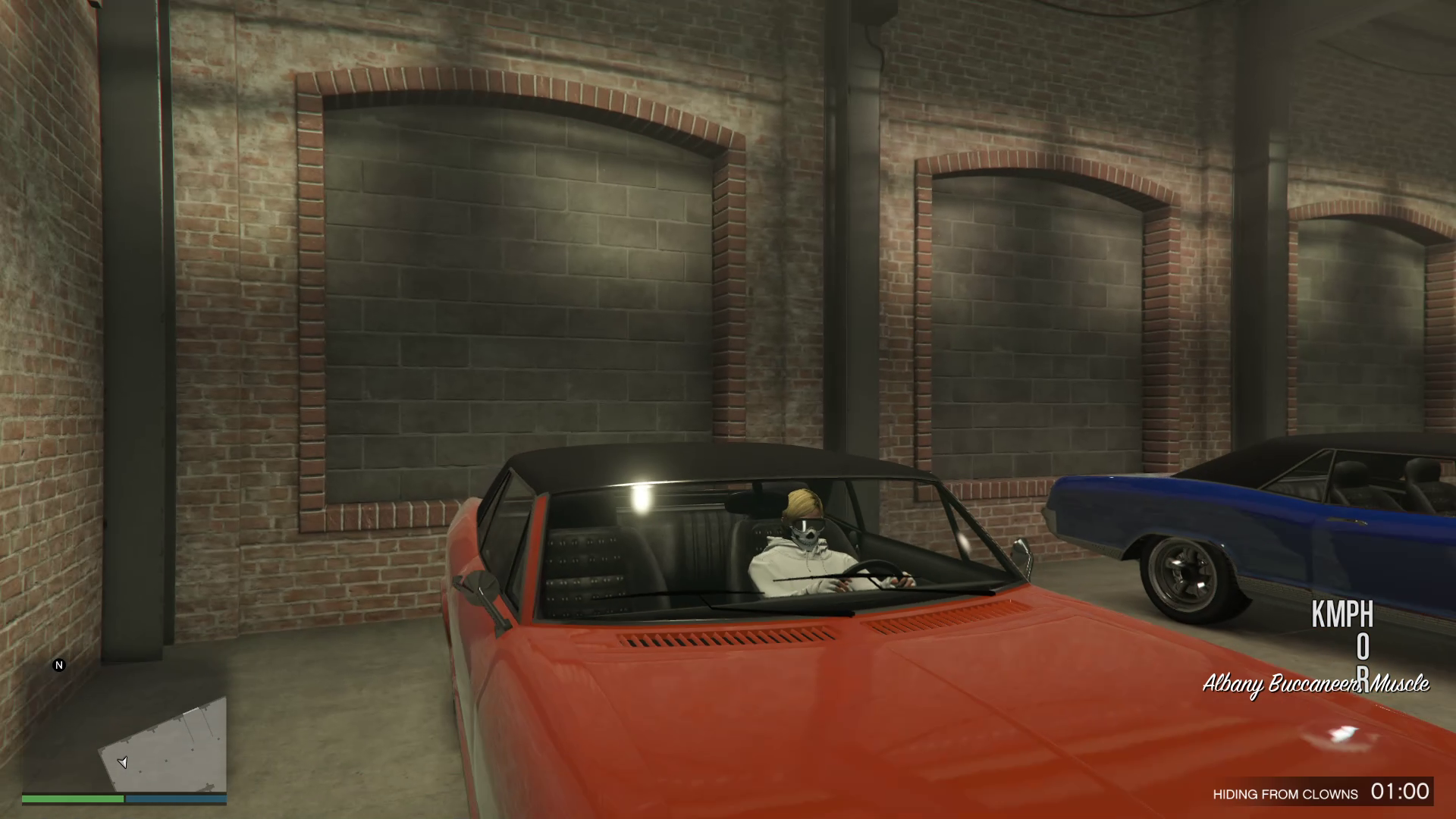
What is VehicleReward.lua?
VehicleReward.lua is a public domain Lua script for use with the YimMenu mod system in GTA V. Simply put, it adds a new feature to the YimMenu menu allowing you to make any vehicle you are currently sitting in your own personal vehicle. This mod is very handy if you are going to drive throughout Los Santos and want to retain your favorite vehicles without having to continually save them yourself. The GitHub repository, maintained by the YimMenu-Lua organization, has a simple design and is free of unnecessary items. Its purpose is simple but powerful: allow you to keep a vehicle you want without hassle.
Video of the Script
Credits to Dev - #Xesdoog , L7NEG, YimNPC Sharing the Script
Download Links:
What is VehicleReward.lua?
VehicleReward.lua is a public domain Lua script for use with the YimMenu mod system in GTA V. Simply put, it adds a new feature to the YimMenu menu allowing you to make any vehicle you are currently sitting in your own personal vehicle. This mod is very handy if you are going to drive throughout Los Santos and want to retain your favorite vehicles without having to continually save them yourself. The GitHub repository, maintained by the YimMenu-Lua organization, has a simple design and is free of unnecessary items. Its purpose is simple but powerful: allow you to keep a vehicle you want without hassle.
Why This Mod Matters
You may ask: "Do I really need a mod to simply make a vehicle my own?" That is a valid question; in vanilla GTA V, getting and keeping custom vehicles can be a bit of a pain. To save vehicles you spawn or find on the street, you typically would need to either go through various menus to mark them as personal or save them through the game's garage system. VehicleReward makes this task much easier. There are several reasons why this mod is useful:
- ✅ Immediate Personal Vehicle Designation: With a single button press, you can designate the vehicle you are in as your own personal vehicle. No need to drive back to your garage to do so. No need to navigate complex menus to do so. Just instant ownership.
- ✅ Saves Time: If you are constantly searching for rare or hard-to-find vehicles while roaming GTA V, this mod will save you lots of time; you don't have to search for garages to save a vehicle you found as your own.
- ✅ Seamless Integration With YimMenu: For those who are already familiar with YimMenu's menu structure and scripting abilities, this mod adds a nice convenience without affecting your overall gaming experience.
- ✅ Open-Source And Community Maintained: As a result of being on GitHub, VehicleReward is available for review, modification, and integration with other mods or scripts in the YimMenu framework.
How VehicleReward.lua Works
To better understand how VehicleReward works, let's compare it to a connection between your in-game vehicle and the GTA V vehicle saving system. At its core, VehicleReward monitors the vehicle you are currently inside. Once you decide to "claim" the vehicle you are currently in through the YimMenu menu, it assigns specific game identifiers to that vehicle indicating that it is now a personal vehicle — similar to how the vehicles in your garage are assigned such identifiers. As a result of this simple logic, VehicleReward does not require a lot of complex code to run. The script is optimized for clarity, efficiency, and reliability, which is one reason why modders and gamers alike are attracted to it.
Installation Guide (Step-by-Step)
Are you ready to test it out? Here's how you'll install VehicleReward.lua into your GTA V mod package:
- 🔹 Step 1: Download the Script - Visit the YimMenu-Lua/VehicleReward GitHub repository and download the vehicle_reward.lua file.
- 🔹 Step 2: Find Your YimMenu Scripts Directory - On Windows, the typical directory path for your YimMenu scripts is:
%AppData%\YimMenuV2\scriptsor%AppData%\Roaming\YimMenuV2\scripts. This is the place where you store all your YimMenu Lua scripts. - 🔹 Step 3: Copy the Script - Copy the vehicle_reward.lua into this scripts directory.
- 🔹 Step 4: Launch GTA V and YimMenu - Open GTA V and open YimMenu. Find VehicleReward in the YimMenu lua scripts menu.
- 🔹 Step 5: Re-load Scripts - If the script isn't immediately visible in the YimMenu lua scripts menu, click Reload All Scripts in the YimMenu interface.
- 🔹 Step 6: Go For It! - Find a vehicle you'd like to make yours. Now, find YimMenu and select the option that says something like: Claim Current Vehicle as Personal Vehicle. That's it!
Some Tips to Maximize This Mod
Below are a few tips to maximize the use of VehicleReward:
- 🚗 Choose Only Rare/Unique Vehicles: Use VehicleReward to claim unique or rare vehicles when you find them in gameplay. This is the best way to grow your personal vehicle collection quickly.
- 🤯 Stay Current With Your Menus: If you've added other lua scripts to YimMenu or updated YimMenu itself, you should also load your lua scripts again to avoid potential problems with VehicleReward.
- ⚠️ Back Up Your Saves: When you play modded GTA V in online or story mode, it's a good idea to back up your game saves at least occasionally. Although modded scripts are relatively safe, they can potentially interfere with each other, depending on how well you set up your mod configuration.
Frequently Asked Questions
We hope that these Frequently Asked Questions (FAQs) will provide you with the information needed to make the most of VehicleReward:
- ❓ Will I Need Additional Mods? Yes, you will need the base YimMenu mod. VehicleReward is a lua script for YimMenu and won't work independently.
- ❓ Is This A Safe Mod? VehicleReward is a public domain mod located on GitHub and is part of the GTA V modding community. As with all mods, you should only obtain mods from trusted sites and scan for malware before running any mod you are uncertain about.
- ❓ Can I Use This Mod in GTA Online? Using GTA Online mods is generally discouraged since they can lead to bans and/or penalties to your account. If you plan to use this mod, use it in single-player or private modded sessions where GTA Online mod usage is permitted by your host/server rules.