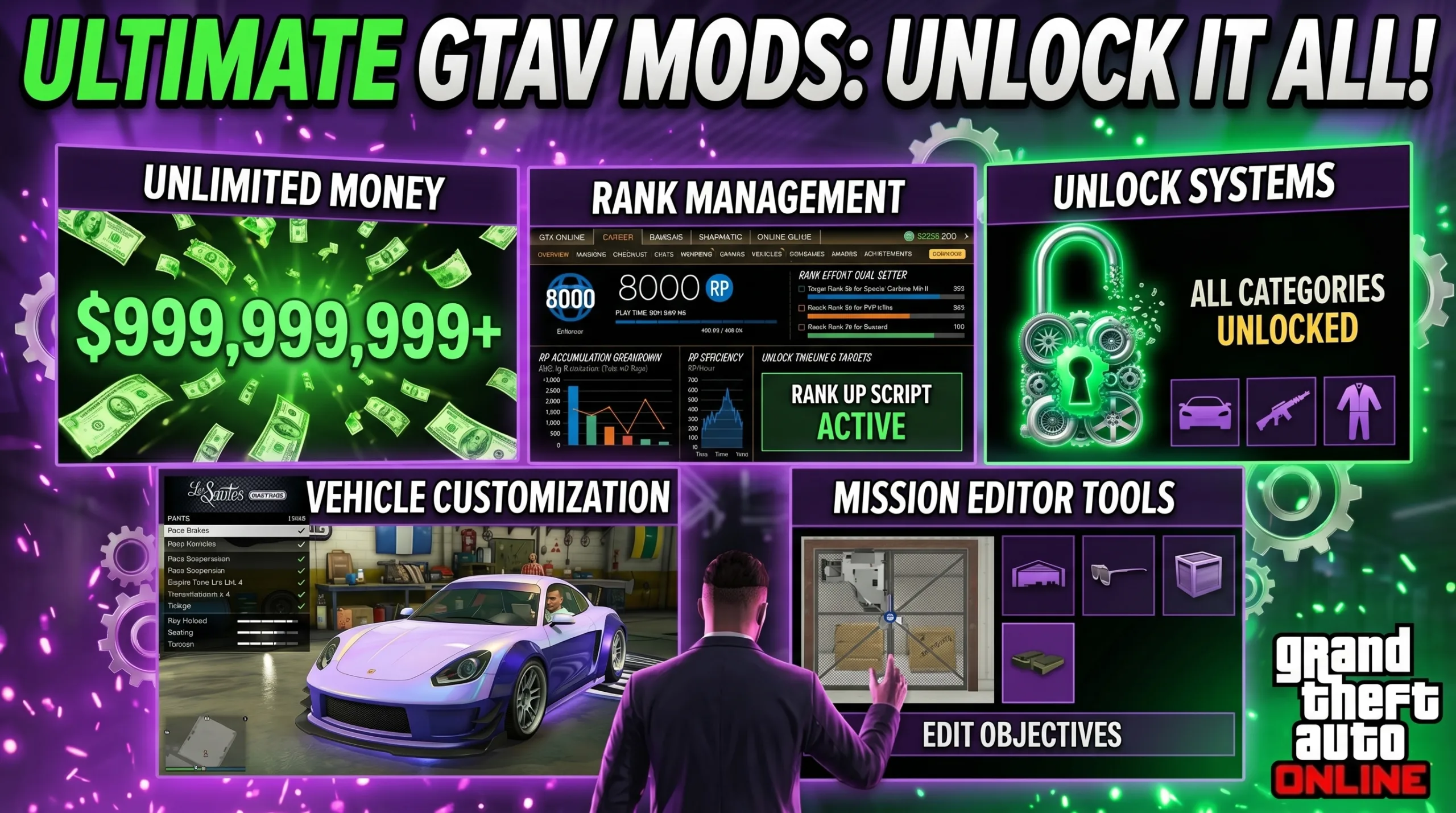

Uthensia Menu Script
The Uthensia Menu Script is an extension created for GTA V mod frameworks written in Lua. The extension is based on a simple graphical menu for users to view and operate on gameplay elements (vehicles, missions, unlocks etc) including rank systems.
Although primarily an interface, the extension also performs functions to create a multi-tabbed interface that allows users to easily find what they need to do. Categories include: Money management Ranking Unlocks Vehical Customization Mission editor Once activated, the extension detects the currently logged-in player and sets up the environment appropriately by initializing internal game stats. Therefore, regardless of if you're playing your main character slot or secondary character slot, the extension will function properly.
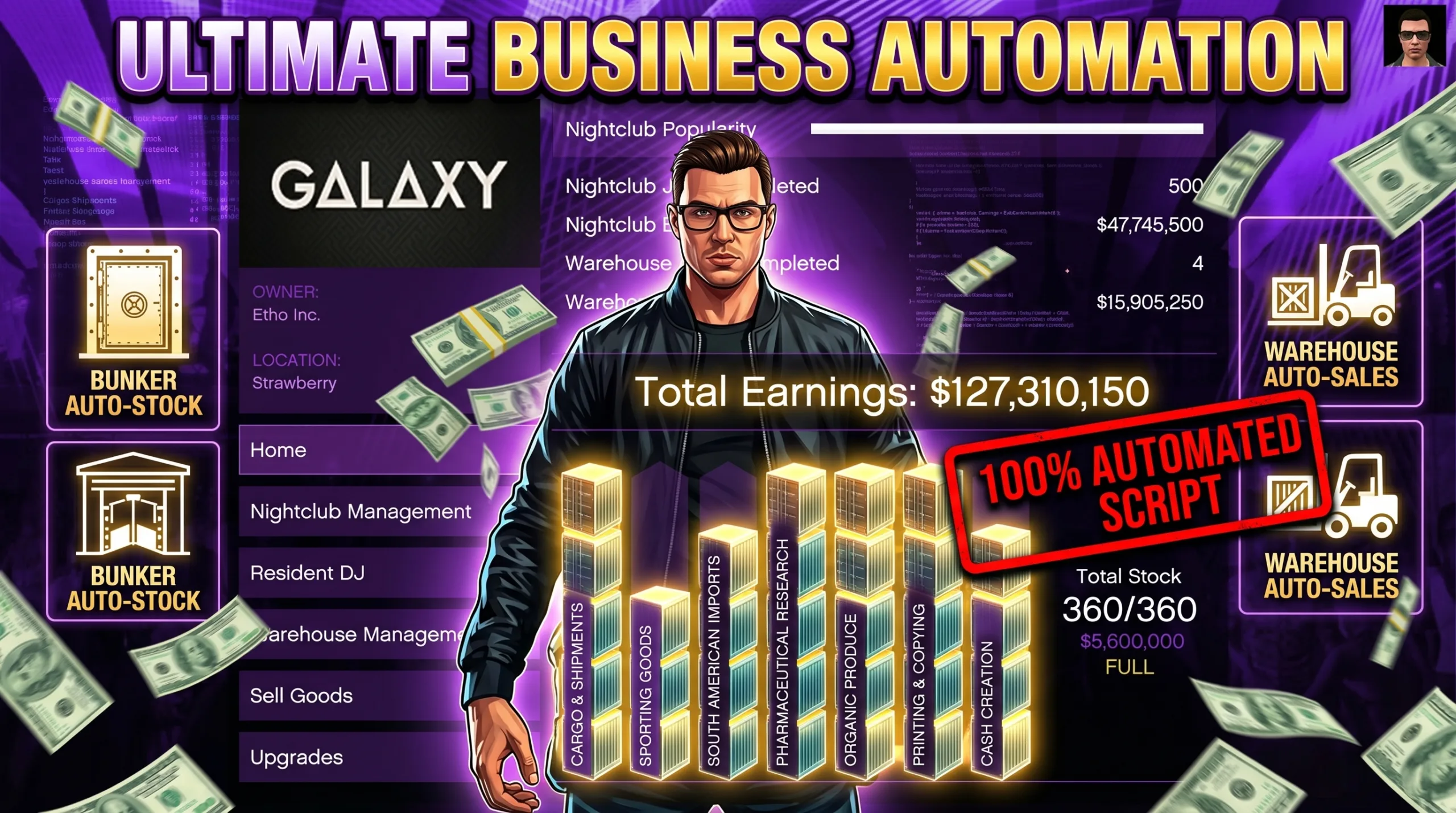
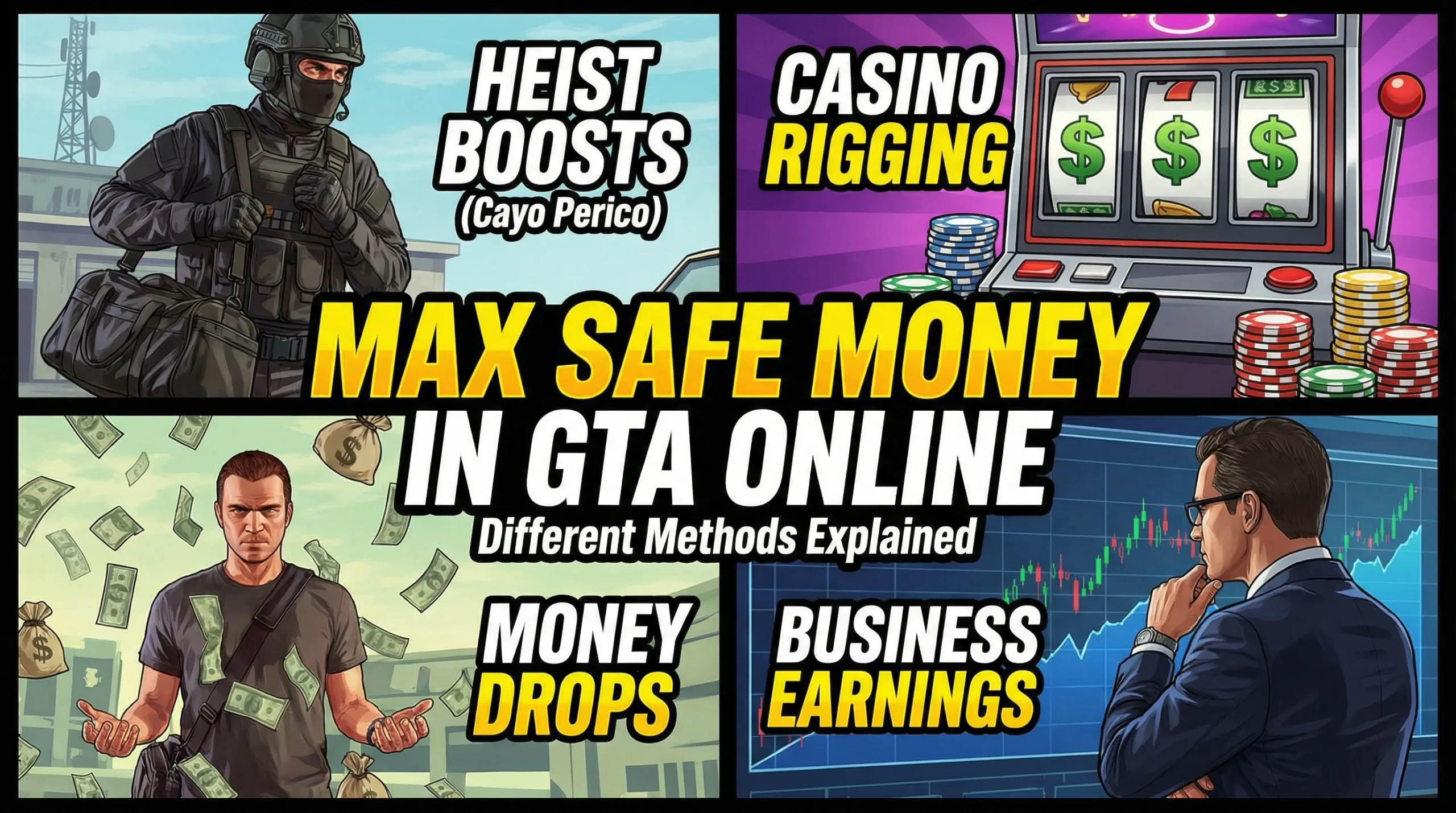
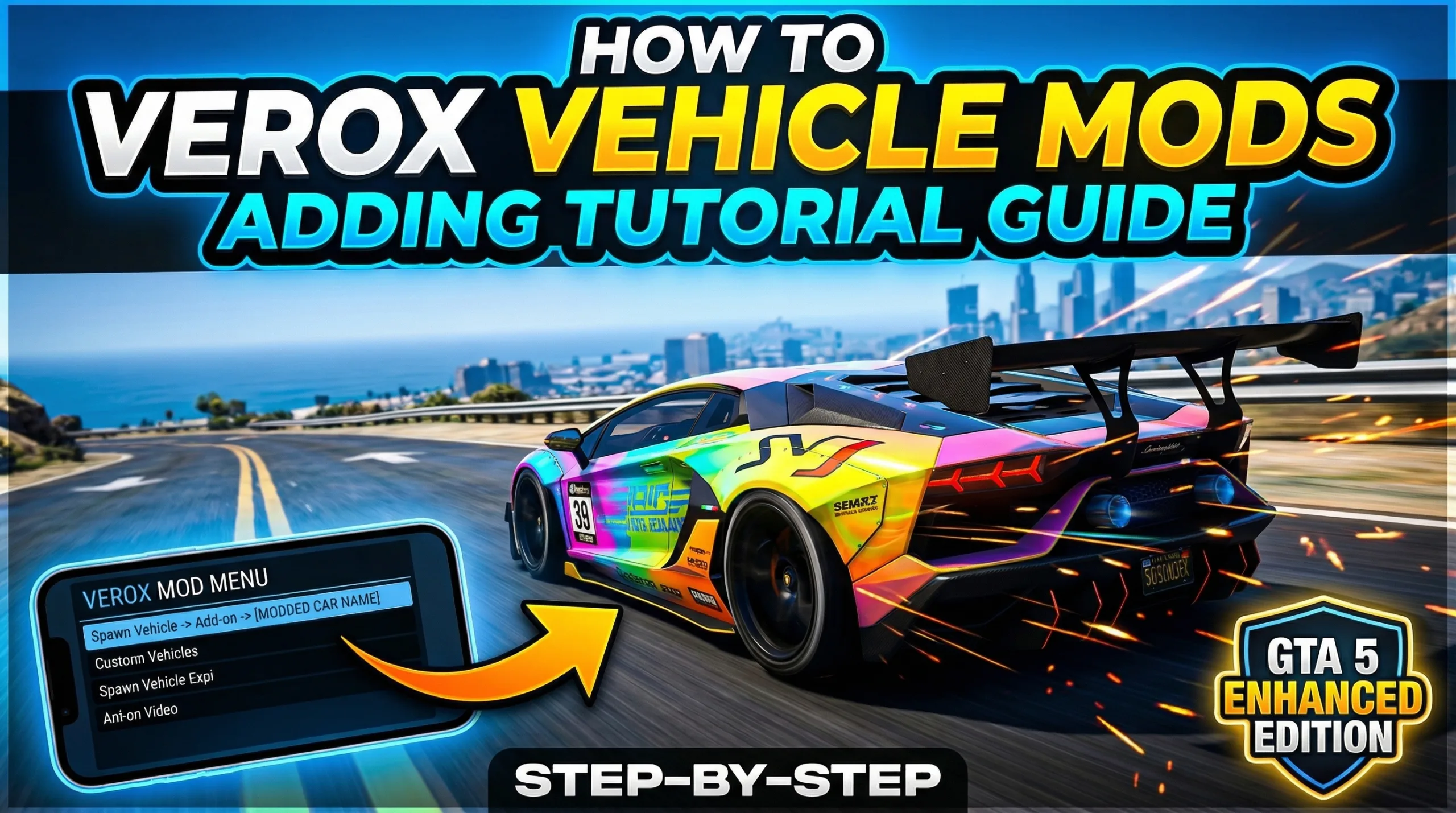
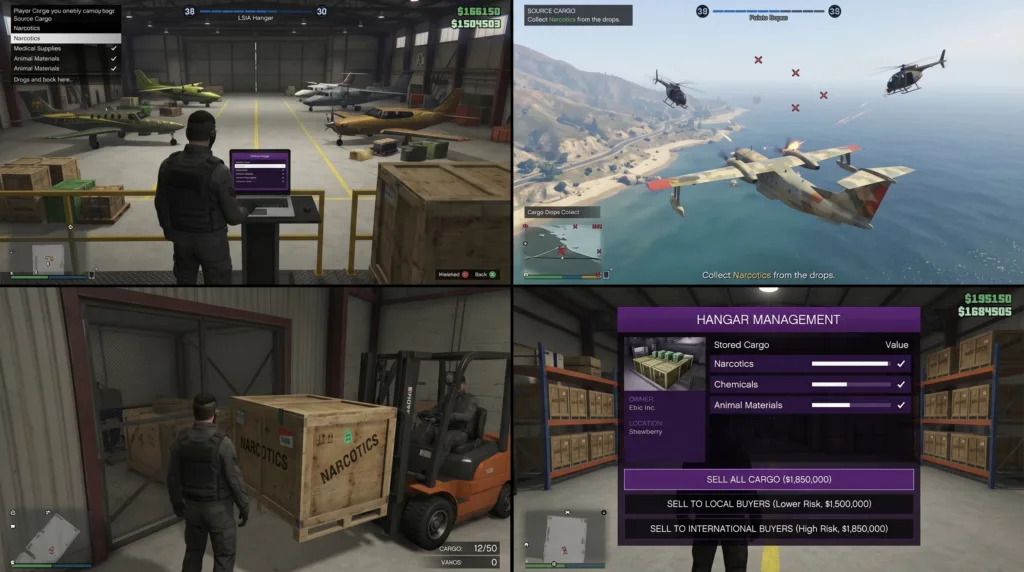
In-Game Screenshots :
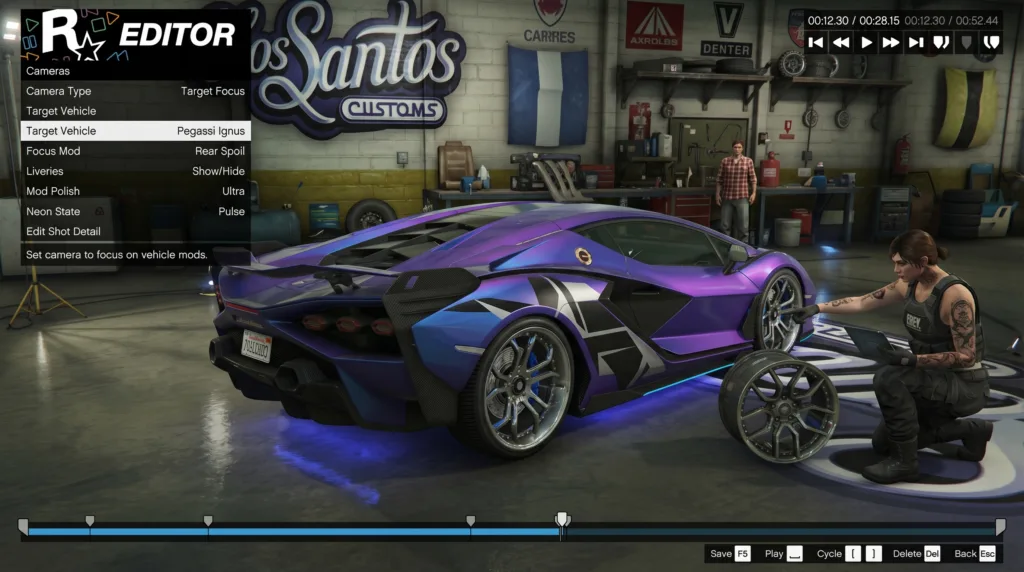
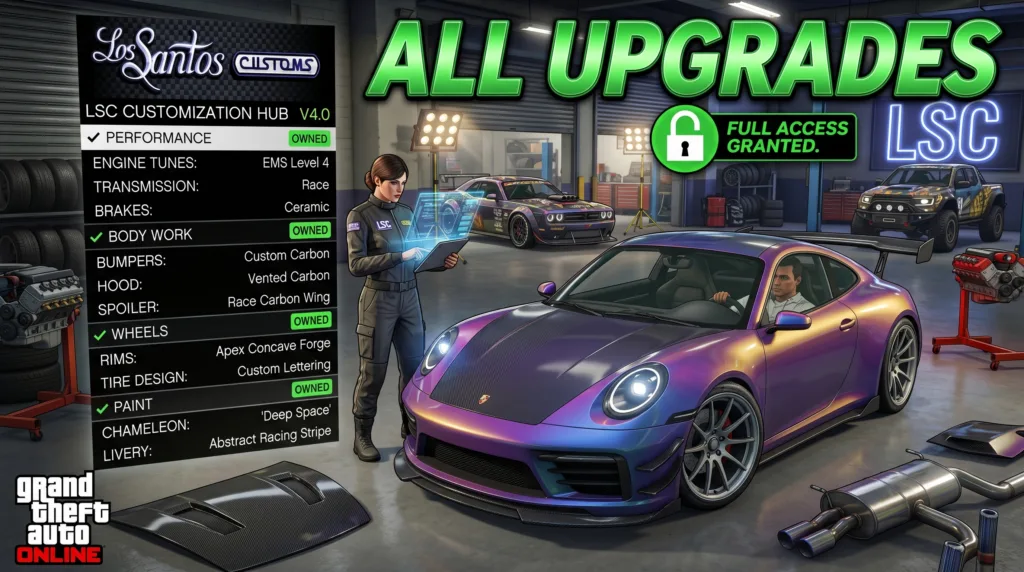
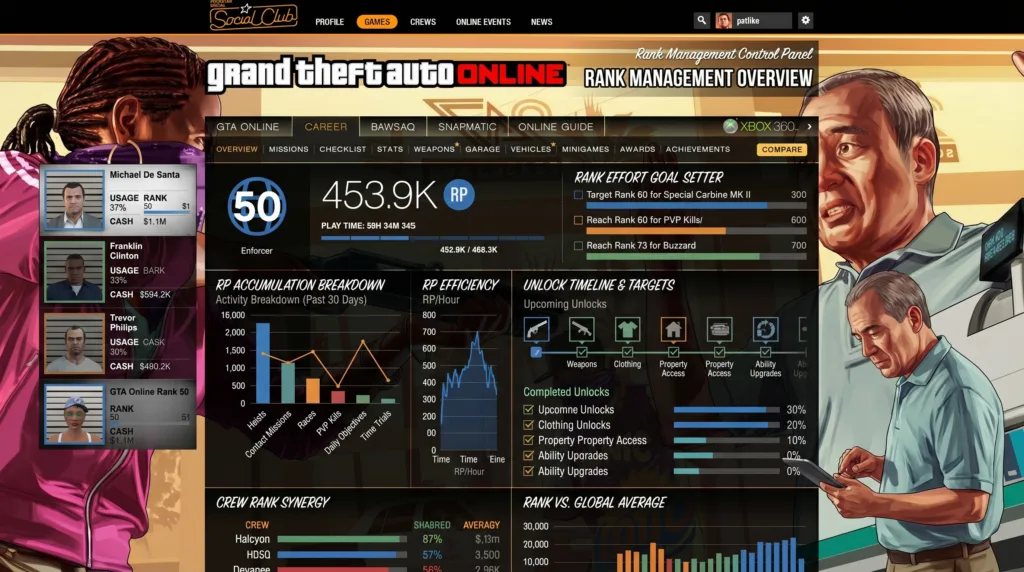
How the Extension Functions
The extensions works by interacting directly with the internal game variables (Globals & Stats), which are the components of the game's behavior in GTA Online. For example: Determines the player type by reading player data. Modifies in-game flag values to enable features to be unlocked. Creates interactive menu button interfaces that execute pre-defined actions. The GUI interface initializes with functions that send "Welcome Messages" and notify that the extension has successfully loaded. A well-structured method of operation ensures all features are both accessible and organized so that users don't get overwhelmed.
Menu Structure and Navigation
One of the best aspects of the script is its menu layout structure. A Tabbed interface style is employed where each tab has a specific category related to gameplay. Tab Names Included: Methods of Money Ranks Unlocks Vehicle Menu Mission Editor Within each tab there are buttons/options that will perform a specific action when pressed. Due to the modular design it's relatively easy to add or modify additional features.
Vehicle Menu Features
The Vehicle Menu section is one of the largest areas of the script. The main purpose of the section is to allow users to access many of the in-game vehicles that would normally require some form of restrictions (i.e., purchase, time etc.) through standard play.
Key Features:
Toggles a vast array of vehicle accessibility on/off. Utilizes Global Values to Toggle On/Off vehicle availability. Single click Activation system for accessing vehicles. In the background, the script toggles off/on many of the Global Variables associated with vehicle availability; essentially treating those restricted vehicles as if they were accessible during the current session. The Vehicle Section is very beneficial for users who wish to test out various types of vehicles without being limited by standard gameplay. Mission Editor Capabilities The Mission Editor Section was developed to reduce repetitive tasks and timer cooldowns experienced during normal gameplay.
Capabilities Included:
Removes Cooldown Timers for specific Missions/Activities. Skips certain segments of Missions. Resets Progression Values for Missions. As an example, the script offers features to remove cooldown timers for select missions/activities, thereby providing users with rapid access to complete them again without having to wait. The Mission Editor is extremely beneficial for users wishing to eliminate time spent waiting and focus on completing activities. Rank System Overview Additionally, another key feature of the script is the Rank Management System. The script includes a large database of experience point values per rank level.
What this means:
Experience Points are mapped to Rank Levels. Player Level Adjustments are controlled. Level Consistency is maintained with GTA’s internal leveling mechanism. The level table contained in the script represents over 1000+ rows containing experience point values needed to achieve a rank level. As a result, due to this structured data, any modifications made to these experience point values remain consistent with GTA's leveling mechanics.
Beginnings"
If you're new to scripting in general (and specifically to GTA V), then this tutorial will be very helpful to you. The Uthensia menu script has been built from the ground up to make it easy for anyone to create and use their own custom menus in the game. If you've never written a line of code before, don't worry - you'll still have full control over all parts of your menu. If you know some basic Lua programming concepts, then you'll find the Uthensia menu script even easier to work with. Either way, our goal was to make sure that the script would allow you to easily add whatever type of functionality you want, while at the same time making the script itself as intuitive as possible.
"performance considerations"
If you write Scripts that modify any part of the game's internal data, they could negatively affect the game's performance if you're not careful about how much data is being processed. We made a big effort to make sure that we did everything we could do to keep the Uthensia menu script running as smooth as possible. Some of the ways we kept the script running smoothly include: • organizing all of the functions together so that there aren't long chains of function calls. • making sure that we didn't spend too much time performing operations that should happen in the background. • making sure that we were accessing the right variables so that we weren't wasting resources. We tried to optimize every single aspect of the script so that it wouldn't cause any significant slowdown or other problems when running in-game.
"why Scripts like this get so popular in GTA V"
So why do people love Scripts like this? There are many different types of players who enjoy using mods like the Uthensia menu script. Here are some examples of what i mean by "many types": 1. Customization Players love having the ability to customize their games to fit their own personal preferences. 2. Time-saving Having tools that skip cooldown timers saves time and allows players to get back into the action faster. 3. Exploring game content Being able to explore different areas of the game with Access to different vehicles and content helps players get more out of their gameplay experience. 4. Learning opportunities for developers By looking at how mods like the Uthensia menu script work, programmers can see how modding works, learn about the limitations of working within the GTA V framework, and see how certain types of functionality can be implemented using Lua programming language. "the educational value of Lua mods" Mods like this provide educational value outside of simply playing a game. Users who study how mods like this one work can learn a variety of things including:
Lua programming basics
How to manipulate internal game variables
How to create gui elements
Various Modular techniques used in the mod
Video of the Script
Credits to Dev - #duztae Sharing the Script
Download Links: