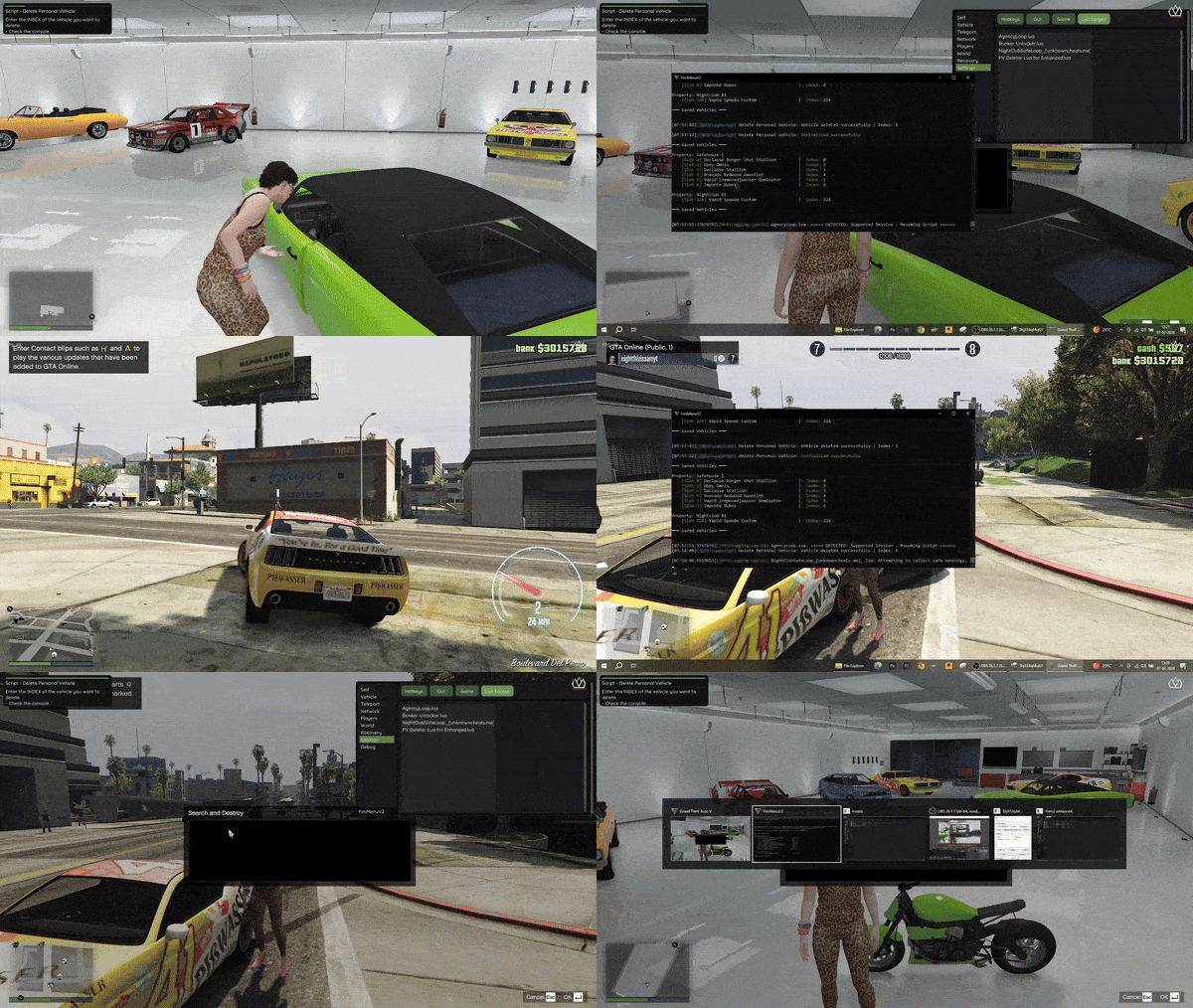

Delete Personal Vehicle Script for GTA V Enhanced (YimMenuV2)
GTA V Enhanced continues to add to the depth of GTA V through new vehicle models, new properties, and new ways to store those properties. However, this added depth has brought some issues to players. Players have reported having garages filled to capacity with vehicles that are no longer needed or are duplicates. The removal of these unwanted vehicles can take hours as deleting hundreds of vehicles from saved garages can be tedious and frustrating. Furthermore, some players have experienced glitches that prevent them from manually removing unwanted vehicles from their saved garages. This is why the Delete Personal Vehicle Script for GTA V Enhanced (YimMenuV2) is such a valuable quality-of-life feature for many GTA V players. This script will give you the power to easily and safely delete unwanted personal vehicles from your saved garages. This is accomplished with a simple index-based system allowing you to remove unwanted vehicles from your saved garages with only a few clicks of the mouse. As stated previously, the Delete Personal Vehicle Script for GTA V Enhanced (YimMenuV2) is a quality-of-life tool intended to assist players, including yourself, to quickly and efficiently remove unwanted vehicles from your saved garages. Below, we will explain how this script operates, its features, its compatibility, and show you how to utilize it, as well as its safety considerations. We will also go over the numerous benefits this script provides to GTA V players and provide you with a number of tips and tricks that will enable you to utilize it to your advantage.How Does the Delete Personal Vehicle Lua Script Work?
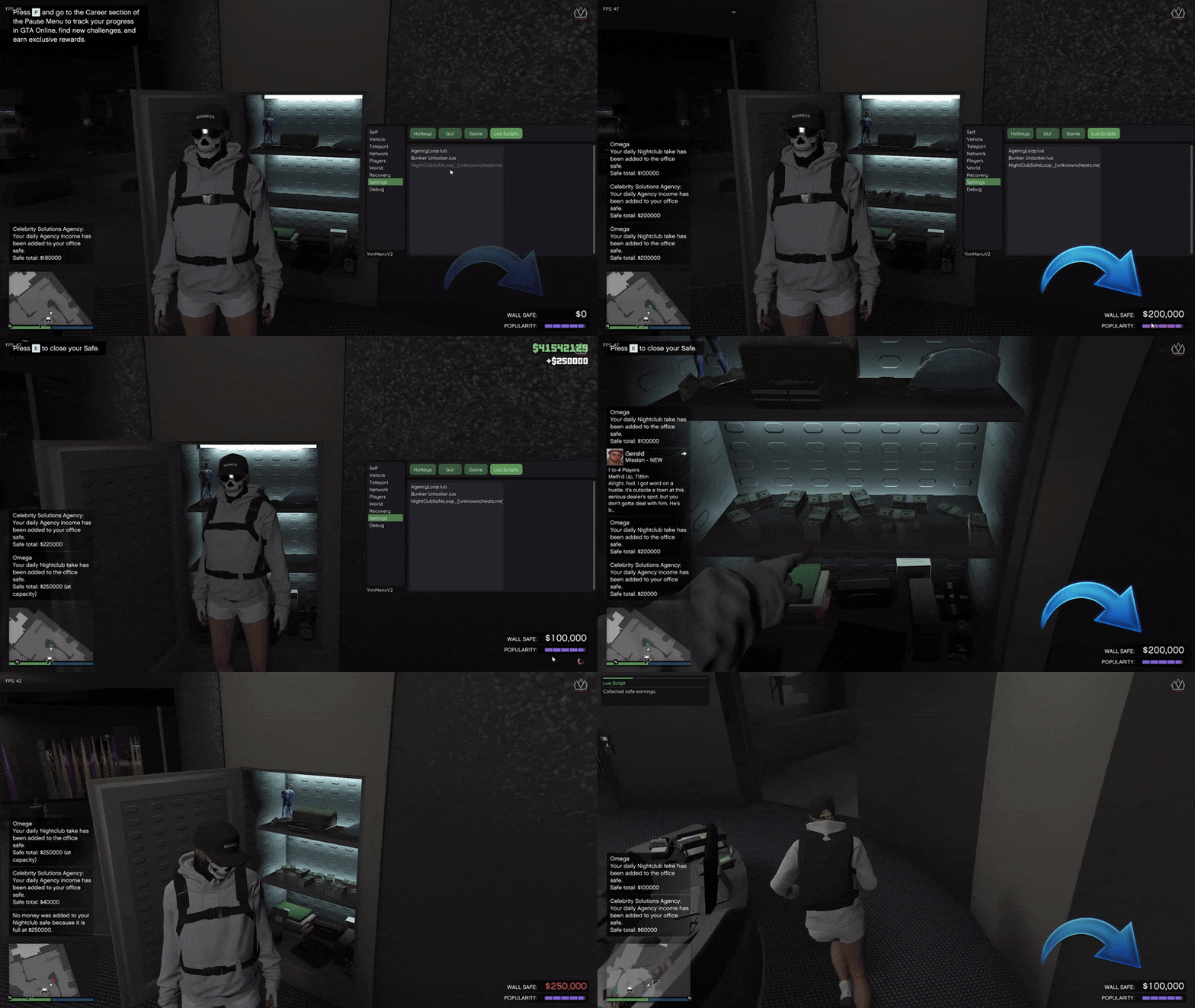
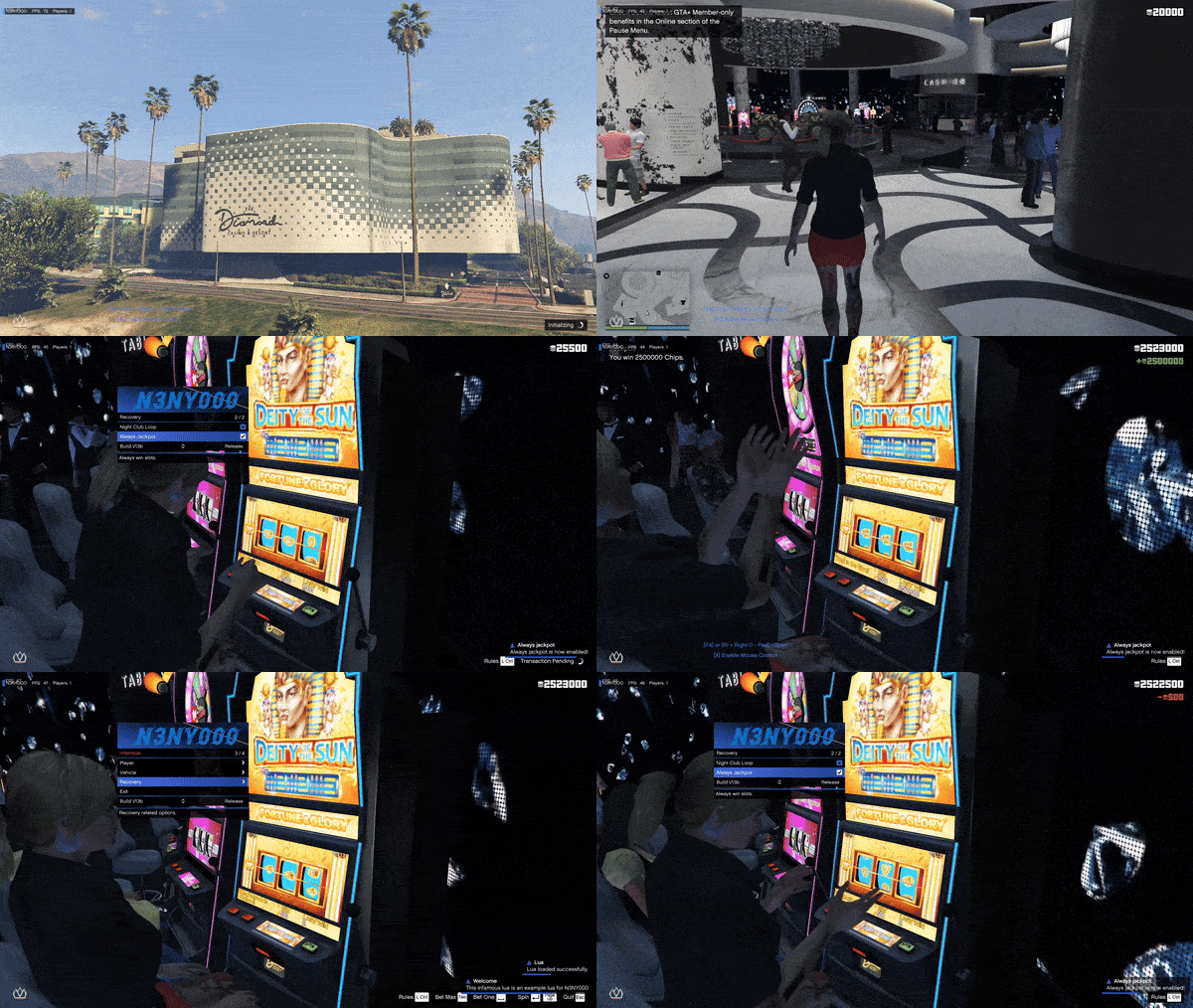
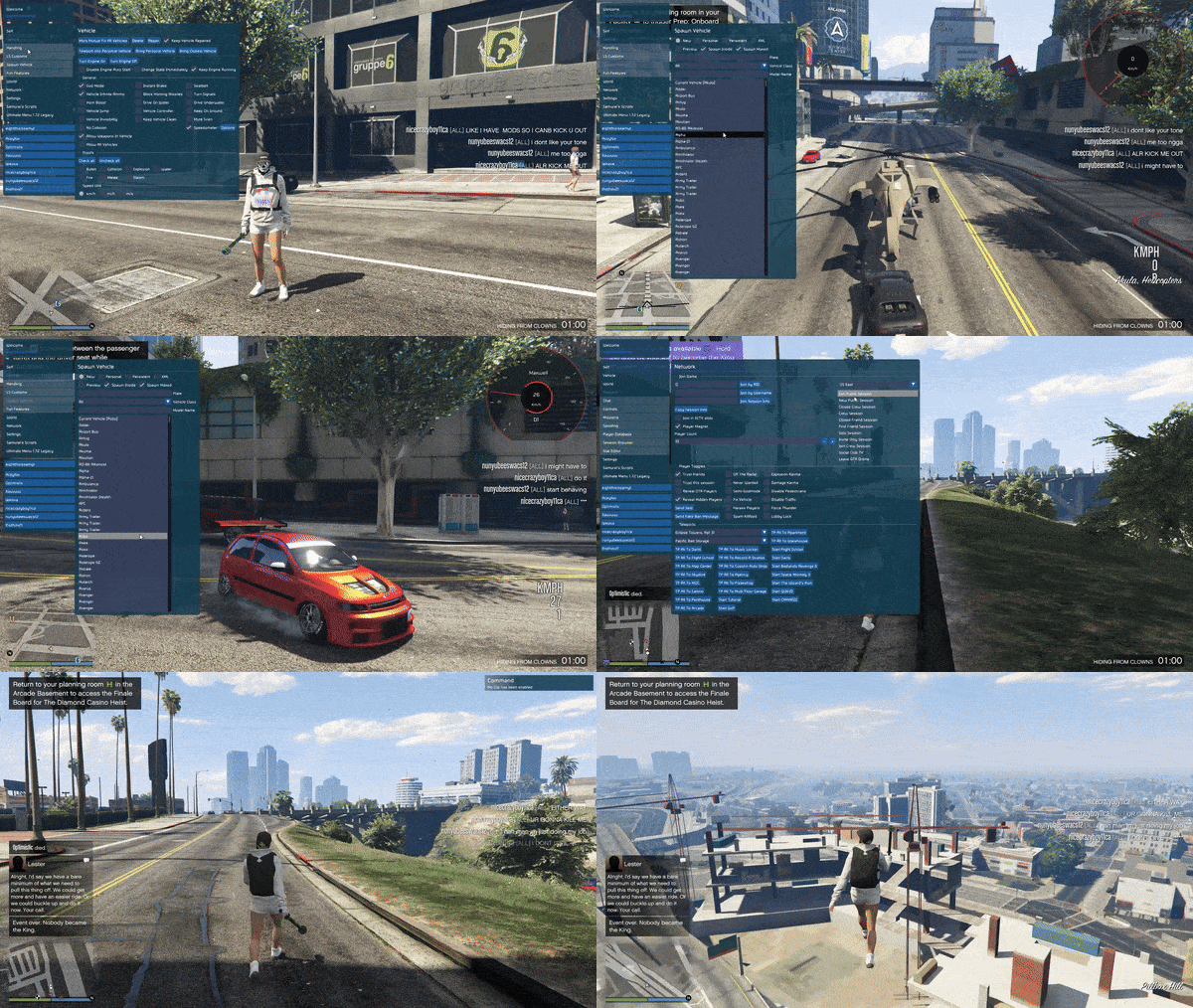
The Delete Personal Vehicle Lua Script for GTA V Enhanced (YimMenuV2) is a Lua-based tool. It works by communicating with GTA V’s internal global variables responsible for storing vehicle and garage data. Unlike other scripts available, the Delete Personal Vehicle Lua Script does not communicate with vehicles in the game environment. Instead, the script communicates directly with the storage slots within each garage. Once the script identifies the vehicle(s) in the garage, it allows the player to delete any vehicle he/she chooses, by inputting the vehicle’s index. In doing so, this script removes the need for the unnecessary spawning of vehicles into the game world, the teleportation of vehicles from one location to another, and the real-time editing of vehicles. This ultimately creates a faster and more stable experience for the player when deleting a vehicle. Although this script was originally developed for older versions of the GTA V menu framework, it has been adapted and updated by several users to work with the current version of the Enhanced edition of GTA V and the YimMenuV2 framework. In-Game Menu Screenshots :
 Video Guide
WHY YOU MAY NEED THIS SCRIPT
You can think about a number of things why GTA V players may want to install the Delete Personal Vehicle Lua Script for GTA V Enhanced (YimMenuV2): Duplicate vehicles in garages Cars that will not be able to be sold due to bugs Unintentional purchases Storage limits that do not allow players to add more cars to their collection Old vehicles that are no longer needed Rockstar has added a number of restrictions to the ability to sell vehicles. These restrictions include: cool-down timers on sales, a limit on the number of cars a player can sell per day and a variety of server-side issues that can result in the inability to sell a vehicle. The Delete Personal Vehicle Script removes all of these restrictions and simply deletes the chosen car from your saved data. Any GTA V player that frequently collects, tests or experiments with vehicles will find this script absolutely essential for maintaining control of their garage space.KEY FEATURES OF THE DELETE PERSONAL VEHICLE LUA SCRIPT FOR GTA V ENHANCED (YIMMENUV2)
The Delete Personal Vehicle Script contains many useful features, some of which include: Automated determination of if a player is playing in an online free mode session Reading saved vehicle slots from all supported properties Displaying saved vehicles in console output Listing slot numbers and internal index values User input utilizing an on-screen keyboard Instantly deleting the user-selected personal vehicle Proper handling of empty garage slots Compatible with hundreds of different vehicle models Up-to-date globals for Enhanced versions of GTA V Fast and lightweight execution All of the above mentioned features of the Delete Personal Vehicle Script for GTA V Enhanced (YimMenuV2) will allow users who store large collections of vehicles to easily use the tool.SUPORTED PROPERTIES AND STORAGE TYPES
Another key benefit of the Delete Personal Vehicle Script for GTA V Enhanced (YimMenuV2) is that it fully supports GTA V’s property storage system. The script will scan and support: Multiple safe houses Club house garages Office Garage 1, 2 and 3 Under ground garage MOC Storage bay Hangar Facility Night club garages (B1-B4 and service entrance) Terror byte storage Arena workshop and Arena basements Casino penthouse garage Arcade garage Kosatka storage Auto shop Agency garage Eclipse Blvd Garage (50 slots) Vinewood club garage (100 slots) Bail office Garment factory Tongva estate Rich man villa Vinewood residence Supporting all types of properties that exist in GTA V, means that this script is an excellent option for both casual players and hardcore collectors.HOW THE SCRIPT WORKS (TECHNICAL OVERVIEW)
When the script is run, it: Loads native functions and globals Determines if the player is actively logged into an online session Defines the global offsets for garage data Scans all of the storage slots in each property Gets the hash of the vehicles that were found in those slots Matches the hash of the vehicle with a name of the vehicle that was found Prints out a structured listing of all of the saved vehicles in the console Asks the player to select an index Sends a request to GTA to remove the selected vehicle The request to remove the vehicle is sent directly to GTA’s vehicle removal logic and it removes the selected vehicle as destroyed. It does this to ensure that the vehicle is completely removed from the game and does not create “ghost” data that could potentially cause problems later.A STEP BY STEP GUIDE TO USING THE SCRIPT
To use the Delete Personal Vehicle Script safely, follow these steps: Start up GTA V Enhanced Open YimMenuV2 Load the Delete Personal Vehicle Script Log into any online freemode session If you get disconnected from the internet, reload the script. Open the console/log window Read through the list of saved vehicles Write down the INDEX value of the vehicle that you would like to delete Enter the INDEX when asked. Use the on screen keyboard. Confirm. Once you confirm, the selected vehicle will be deleted.UNDERSTANDING SLOTS VS INDEX
The script displays two important pieces of information: Slot Number: Refers to the physical location of the garage slot INDEX: Refers to the internal index that GTA uses to reference the vehicle When you go to delete a vehicle, the only piece of information that you need to enter is the INDEX. If you enter a Slot Number instead of the INDEX, it will not work correctly.ADVANTAGES OVER TRADITIONAL SELLING
Deleting a vehicle using this script will give you several benefits over traditional selling: Daily Sell Limit Removed Cooldown Timer Removed No need to physically move to another area of the map Will remove bugged vehicles Faster than selling individual vehicles Does not require access to any in-game menus Cleaner database removal For players with large collections of vehicles, the benefits listed above will save them a significant amount of time.SAFETY CONSIDERATIONS
Since this script communicates with the game’s globals, but does not utilize any server side exploits, it can still modify online data. To minimize risk: Use the script in private sessions or invite-only sessions Do not delete a large number of vehicles at once Do not combine the use of this script with money exploiting scripts Always keep YimMenuV2 up to date Use only trusted sources for obtaining scripts. Although there is no way to mod a game that is completely 100% safe, this script is considered to be very low-risk compared to money and stat modifying scripts.Compatibility
The script will run on:- GTA V Enhanced Edition
- YimMenuV2
- Latest Builds of GTA V Using Updated Globals
- It Will Not Run on Legacy Menu Environments or Older Builds of GTA V.
Common Use Cases
Players most commonly use this script to:- Remove Duplicate Vehicles
- Clean Test Vehicles After Testing Them
- Free-Up Storage Slots
- Delete Glitched Vehicles
- Organize Your Vehicle Collections
- Reset Property Storage
Troubleshooting
If the script will not work:- Make Sure You Are in Freemode
- Reload the Script After Joining the Session
- Verify YimMenuV2 is Up-To-Date
- Check Console Output For Errors
- Make Sure You Enter the INDEX Value, Not Slot Number
- If On-Screen Keyboard Does Not Appear, Restart the Script.
FAQ
Q: Can I Recover A Deleted Vehicle? A: No, the deletion is permanent. Q: Does it Give Me Money When Deleting a Vehicle? A: No, it only deletes the vehicle. Q: Can I Delete Mission Vehicles? A: Only Saved Personal Vehicles. Q: Does it Affect Other Players? A: No. Q: Can it Corrupt My Garages? A: As long as you use the script correctly, no.Best Practices
- Always Double-Check the Index Value
- Delete Vehicles One At a Time
- Backup Data When Possible
- Test New Scripts on Less Important Vehicles First
- Maintain Organized Garages
Credits:
ImagineNothing – Updated for Enhanced / YimMenuV2 Unkn0wnXit – Updated globals photocrease – Original Script ConceptCredits to #Yimura, Mr.X, SourceModzz & MaybeGreat48 & the team behind it
Download Links:
Password : 123