
FSL Online Saves — An In-Depth Look at the Local Save Manager for GTA Online
Introduction
GitHub's fls-online-saves project is an open-source library that dramatically alters how GTA Online save data is treated. Typically, all GTA Online save data is held on Rockstar’s central servers. The fls-online-saves project enables players to send their GTA Online save operations to their local machine instead of to Rockstar’s servers, thus enabling them to have some level of control over their GTA Online save data.
Fls-online-saves was developed by isamo09, and the library consists of both a client and an optional server application to enable the save files to be saved, managed, and synced between different machines. Fls-online-saves provides players with the ability to back up their GTA Online saves, edit them, and disable the official servers from updating their progress. In this article, we will cover the basics of fls-online-saves, how it works, some of the key features of the project, the safety aspects, potential use cases, and how the gaming community views the project. We will also address the legal and ethical issues associated with this type of project
What Does FLS Online Saves Do?
FSL Online Saves is a save redirection and save storage system for GTA Online. With traditional save systems, GTA Online sends the player's save information (including money, stats, inventory, and progress) to Rockstar's cloud servers. However, with FLS Online Saves, this process is intercepted and instead sends the save information to the player's local computer (i.e., a folder such as):
%APPDATA%\FSL
Therefore, all future saves and loads will take place locally on the player's machine and not through the normal server architecture.
FlsOnlineSaves is a technically advanced and innovative product in the GTA Online modding community. The ability to direct save data to a local drive gives players a level of control that they would typically never have in a cloud-based system such as Rockstar’s. It provides options for players to back up their games, experiment with different mods, and mod their games. However, it does come with some risks: compatibility problems, violations of service terms, and possible account action.
Players need to consider these risks when deciding to use it in a live environment. Ultimately, FlsOnlineSaves demonstrates a creative solution to gaining control in an area where control has traditionally been limited to the central authority, and continues to gain traction in the GTA modding community.
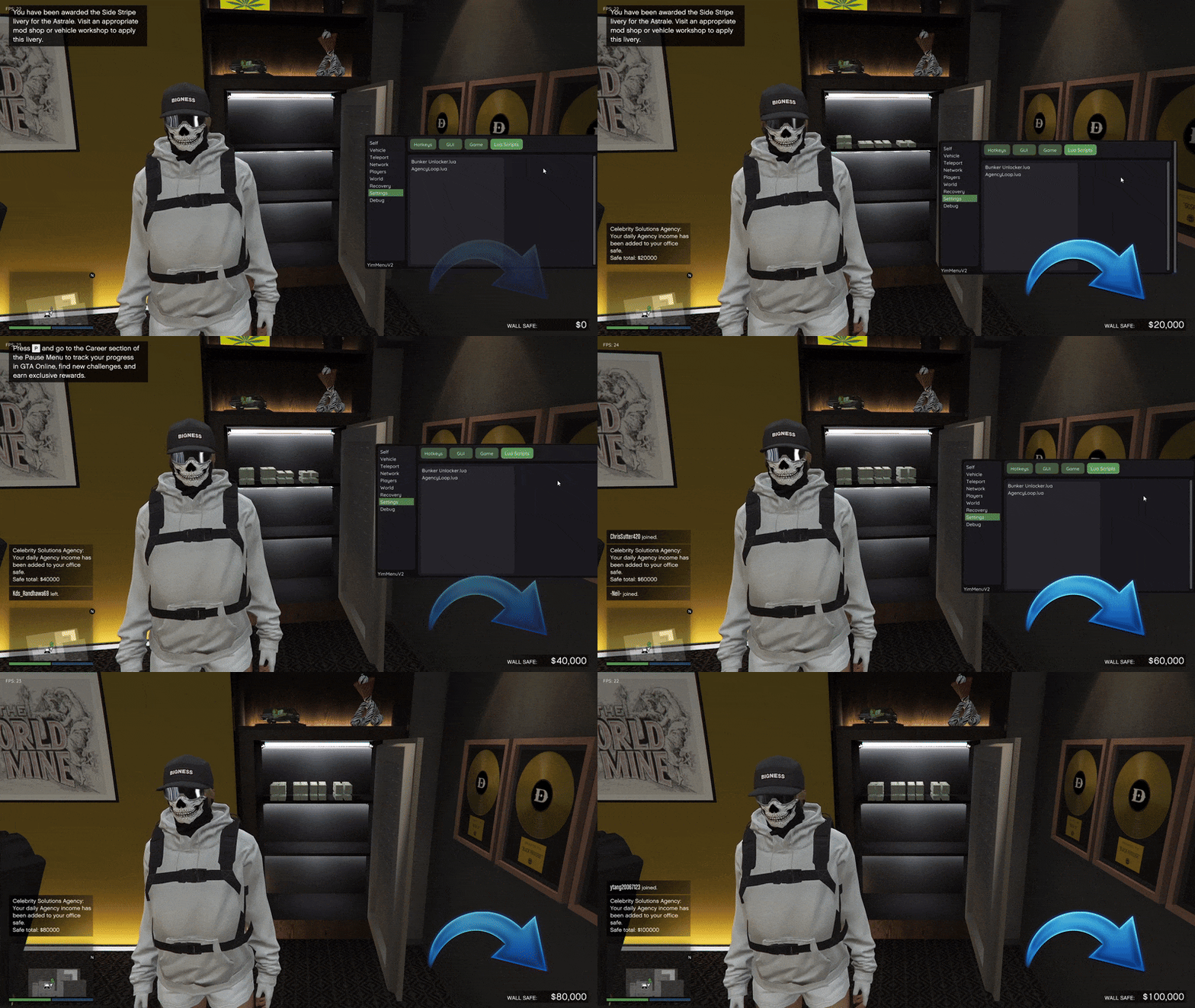
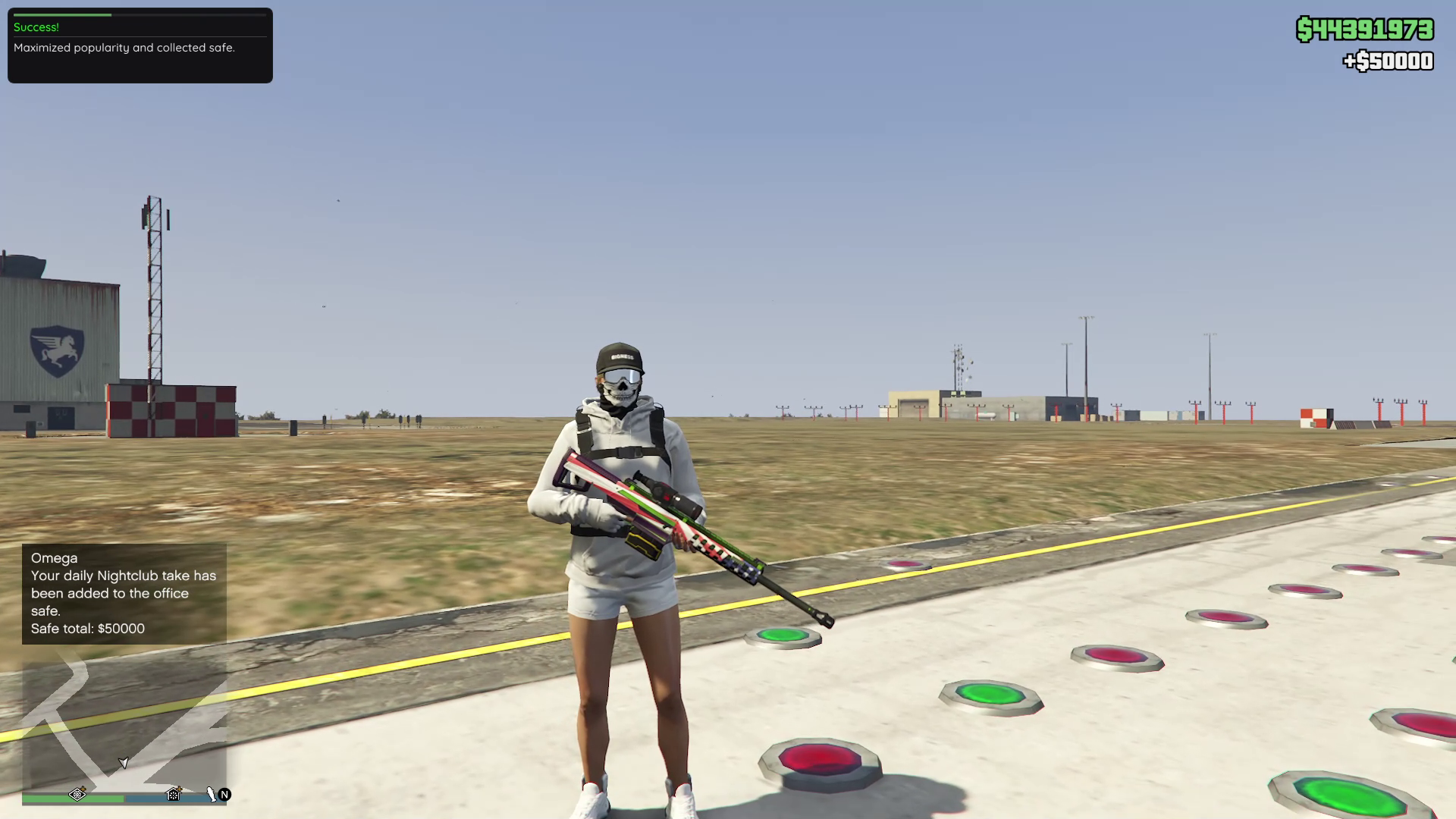
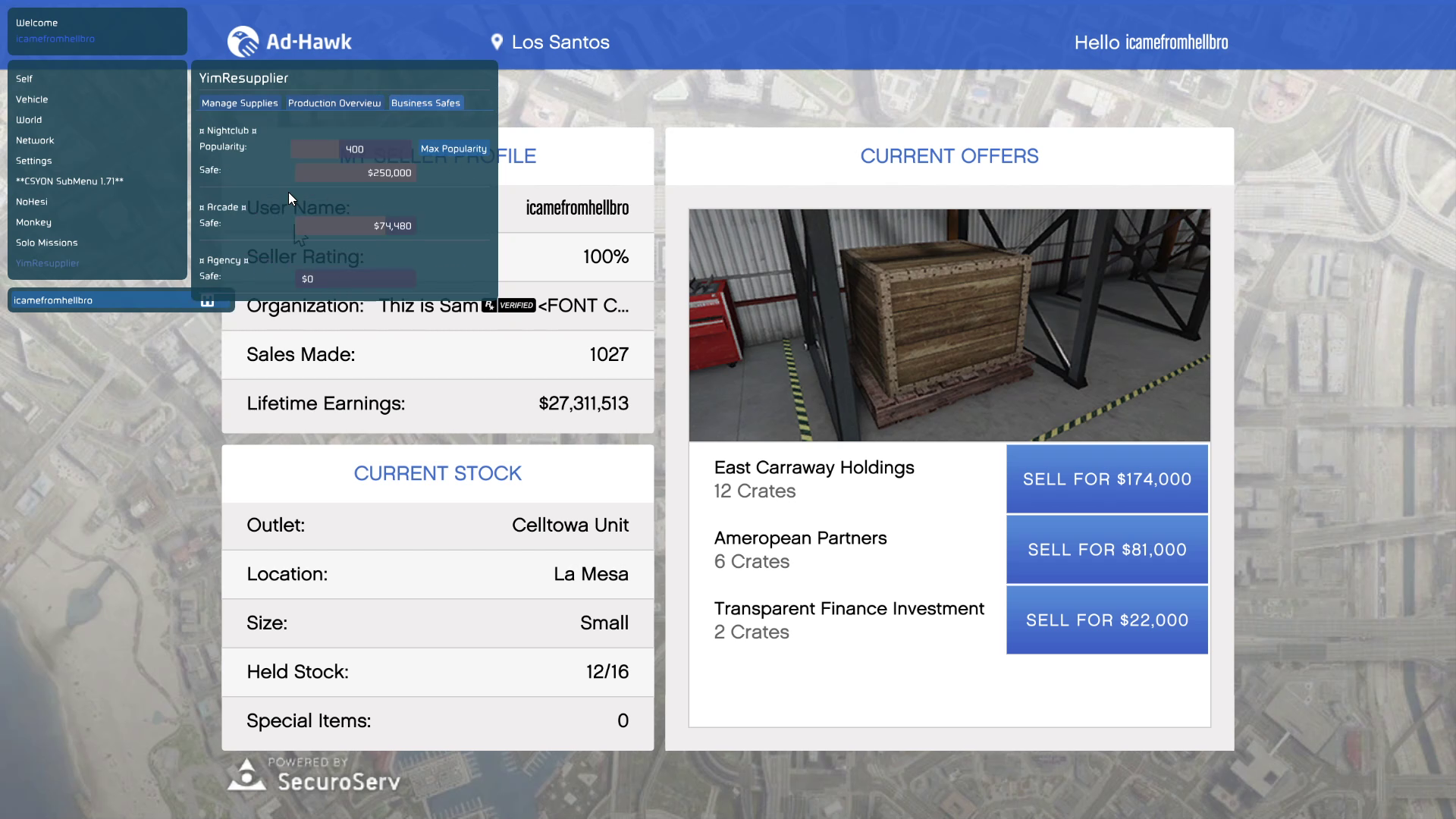
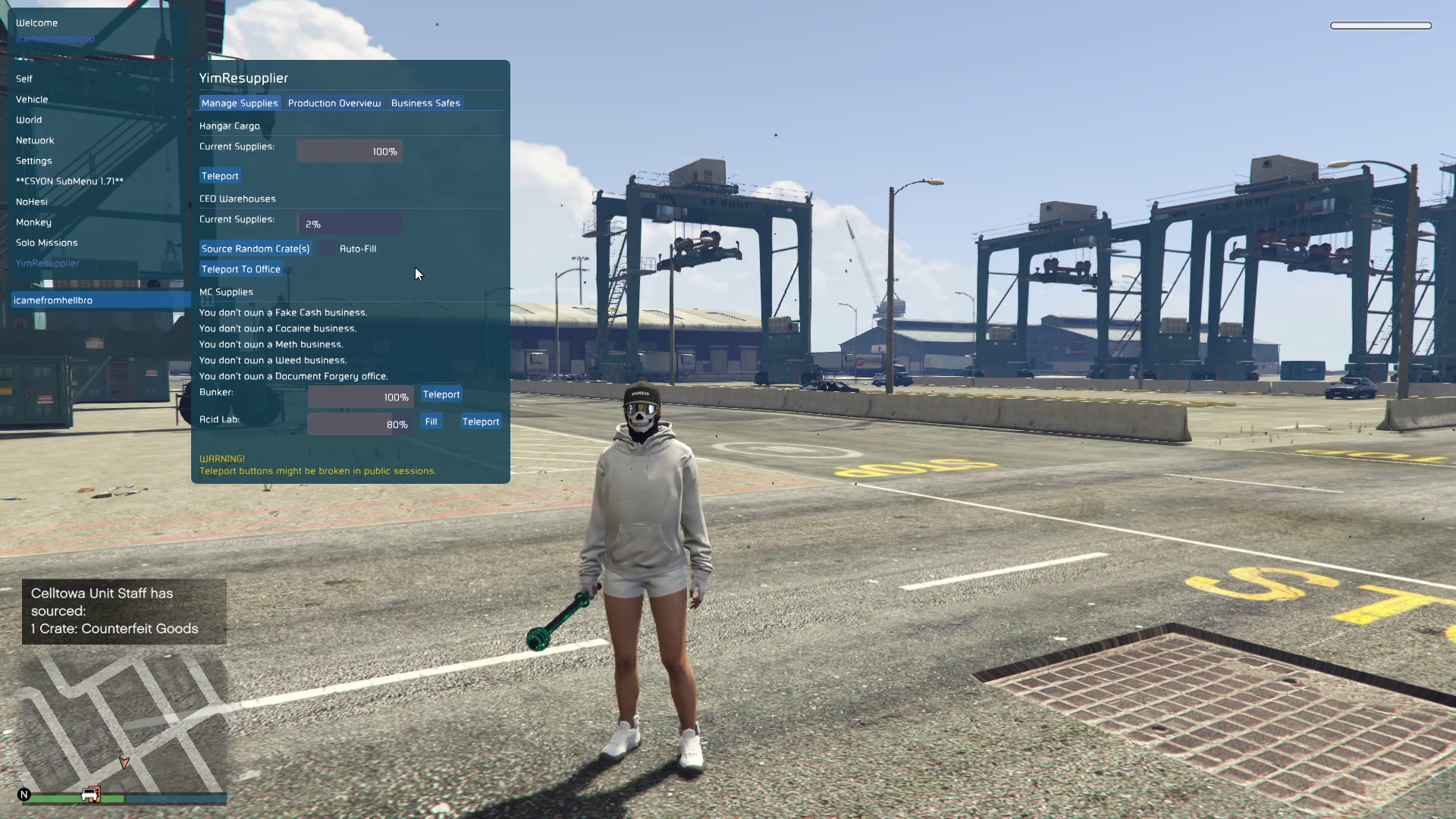
In-Game Menu Screenshots :

Video of the Script
Credits to Dev - #isamo09, L7NEG, YimNPC Sharing the Script
Download Links:
Files Included in the Repository:
- An interception client (WINMM.dll or version.dll)
- Save manager applications
- Optional server for remote save storage
- Utility programs such as "clean save" to restore or replace save content
Why This Project Was Created
GTA Online has always had very restrictive rules regarding save data. As a result, players do not have much control over their GTA Online progress outside of what Rockstar has allowed. Therefore, this limits the player's ability to:
- Backup online progress
- Restore to a prior save point
- Transfer saves between systems
- Edit save data (for personal or testing purposes)
- Preserve progress when official servers are unavailable
FLS Online Saves offers a solution to all of these limitations by creating a local save environment that simulates how offline games store progress. This represents a significant departure from how GTA Online players currently interact with the persistence system provided by Rockstar Games — providing players with the power to manage and save their GTA Online progress independent of Rockstar's cloud infrastructure.
How Does FLS Online Saves Work?
The operation of FLS Online Saves is based on hooking the save methods that GTA V uses to send save data to Rockstar's servers.
Capturing Save Calls
The project captures the save calls that GTA V would normally use to send the player's progress to Rockstar's servers using a DLL file (typically WINMM.dll for new versions, and version.dll for old versions) which is located in the GTA V game directory along with the GTA5.exe executable. The DLL functions as a call interceptor — capturing the calls to Rockstar's server and redirecting them to the local save location instead.
Sending the Save Location
Once the capture of save requests occurs, GTA V thinks it has successfully sent the save request to Rockstar's servers; however, in reality, all of the save data is being written to the local computer.
Local Save Store and Management
All of the save files are stored in a designated folder (usually %APPDATA%\FSL). By utilizing this type of folder structure, the player can ensure that all save data is contained within this single location. This container allows for safe backup and restoration of the save content as needed.
Setting Up FLS Online Saves
To set up FLS Online Saves, follow these basic steps:
- Download the Required Files You will require the following:
- The correct hook DLL (WINMM.dll) for your version of GTA V
- Note: version.dll is obsolete and should NOT be utilized for recent versions.
- Optional Utilities
- Save Manager — For Cloud-like Manageability
- Clean Save — To Reset Save Data If Blocked
- Place the Hook DLL Place the WINMM.dll into the main GTA V install directory (where GTA5.exe resides). When this DLL is loaded, it will allow GTA V to utilize the hook at launch and begin intercepting save requests.
- Initial Launch After placing the DLL and launching GTA V for the initial time:
- The client will attempt to retrieve your present official online save from Rockstar if no local save exists.
- Any further save requests will be captured and saved locally.
- A local save directory will be created automatically.
Using the Save Manager Tool
The Save Manager user interface can be utilized to:
- Manage Stored Local Saves
- Upload local saves to a custom server if desired
- Download from custom servers to the local save
Main Features
Below are the primary features of FLS Online Saves:
- Local Save Redirect Most Important Functionality — Intercepts All Online Save Operations and Writes Save Data Locally On Player’s Machine
- Save Backup With Save Data Written Locally, Players Can:
- Backup Their Progress To Separate Media
- Restore Previous State If Something Goes Wrong
- Test Safely Without Losing Any Progress
- This Type Of Flexibility Is Normally Unavailable To Players Using Official Servers
- Save Manager Enables a User Interface (Web Or App-Based) To Manage Stored Saves Possibly Including Remote Access Through Optional Server
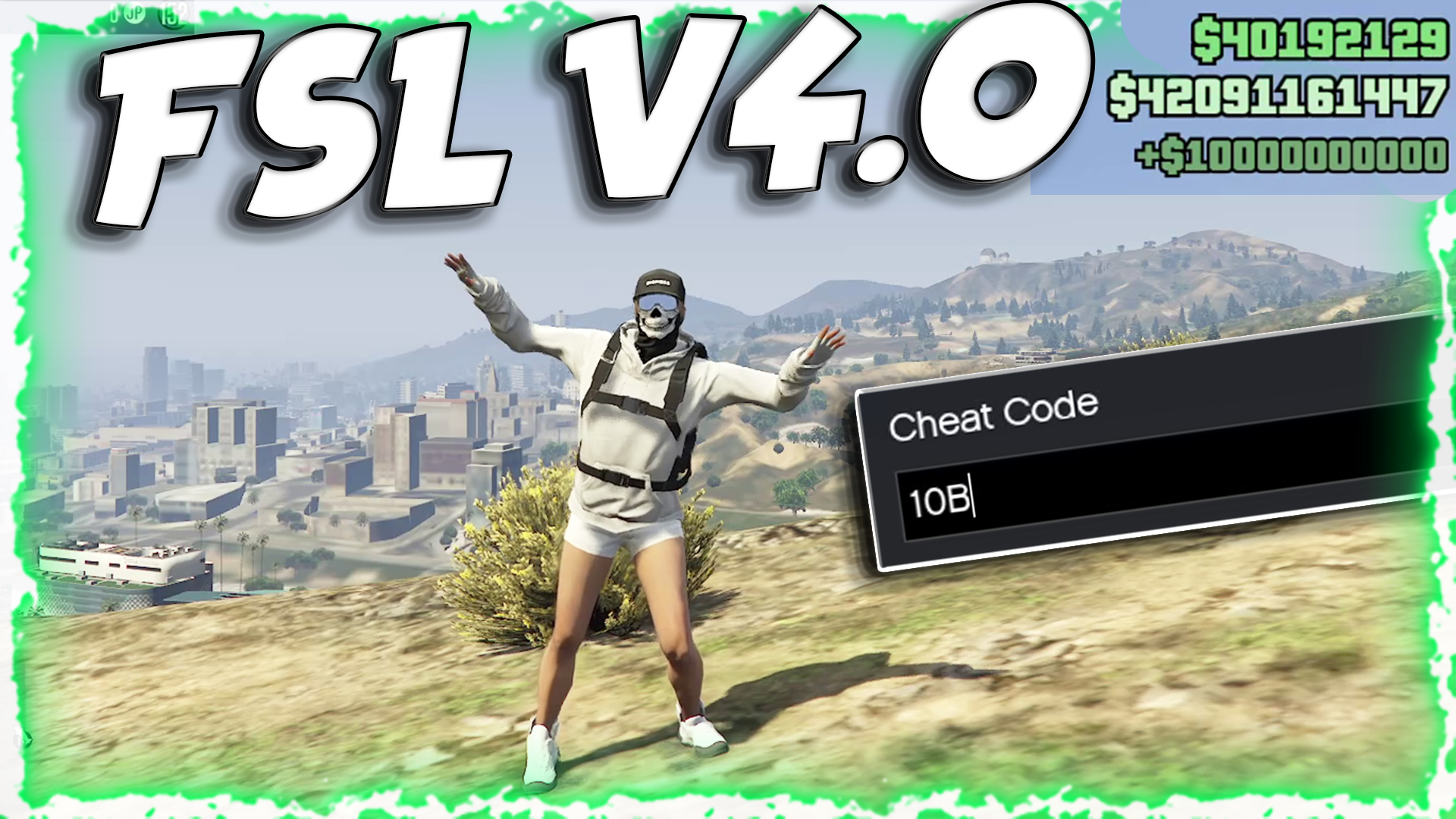
- Console Code Cheat Tool Allegedly Supports Console Codes Such As:
- 1M → Adds $1,000,000
- 10M → Adds $10,000,000
- 1B → Adds $1,000,000,000
- 10B → Adds $10,000,000,000
- Player Enters These Codes Into Game Console (~) During Session To Modify Balance — Many Players Want This Capability For Testing Or Sandbox Play
Why Some Players Use It
There are numerous reasons why players use FLS Online Saves:
- Local Control Over Save Data Having the Ability to Archive and Restore Progress Gives Players Peace of Mind And Freedom To Experiment With Builds, Money Changes, and Play Styles Without Fear of Irreversible Loss
- Cheats And Mods Since The Data Never Reaches Rockstar, and all write operations are local, the claim is made (by supporters) that the save changes will never be detectable by server-based anti-cheat systems. We'll discuss the risks later.
- Offline and Legacy Gameplay Players Utilizing Legacy Versions of GTA Online or Playing Under Unusual Configurations May Find This Useful When Official Servers Are Down or Unstable.
Technical Mechanics
Technically Speaking, The FLS Online Saves Library Comprises Several Technologies and Techniques:
- Function Hooking and DLL Injection The core DLL utilizes classic function-hooking to intercept API calls. Function hooking is a popular modding technique, but it must be implemented carefully to avoid conflicts and crashes.
- Serialization of Save Data to Local Files The save data format used by Rockstar is serialized to local files. FLS Online Saves serializes this format in order to provide the same format for the game to load it back upon load.
- Optional Server Component An optional server component (written in Python) can store save files remotely, providing a pseudo-cloud server for synchronizing local saves between multiple machines. While the server is optional — the entire system operates completely locally if a player chooses to do so.
Safety Concerns
While the README states that local saves will not cause a ban because the data never reaches Rockstar’s servers, this is a gross oversimplification. Anti-cheat systems evaluate many signals, not simply whether the save files were written to the server. Consider the following:
Potential Risks
There are a number of things to think about:
- Revised client code In addition to injecting or replacing DLLs to modify the game's behavior, modifications to client memory may trigger flags in anti-cheat/detection software if the game validates client memory during its execution.
- Changes to Money Modifying money using console commands changes your profile data. While modifying local saves prevents uploading, attempting to participate in official sessions using altered statistics can potentially lead to account action.
- Unsupported Versions Complaints about FSL Online Saves crashing or having errors — as indicated on the project's repository — suggest that there may be compatibility issues with newer versions of GTA as well.
Community Issues & Discussions
There are several issues documented in the project's GitHub issue tracker:
- Unexpected Exit of Grand Theft Auto V Legacy — indicates that the utility may crash the game in some cases.
- Error: FSL Critical Error — Code: 10000003 — reports runtime failure.
- Asking about future updates — Users ask whether the project will continue development/support.
Currently, there are no open pull requests, which may indicate a slower rate of community development.
Other Methods
There are many other ways players attempt to keep their progress or mod GTA Online:
- Offline trainers for single player
- Custom servers like FiveM/Alt:V (independent client-server modded gameplay)
- Script Hook V for client-side modding
FSL Online Saves is unique because it allows players to maintain the official GTA Online experience while allowing them to store their save elsewhere — an option that is not available through either custom servers or offline modding.
Legal/Ethical Implications
Important to note: Rockstar's Terms of Service prohibit the modification of save data and client behavior. Using utilities that allow you to change how you experience a game can risk having your account suspended. Legality varies depending upon jurisdiction and policies set by providers of gaming platforms. Even if the utility claims to be safe, using it in official online sessions may be considered a violation of service terms.
Potential Uses:
- Create backup prior to making major edits
- Experimental builds/testing — developers/modders can test mods without risking live progression.
- Legacy version play — Once official servers cease supporting older versions, local saves allow you to continue accessing legacy content.
How To Install FSL Online Saves (Step-by-Step)
- A. Find Your GTA V Installation Directory Find the location of your GTA V install. You'll most likely see the files listed below:
- GTA5.exe
- update/x64/
- B. Copy the DLL Copy WINMM.dll to the same directory as your GTA V executable file. This will replace the system-provided DLL for that API and ensure that it is loaded by the game.
- C. Run the Game Run GTA V as normal. The game will begin saving all save data in the online session to your local directory, and the first time you save will automatically back up your online save.
- D. Optional — Local Save Manager Launch the local save manager to view and organize your backups, upload to the server, and restore previous versions.
Future of FSL Online Saves
Version 1.0.3 was released, and included both bug fixes and additional features for downloading the latest save from the server. For compatibility reasons, it will be necessary to continue updating the application as GTA Online progresses. Any further contributions from the community or forks could include:
- Improved User Interface for managing saves
- Cloud integration
- Support for newer GTA versions
- More cheats with built-in protection
Summary
FlsOnlineSaves is a technically advanced and innovative product in the GTA Online modding community. The ability to direct save data to a local drive gives players a level of control that they would typically never have in a cloud-based system such as Rockstar’s. It provides options for players to back up their games, experiment with different mods, and mod their games. However, it does come with some risks: compatibility problems, violations of service terms, and possible account action. Players need to consider these risks when deciding to use it in a live environment. Ultimately, FlsOnlineSaves demonstrates a creative solution to gaining control in an area where control has traditionally been limited to the central authority, and continues to gain traction in the GTA modding community.