A Better Way to Get Chameleon Pants in GTA Online Without Moving Your Character
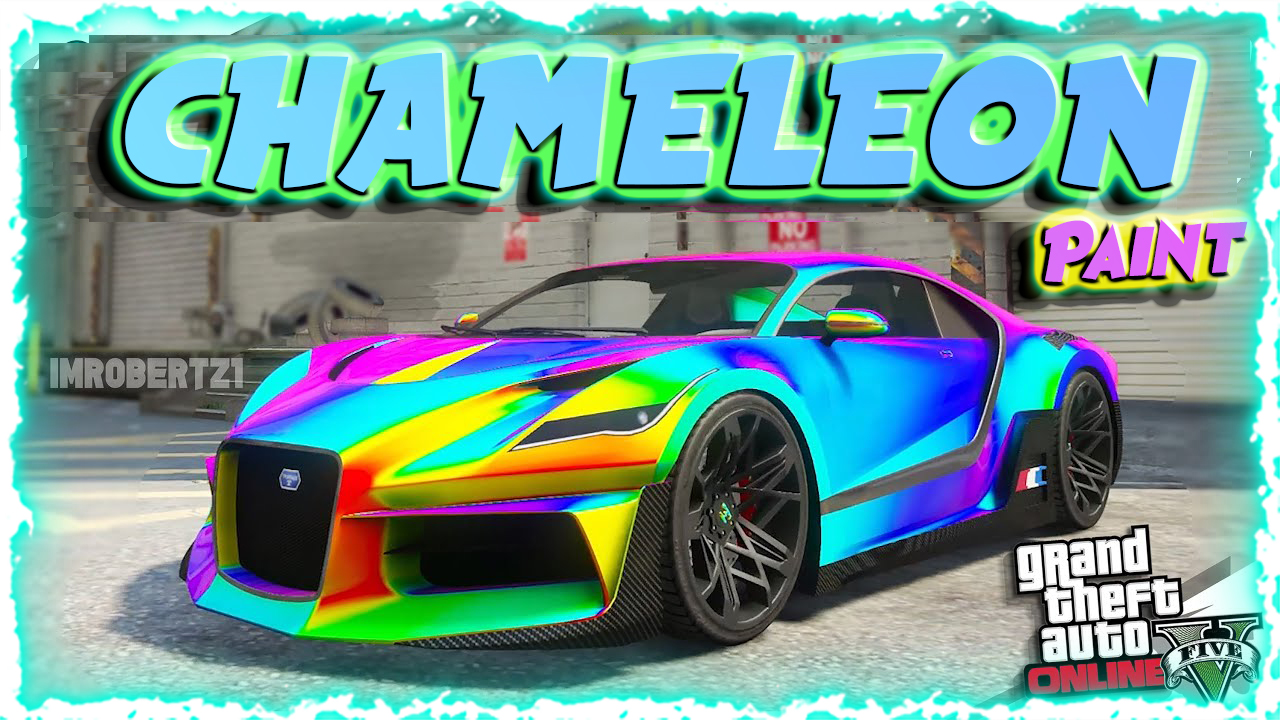
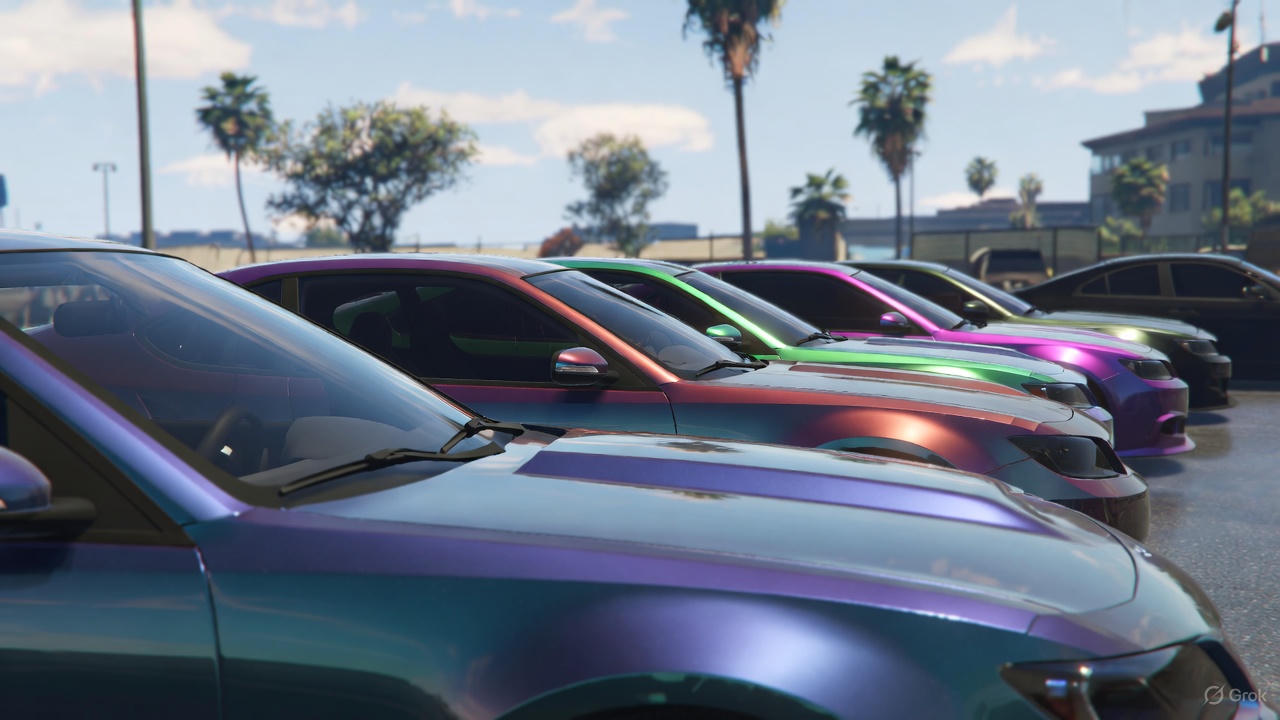
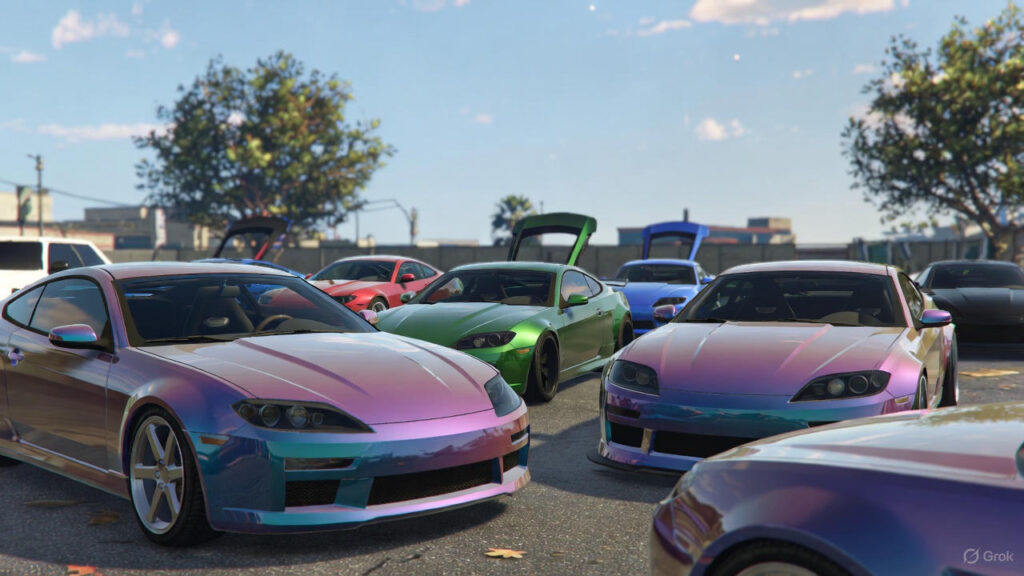
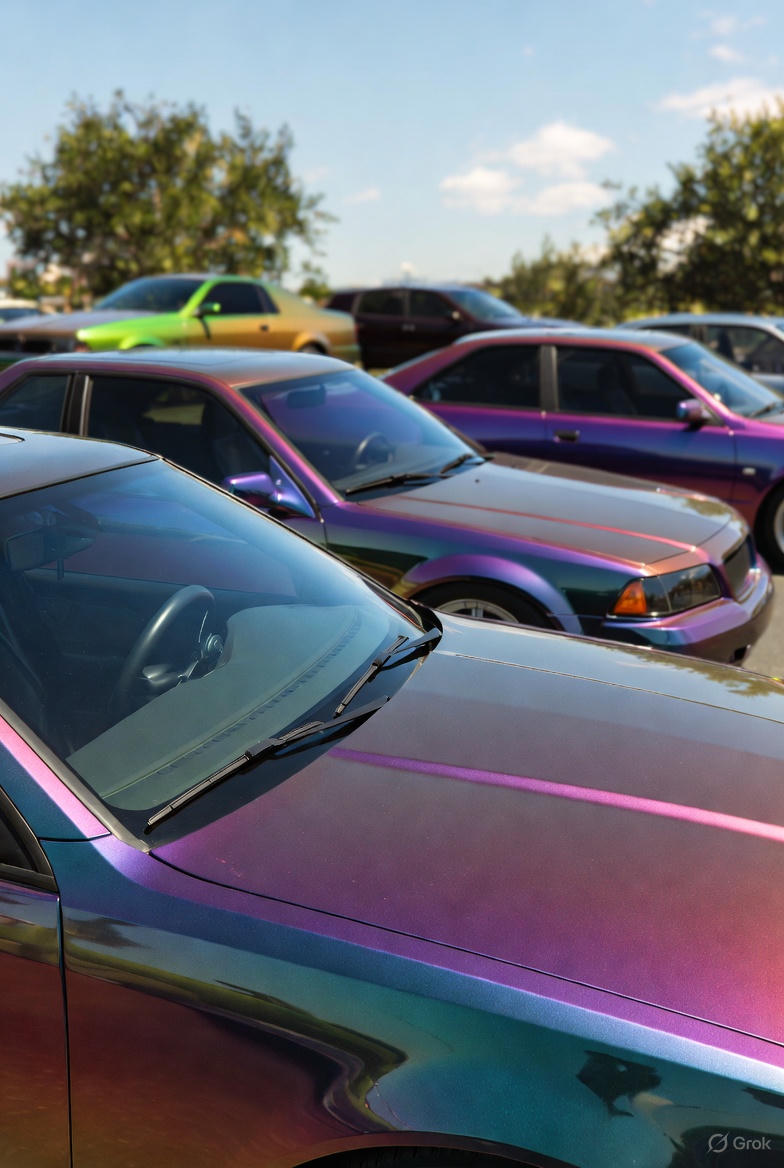
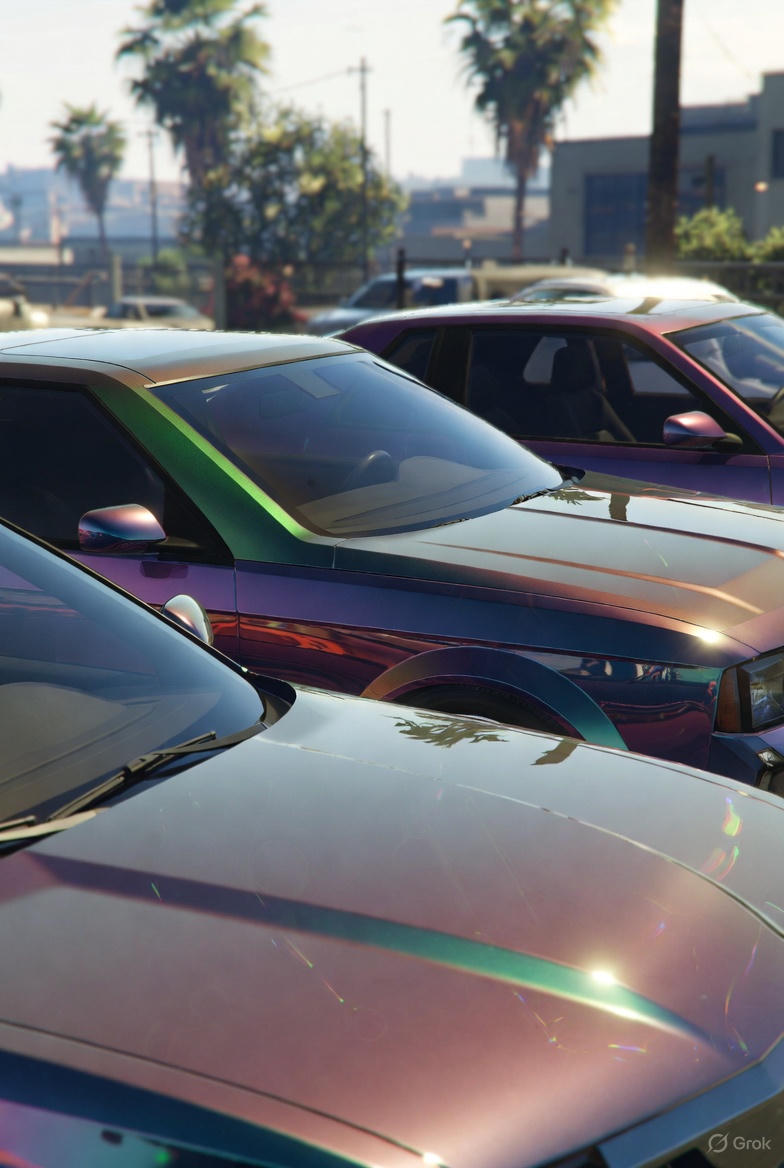
In the world of Grand Theft Auto Online, where cars shine like mirages in the bright San Andreas sun and players use their creativity to find ways around Rockstar’s endless updates, none of the new cosmetic features introduced to GTA Online has caused more excitement than Chameleon Paint. First introduced in the Expanded and Enhanced edition of GTA Online on next-generation gaming platforms and later added to the PC version, the 62 different shades of iridescent, color-changing paints turn any car into a moving rainbow of colors. However, what excites many players the most is the Chameleon Pants glitch. Players can use this glitch to make their clothing, especially pants, have a color-changing feature similar to the color-changing paint jobs available for cars. The Chameleon Pants glitch makes your player character look like a ghostly specter, a style that can be a real showstopper and help you get the attention of other players.
However, getting to the Chameleon Pants glitch is not always easy. Many players were able to take advantage of the Chameleon Paints glitch because of a special perk that came with the ability to migrate their characters. With character migration, players could move their Legacy profiles to the Enhanced version of GTA Online. There, they received a couple of exclusive paints for migrating their accounts, including a Legacy Shift paint and a Transfer Twilight paint. But for players who did not migrate their characters, such as the frustrated player who wrote in on UnknownCheats and said that he only had 60 instead of 62 paints, finding ways to get Chameleon Paints is a lot harder. That is why the “Chameleon Pants without Migration” method is so exciting. The “Chameleon Pants without Migration” method is a single-player glitch that does not require players to migrate their characters, use GTA+, or enter a modded lobby. This article will explore the history of the Chameleon Paints glitch, how it works, the steps to execute the glitch, the risks involved, and why the GTA Online community is so proud of this achievement — especially now in November 2025 as Rockstar prepares to release GTA VI and Legacy players hold on to their digital inheritances.
Paint Jobs and Clothing: A History of Chameleon
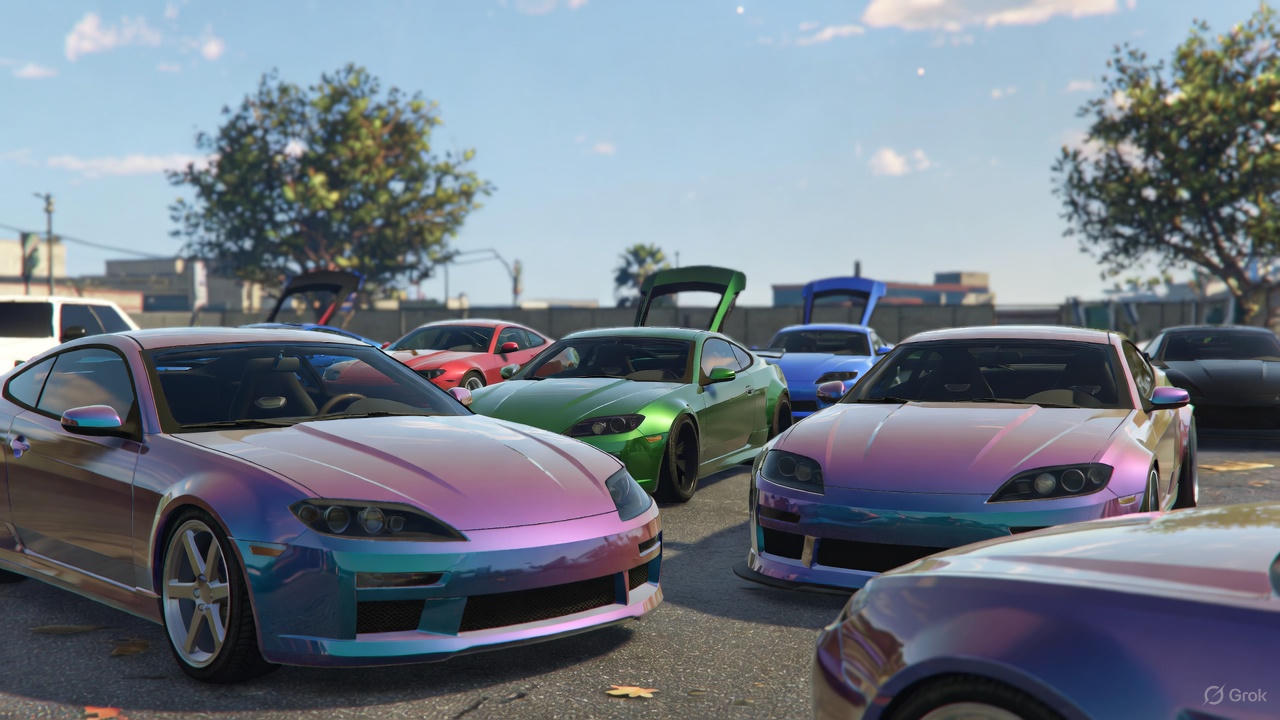
Before we dive into the “Chameleon Pants without Migration” method, let us go back to March 2022, when Rockstar released the Expanded and Enhanced edition of GTA Online on the PS5 and Xbox Series X/S. While there were many improvements to GTA Online, including a boost to performance and the introduction of Hao’s Special Works exotics, it was the introduction of Chameleon Paints that really caught everyone’s eye. While these are not your average pearlescent paint jobs, they do have a color-changing gradient that changes depending on the view angle and ambient lighting. Rockstar originally said that Chameleon Paints would come in 60 different shades, but a group of dataminers discovered that there were actually 62, including the two exclusive paints that migrators received: the Legacy Shift paint (which changed from green to blue) and the Transfer Twilight paint (which changed from purple to orange). Migrators received both of these paints, along with a modified version of the Karin S95, for free. However, PC players, and all latecomers, had to either grind GTA+ for monthly drops or pay upwards of $100,000 per paint job to add them to their cars at Los Santos Customs.
While the majority of the GTA Online community was busy trying to get their hands on these new paints, a small subset of the community began experimenting with applying the chameleon effects to their clothing. By mid-2022, rumors of the Chameleon Pearlescent Glitch started popping up on Reddit’s r/gtaGlitches, and soon enough, tutorial videos started flooding YouTube showing players how to combine paint jobs with clothing to create iridescent shirts and jackets. But, while that was cool, what really made the community excited was the possibility of applying the same effects to pants. Unfortunately, however, this is where the migration hurdle came in. Most methods of adding chameleon effects to clothing required a cross-session transfer, where players had to equip a chameleon-painted vehicle in one lobby, and then migrate to another lobby to “bleed” the effect onto their clothing. Unfortunately, this process often resulted in the host migrating, resetting any progress and potentially resulting in a ban if detected.
For non-migrators, who were unable to transfer their Legacy profiles to the Enhanced version of GTA Online, such as the UnknownCheats.com user who wrote in on November 1st, 2025, about his shortfalls, options were limited. “My account was not eligible for Migration and I recently found out I had less (60) instead of (62) chameleon pants,” he stated, expressing frustration over the tediousness of outfit-swapping between sessions. His pleas prompted a series of replies that ultimately led to a method of executing the Chameleon Pants glitch without the need for a character migration: a solo glitch that did not involve migrating profiles, using GTA+ subscriptions, or entering a modded lobby. The “Pants without Migration” method utilizes wardrobe save states and the interaction menu to attach a chameleon shader to the lower half of the body, specifically cargo pants, joggers, and even tactical wear, all within the confines of a single-player session.
So, why pants, and not tops or jackets? Well, it’s simple. Pants, unlike upper-body items, have a “deep merge” — a glitch that forces the game to reconcile the vehicle paint data with the clothing textures. The results are pants that transform from dark obsidian to fiery magenta as you walk, ideal for heist infiltration or LS Car Meet flexes. In a game where visual effects are currency, the Chameleon Pants are not simply cosmetic; they represent mastery of the GTA Online glitch.
How Does the Glitch Work?
The Chameleon Pants glitch relies on a combination of GTA Online’s fragmented asset loading and a number of quirks in the RAGE Engine that runs the game. The glitch itself relies on the fact that when you apply a Chameleon paint at Los Santos Customs (LSC), the game caches a shader file (a .ytd texture dynamic) based on the entity ID of the vehicle. Typically, once the session is ended, the shader is removed. However, by disrupting the cache during a wardrobe save (by opening the interaction menu at exactly the right time), the shader is able to “bleed” into your player model’s data.
Migrating increased the success of this technique by causing a forced sync of profiles across lobbies. However, this was a fragile method of obtaining the Chameleon Pants, as quitting a host could also corrupt the transfer, leaving you with glitched textures that would revert on relogin. The “no migration” variant bypasses the fragility of migration by utilizing invite-only sessions (IO) as a stable sandbox. Invite-only lobbies load minimal amounts of assets, reducing the likelihood of being flagged by anti-cheat measures, and enable solo manipulation of save states without network calls that initiate migrations.
Key exploits include:
- Wardrobe Overwrite: Saving an outfit while a paint job is applied causes the game to mix the vehicle shaders with the cloth mesh.
- Interaction Menu Freeze: Entering the mechanic or CEO menu during a texture load creates a brief desynchronization, embedding the chameleon ramp permanently.
- Entity Persistence: By “claiming” a painted vehicle as a personal asset (via mechanic summon), the shader remains attached to your profile without full migration.
While patched periodically – most recently in the December 2024 Tuner Update – the “Chameleon Pants without Migration” method still relies on Rockstar’s refusal to fully modify legacy code. One GTA Outfits veteran, who commented on a 2025 thread, described the glitch as follows: “It’s like the engine has a backdoor for pants. Tops glitch easily, but legs? That’s where the real sorcery takes place.” For non-migrants, it’s a miracle worker: no lost progress, no eligibility checks, just pure pants-shifting chaos.
Step-by-Step: How to Execute Chameleon Pants Alone
Are you ready to get your pants shimmering with prism-perfect glory? This guide presumes you are running Enhanced Edition (PS5 / Xbox Series / PC Post-March 2025) and you have at least one Chameleon paint unlocked (either grind GTA+ or buy a pre-painted car from the LS Car Meet). With practice, the success rate should hover at 80%. Failures typically result from timing mistakes.
Preparation: Set Up Your Session
- Start GTA Online in an Invite-Only Session.
- Go to the LS Car Meet, or your closest Los Santos Customs. Make sure you are not in a public lobby – migrations are waiting for you like they are looking for a fight at a yacht party.
- Call a vehicle that you do not mind repainting (example: a spare Elegy RH8). Park it inside LSC.
- Go to your wardrobe using an apartment safehouse. Put on base pants: Cargo Shorts or Tactical Trousers work well for attaching texture. Save as “Base Merge.”
- “Have you tried using the ‘paint ritual’ to get the shader to infuse?”
- Go into LSC (Liberty City Subway) and go to Respray > Primary Color, pick a color, and select “Chameleon”. Select one of your 60 (or less) and apply to the vehicle. As soon as the paint starts to animate (you’ll see that shimmering effect), quickly exit to the interaction menu (press the touchpad or Select).
- Select “Request Mechanic”, but just hover and don’t click anything. Once you have selected “Personal Vehicle”, do nothing else — this is what tells the game to queue up the shader cache, and keeps it from loading another object into memory.
- Press Alt-tab, or press Pause for 2-3 seconds (just long enough to break the sync between the game and your operating system), and then return. Cancel out of the menu, and now take your vehicle for a spin. Your “Chameleon” should work, but don’t look at it too closely right now.
“The merge”: Pants meet prism
Take your vehicle back to your apartment. When you pull up, park it and enter your closet and put on your “Base Merge” pants. Open your interaction menu and scroll down to “Clothing Style” under the CEO/Club Management section (and register as a CEO if necessary through SecuroServ).
You have a very short window here: once your pants start loading (you’ll hear an audible sound when they finish equipping), quickly select “Player Owned” under Clothing Style. This overwrites the leg mesh with the lingering vehicle shader. Name your outfit “Chameleon Test”. Close out of the closet, step outside, and spin around while in light. If you’re lucky, your pants will change colors in a subtle, then a very dramatic way as you continue to spin.
“Refine”: Rinse, repeat, stabilize
If the effect seems to be flickering, try again with a few tweaks to the previous method: during step 8, try putting on a second item (like suspenders or a belt) before attempting to put on your pants. That will anchor the glitch and prevent it from reverting back. Try the effect in a new IO session: idle for five minutes, then log off and log back on. If it persists, you’ve got it! To find the last two migration paints, you’ll need to datamine a modded car from the Car Meet (a bit of a risk, but doable). Then, simply follow these steps again.
Pro tip: Layer with pearlescents for hybrid effects — a “Chameleon” base coat under a metallic top coat makes for some “beautiful” results according to r/gtaonline fans. Be prepared for 10-15 minutes per attempt; patience will be your copilot!
Risks, Rewards, and Rockstar’s Shadow
While no glitch is foolproof against bans, the paint glitch has a low-risk profile and is safe. Solo IO sessions avoid the BattlEye scans of your lobby, so there is no dupe mechanic involved. Using it excessively in public lobbies could potentially trigger texture anomalies, and Rockstar’s 2025 sweeps against anti-glitch activity may have already patched similar wardrobe bleed issues. In the worst-case scenario, you’ll receive a temporary kick or your paint will revert back to normal. However, in the best-case scenario, you’ll have a wardrobe full of pants that shift colors as you walk by, making your enemies green with envy.
Beyond aesthetics, this paint glitch enhances immersion. Imagine breaking into a heist vault wearing iridescent cargo pants that blend in with shadows, or driving down Vinewood Boulevard as a moving disco ball. For non-migrants, it provides a form of redemption — a means to obtain those elusive 62 without permission from Rockstar. Following November 1, when the UnknownCheats thread erupted into 50+ posts, users began sharing variations of the glitch for shirts and shoes, which spawned a mini-renaissance of glitch-inspired fashion.
As far as ethics are concerned, it is simply creative expression in a game built upon exploits. The migration lockout of Rockstar appears to be a punishment, particularly as hype for GTA VI continues to build — why restrict access to cosmetic items within a 12-year-old title? Glitches such as this keep Legacy alive and foster communities across platforms including Reddit, UnknownCheats, and GTAForums, allowing experienced players to guide newer players.