
FSL Online Saves Overview
Although the GitHub repository describes this software package as a "Client and Server" system that enables players to store GTA Online save files on their local machine, the actual mechanics of the tool, the controversy surrounding it, how it operates, and how it affects modding communities are much more complex than described above. The article below is more than just an explanation of what this software does; it is an exploration of how the tool works, the reasons for the controversy, the steps required to install it, and what it represents for GTA Online modders.
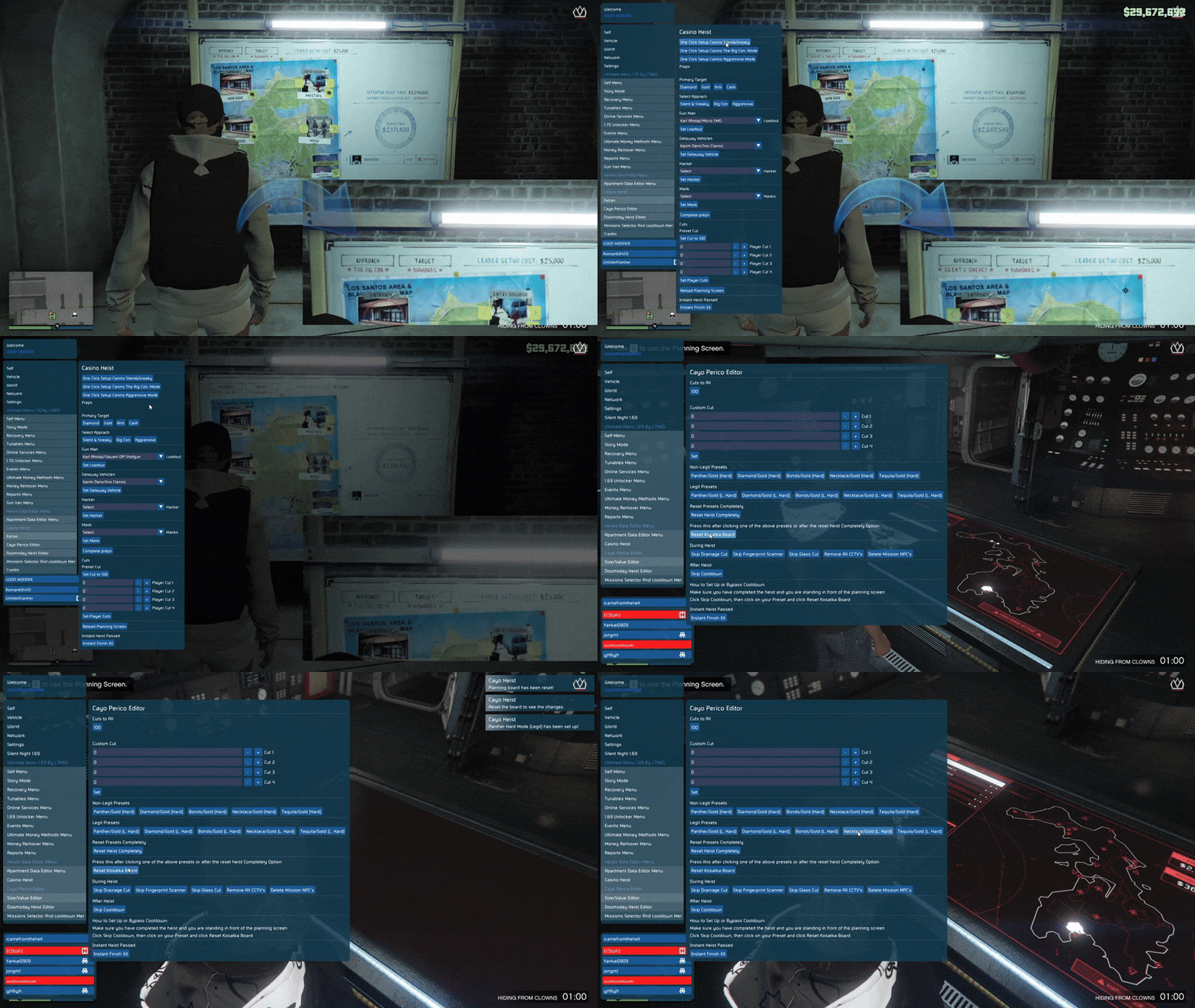
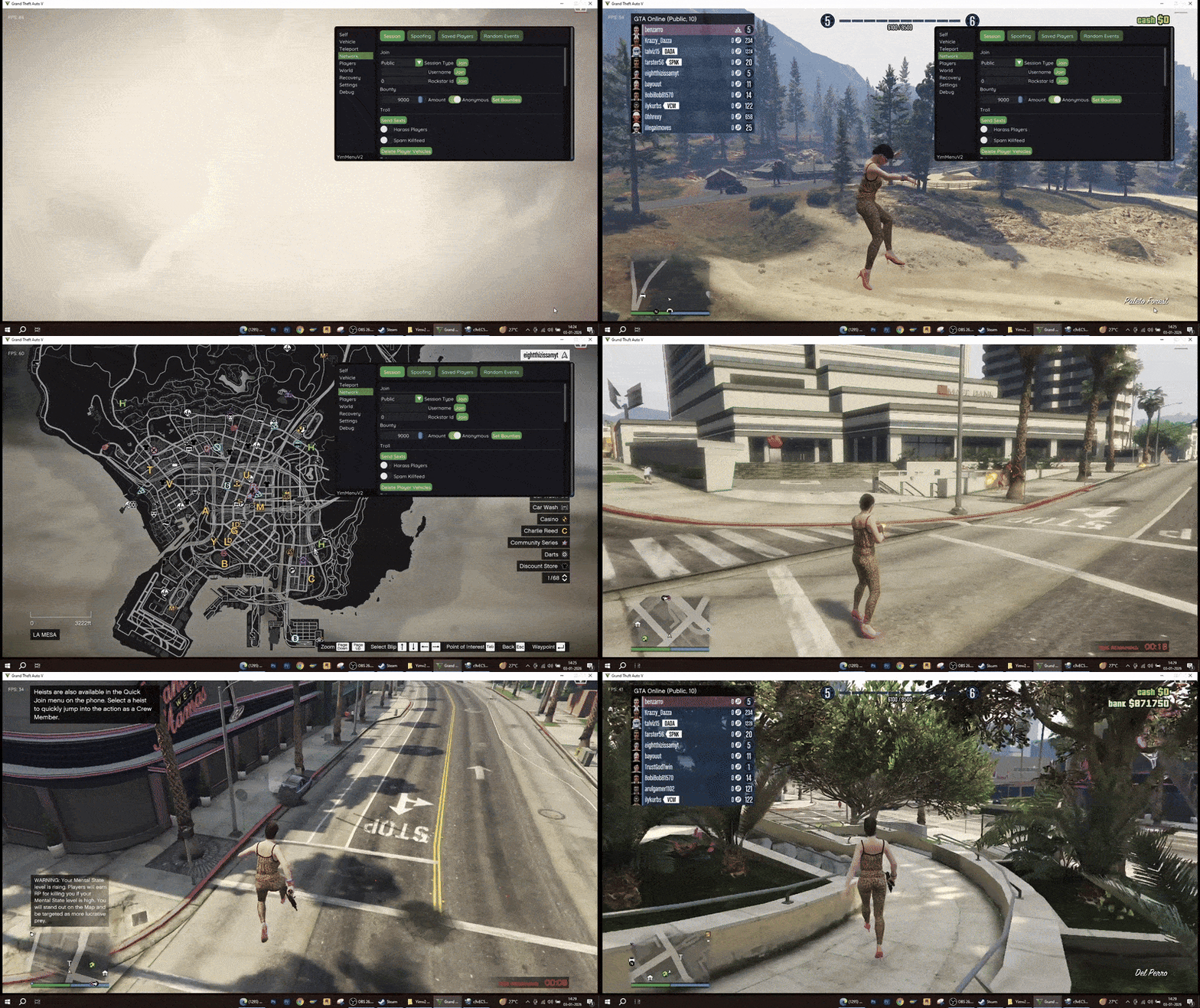
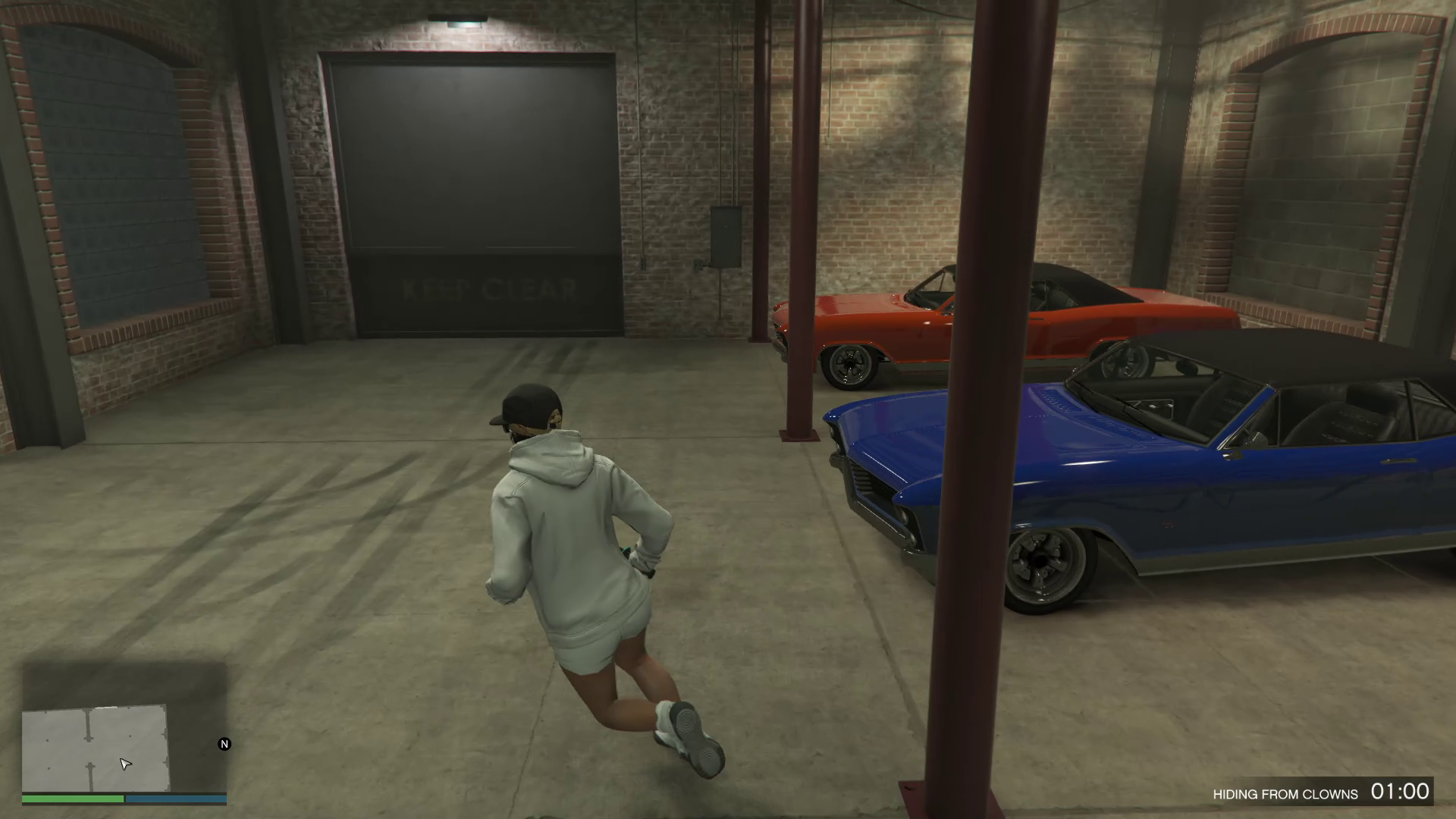
In-Game Picture:

What Does FSL Online Saves Do?
In essence, FSL Online Saves is a piece of software that allows a player to take a GTA Online save file off the developers' servers and put it on their own computer. In GTA Online, the normal practice is to save game progress, money, etc., to the developer's central servers, presumably for security and fair play purposes, but also with the caveat that doing so prevents a player from easily backing up and/or modifying the save file without risking a ban or violation of the Terms of Service. FSL Online Saves changes this by:
- Intercepting save requests before they get to the Rockstar servers;
- Redirecting save data to a directory on the player's local machine (%APPDATA%\FSL on Windows);
- Enabling the player to save, backup, and modify GTA Online save files on his/her local machine;
- Providing optional cloud save functionality through its custom server-based architecture;
- The GitHub repository provides the source code for the client (save interceptor) and the backend server (save-store/retriever).
Conclusion
FSL Online Saves is an ambitious and technically interesting open-source project that provides local save control for GTA Online players. The project brings together three different technologies: save capture, custom cloud storage, and game modifications into a one-of-a-kind toolbox. As a result, FSL Online Saves raises questions regarding ethics (cheating, server bypass) and technology (transparency, compatibility). Regardless of whether you view this as a strong modding tool, a highly controversial hack, or an opportunity to learn the process of reverse-engineering, FSL Online Saves demonstrates how open-source development can interact with very complex and closed proprietary systems, like GTA Online.
Video of the Script
Credits to Dev - #isamo09, L7NEG, YimNPC Sharing the Script
Download Links:
Frequently Asked Questions
 Join Server for Support
Why Was It Created?
The main objective of the fls-online-saves software was to provide GTA players with greater control over their save files. As opposed to offline games, there is no way to easily back up or revert to previous game states in GTA Online. Players that test out mods/cheats run the risk of being banned since they deviate from Rockstar's intended gameplay. FSL Online Saves works by totally bypassing Rockstar's save servers so that the game thinks that it has saved the progress but did not send the save data to Rockstar. This creates new possibilities such as:
- Restoring a particular save state after failure or loss;
- Using custom save modifications to change in-game currency or progress;
- Running private online sessions on custom rule sets.
As a modder, the fact that FSL Online Saves gives them total freedom from official Rockstar servers is the primary advantage.
Setup and Installation
There are very detailed instructions within the README section of the fls-online-saves GitHub repository regarding the installation and setup of the fls-online-saves software. Below is a step-by-step guide on how to install and set up the software:
Obtaining the Necessary Files
To begin, a player must first obtain the necessary files which include:
- WINMM.dll — Recommended for recent versions of GTA V (Legacy and Enhanced);
- version.dll — Older version of the compatibility DLL that should work fine with earlier versions of GTA V, although may not work at all with the most current release;
- Save Manager — Tool for managing saves locally and/or on the cloud;
- Clean Save — Utility for resetting or extracting save data in case of an error.
Placing the Hook DLL
Following the download of the necessary files, players must place the WINMM.dll (or version.dll) in the root of the GTA V installation folder, i.e., the same directory where GTA5.exe is located. This DLL functions as a hook and is responsible for capturing any calls made by GTA Online that would otherwise go to Rockstar's servers to upload save files.
Saving Locally
Upon successful placement of the hook DLL in the GTA V installation directory, the fls-online-saves software begins to intercept any attempts by GTA Online to contact Rockstar's servers and will instead save the data to the local save directory (%APPDATA%\FSL). As such, none of the save data is ever communicated to Rockstar's servers. Therefore, according to the repository, "you can't be banned because your saves never reach the Rockstar servers."
Managing Your Saves
With the Save Manager utility, players can now:
- Upload save files from their local machine to their custom server-based save manager;
- Download save files from their custom server-based save manager to their local machine;
- Toggle between various save versions;
Essentially giving players a highly customizable save system similar to that found in offline gaming.
Important Features Explained
Save Redirect
The redirection of save requests is the foundation upon which the entire system is built. GTA Online calls specific functions expecting to make contact with Rockstar servers to send save data — however, FSL Online Saves intercepts those function calls and instead stores the save data locally.
Cheat Code Input via Console
Another feature that is noted in the README is the possibility of entering specific cheat codes into the in-game console (~) to alter the money value. Examples include:
- 1M — adds $1,000,000
- 10M — adds $10,000,000
- 1B — adds $1,000,000,000
This is a problem since it modifies the in-game state in ways that Rockstar does not want to happen.
Cloud Save Functionality
The repository uses a backend server that can store remote save snapshots and enable users to synchronize and manage their saves externally from the GTA V installation directory.
Compatibility with Different GTA Versions
Depending on the GTA version, users must select the corresponding hook DLL: WINMM.dll for newer versions, and version.dll for older releases. This ensures compatibility between the two versions of GTA V.
Components of the Repository
A review of the repository layout shows how the project is organized:
- FSL Folder — Likely houses the core binary files used to capture save data and other configuration logic.
- client — Client-side code that communicates with GTA locally.
- server — Backend logic that manages save files via a network.
- README and License — Documentation for setting up the application and the MIT License used to govern use.
Since the project combines both Python and HTML, it appears possible that some form of web or server-side infrastructure is included in the tool. Since the server portion of the tool exists, it is likely possible to host a personal save server for GTA V.
Feedback From Community Users and Problems
Similar to other forms of modding software, the fls-online-saves project has created community feedback — and not all of it has been favorable.
Source Missing For Critical DLLs
One of the many issues listed on the fls-online-saves GitHub repository is that the source code for the essential DLL files (WINMM.dll and version.dll) is not available, causing concern among users concerning transparency and security.
Compatibility Issues
Many users have reported significant errors while running the tool with specific versions of GTA V Enhanced. This indicates that the tool will need to be updated as GTA continues to evolve.
Updates To Come?
Members of the community have asked about the future of development, and whether or not the tool will be supported long-term. Although many users have expressed reservations about the potential risks of using the fls-online-saves tool, it has garnered interest on Reddit, where users are sharing links to the repository when discussing modded save play.
Legal and Ethical Issues
FSL Online Saves exists in a gray zone:
- Terms of Service violations: Redirecting your save data from official Rockstar servers is likely against Rockstar's Terms of Service.
- Cheat Code Usage: Utilizing cheat code to acquire in-game currency can be viewed as cheating or taking unfair advantage of the system.
- Account Sanctions Risks: Even though the repository claims you will not get banned because the saves do not go directly to Rockstar, there is still a risk of account sanctions if detected via another method or associated with online gameplay.
- Multiplayer Fairness: Cheats disrupt fair play within multiplayer, so that's why developers spend millions to implement and enforce anti-cheat measures.
Before Using a Modding Tool
Players should consider all of the potential legal and ethical consequences of utilizing a modding tool in their gameplay.
Similar Tools in GTA Modding Ecosystem
In addition to FSL Online Saves, there are other tools available in the GTA modding ecosystem:
- FiveM and Alt:V — Offer a custom multiplayer environment; however, they do not connect with official GTA Online servers.
- Offline Trainers — Modify game state for single player but do not affect online components.
FSL Online Saves stands out since it attempts to function with the official online game environment by redirecting saves completely. For example, FiveM allows the user to choose whether or not to leave the official environment completely.
Long-Term Viability for FSL Online Saves
As evident in the GitHub activity, the interest in the project has remained consistent with the most recent release being version 1.0.3, which added several bug fixes as well as added functionality to download the latest save from the server. Since the project relies on undocumented DLL hooks and, as such, game updates; the future viability may rely on:
- Updated binaries for each new version of the game.
- Source code for client DLLs.
- Support or forks provided by community members to keep compatible.
Conclusion
FSL Online Saves is an ambitious and technically interesting open-source project that provides local save control for GTA Online players. The project brings together three different technologies: save capture, custom cloud storage, and game modifications into a one-of-a-kind toolbox. As a result, FSL Online Saves raises questions regarding ethics (cheating, server bypass) and technology (transparency, compatibility). Regardless of whether you view this as a strong modding tool, a highly controversial hack, or an opportunity to learn the process of reverse-engineering, FSL Online Saves demonstrates how open-source development can interact with very complex and closed proprietary systems, like GTA Online.