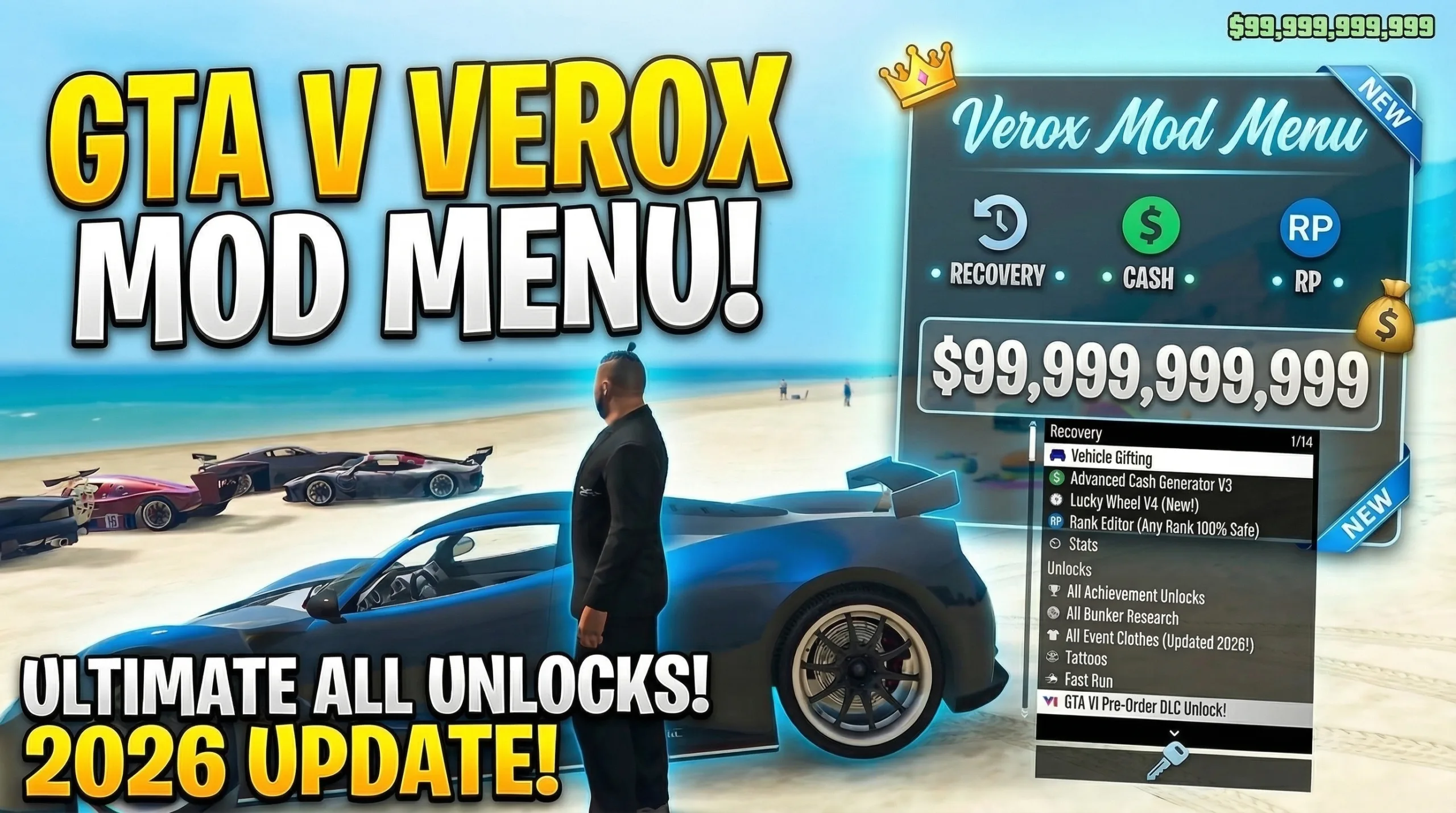
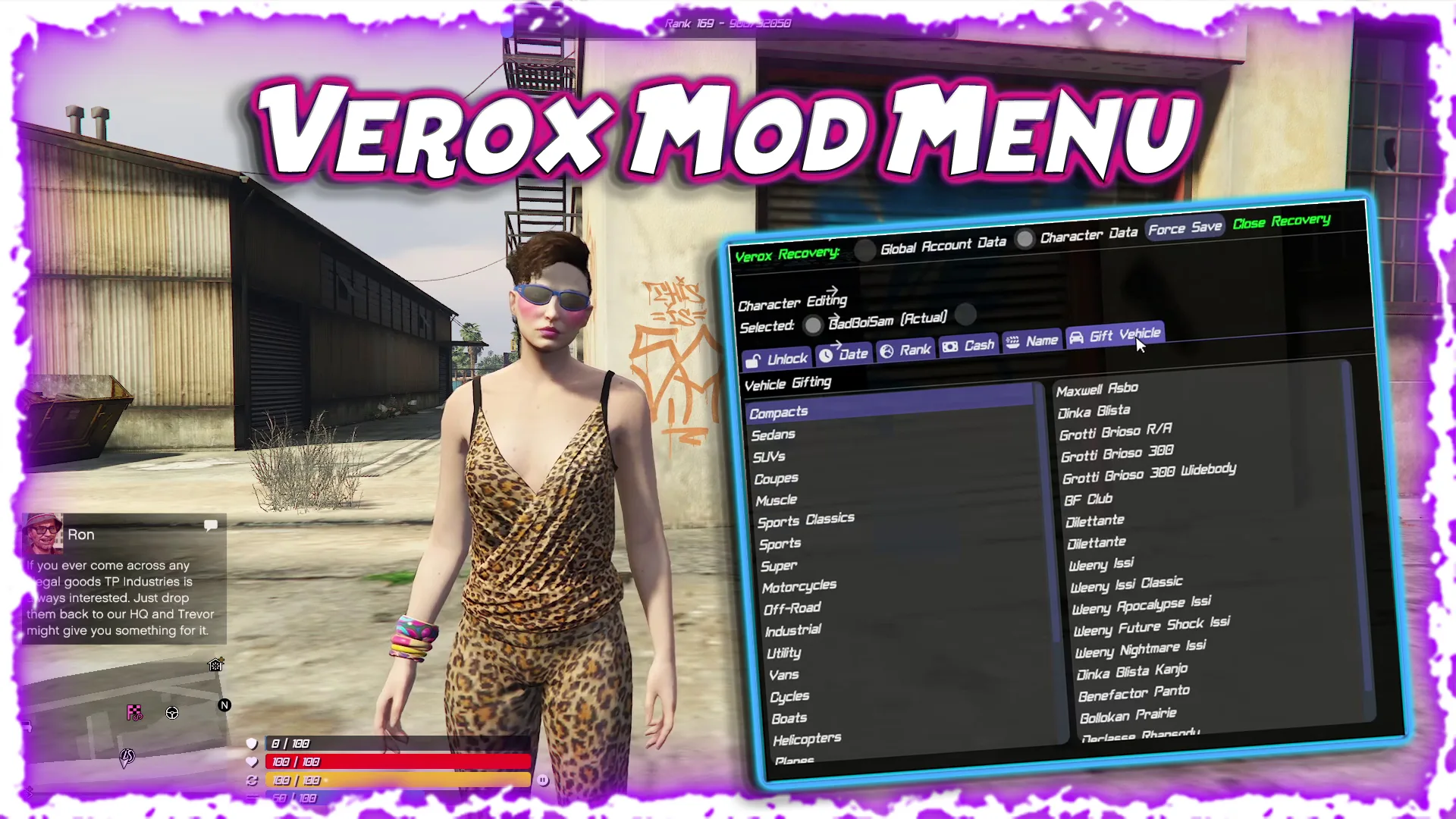

What Is Verox Mod Menu?
Verox GTA Enhanced is primarily a GTA Online utility and recovery toolset (as a DLL injection based mod menu) for users and account administrators. After successful DLL injection into the game, Verox GTA Enhanced provides a variety of options to help players accelerate the growth of their account, customize the data of their players, enable access to hard to find items, generate in-game currency, and optimize session use. To initialize the menu, a DLL injector and a disabled version of the Rockstar Launcher’s BattlEye are required. The menu is activated using the F4 Key. This process is typical for most DLL based mod menus to inject the mod onto the main screen before entering story mode, and finally into GTA Online.Utilization of Community Authorized Sources
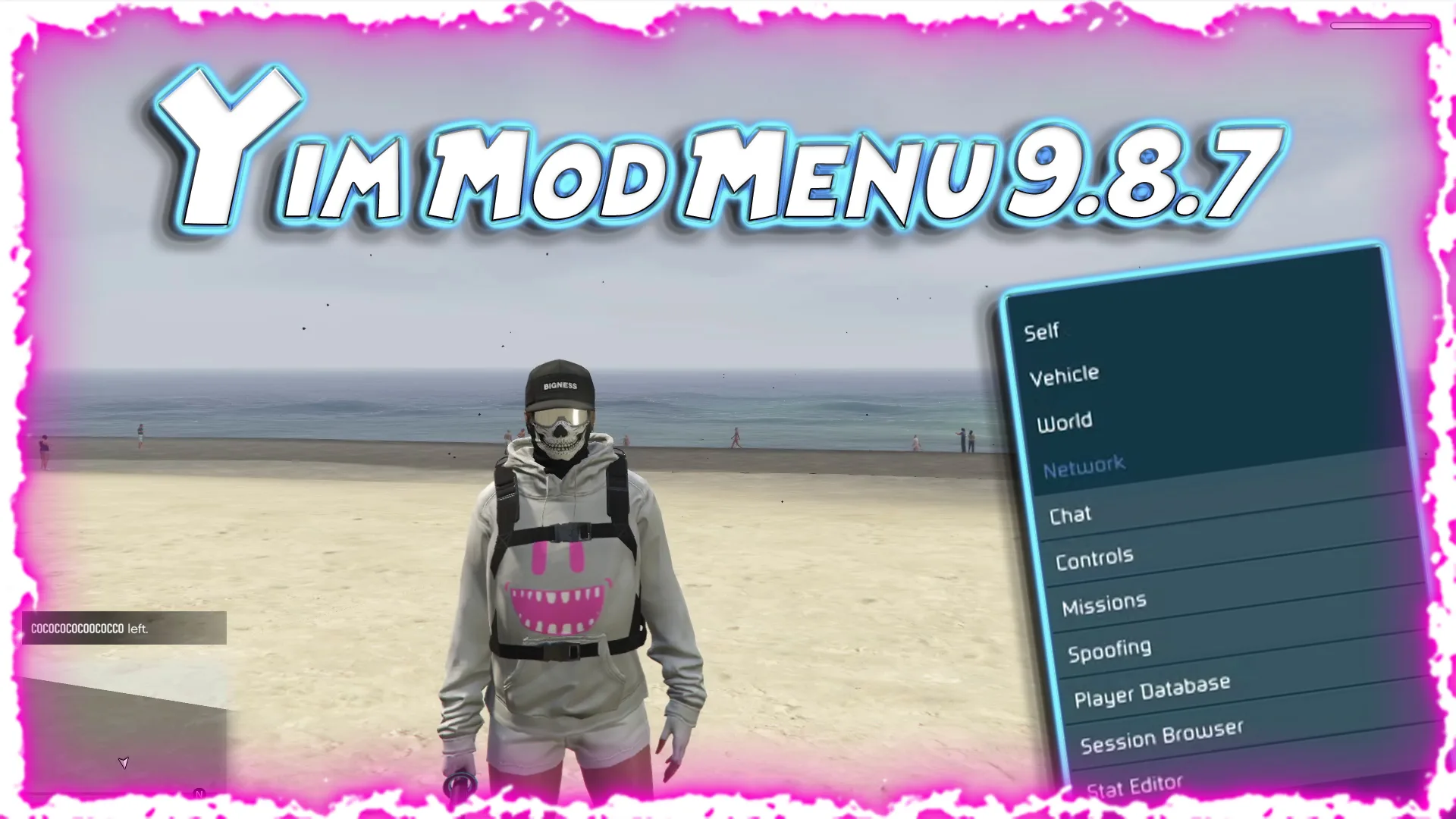
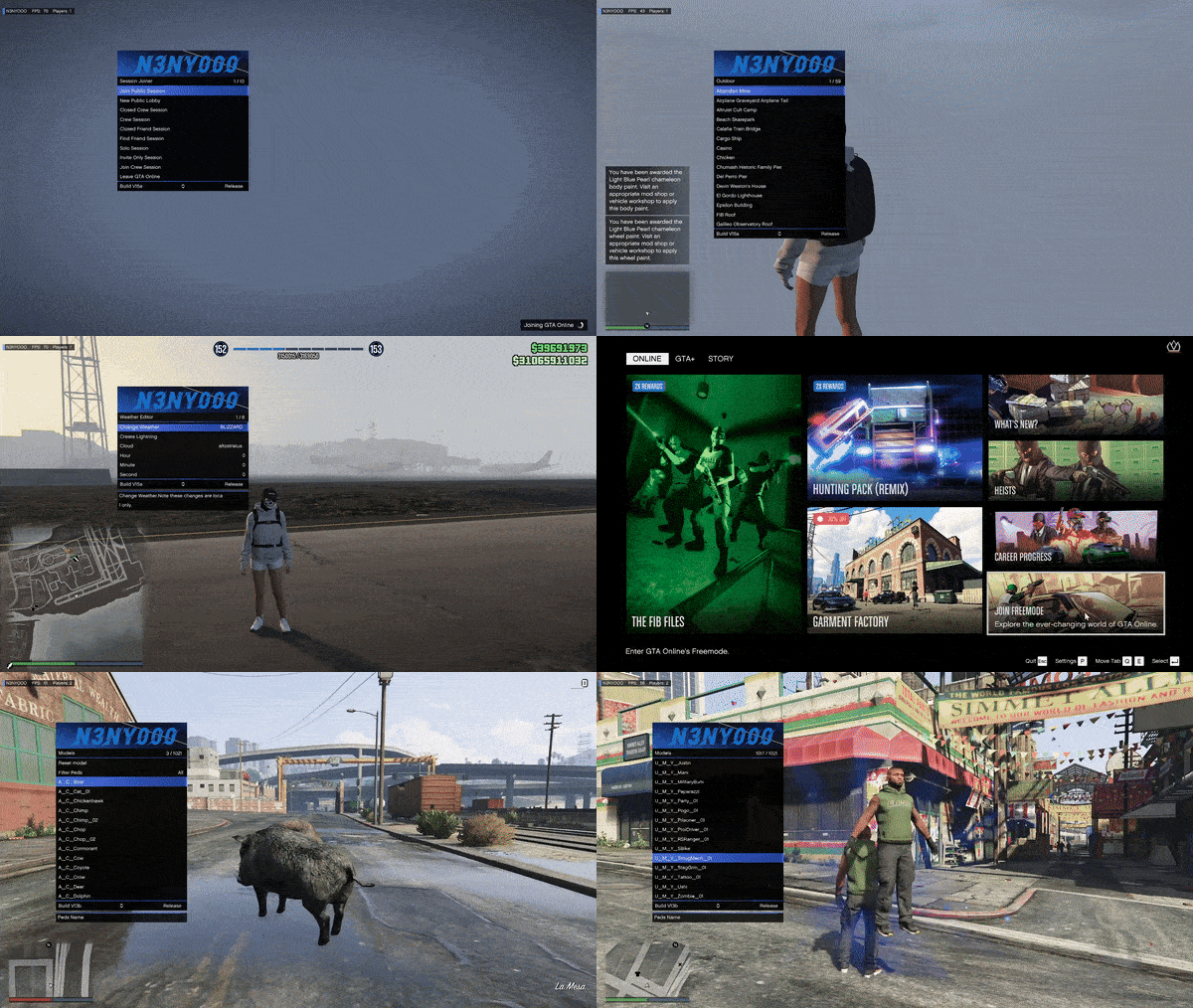
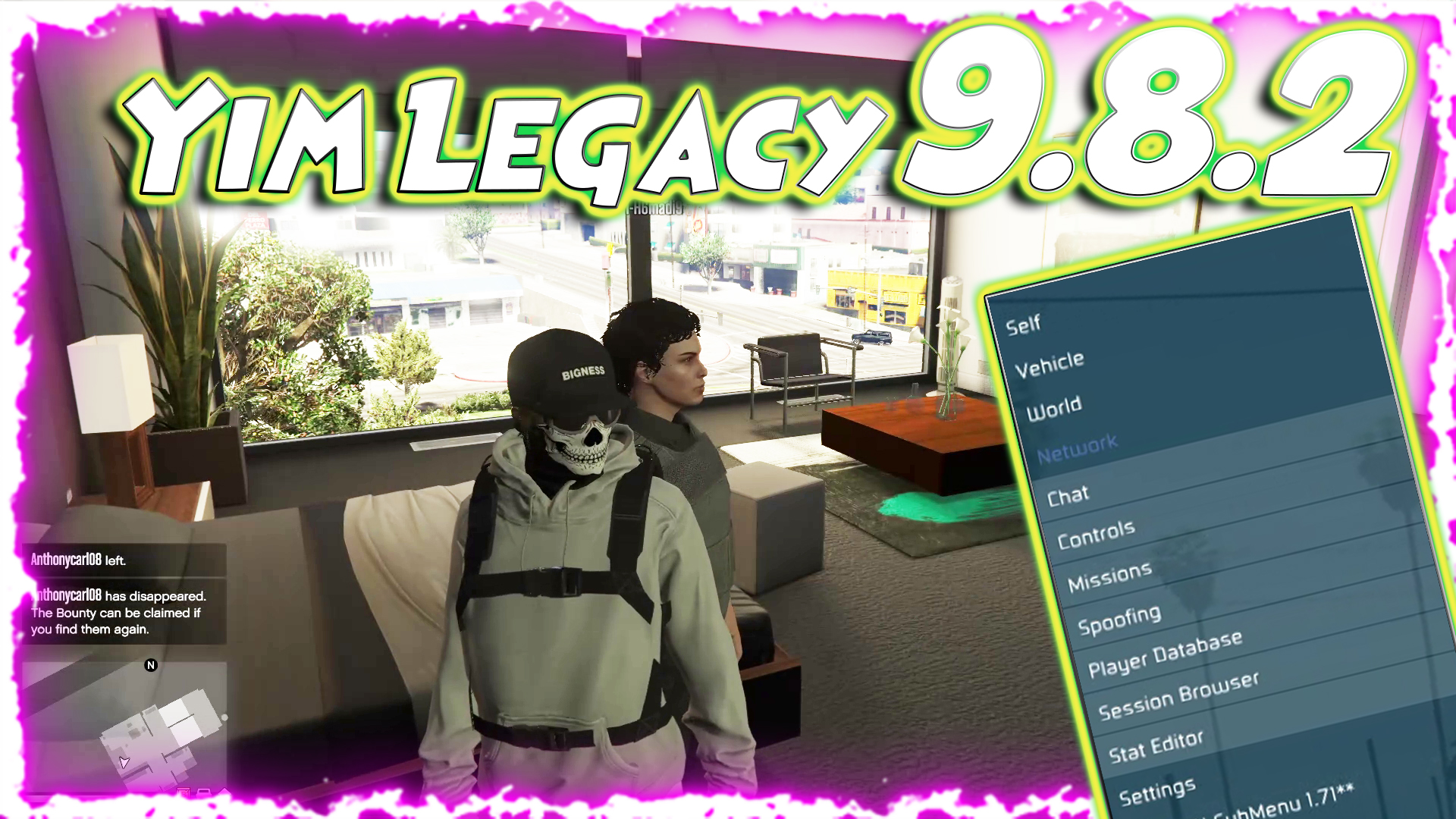
Verox GTA Enhanced recognizes two community approved sources – YimMenu and NativeInvoker. NativeInvoker lends a level of technical credibility to the project and connects it to other well-established tools in the GTA modding ecosystem which are also community recognized and trusted.In-Game Picrtures:
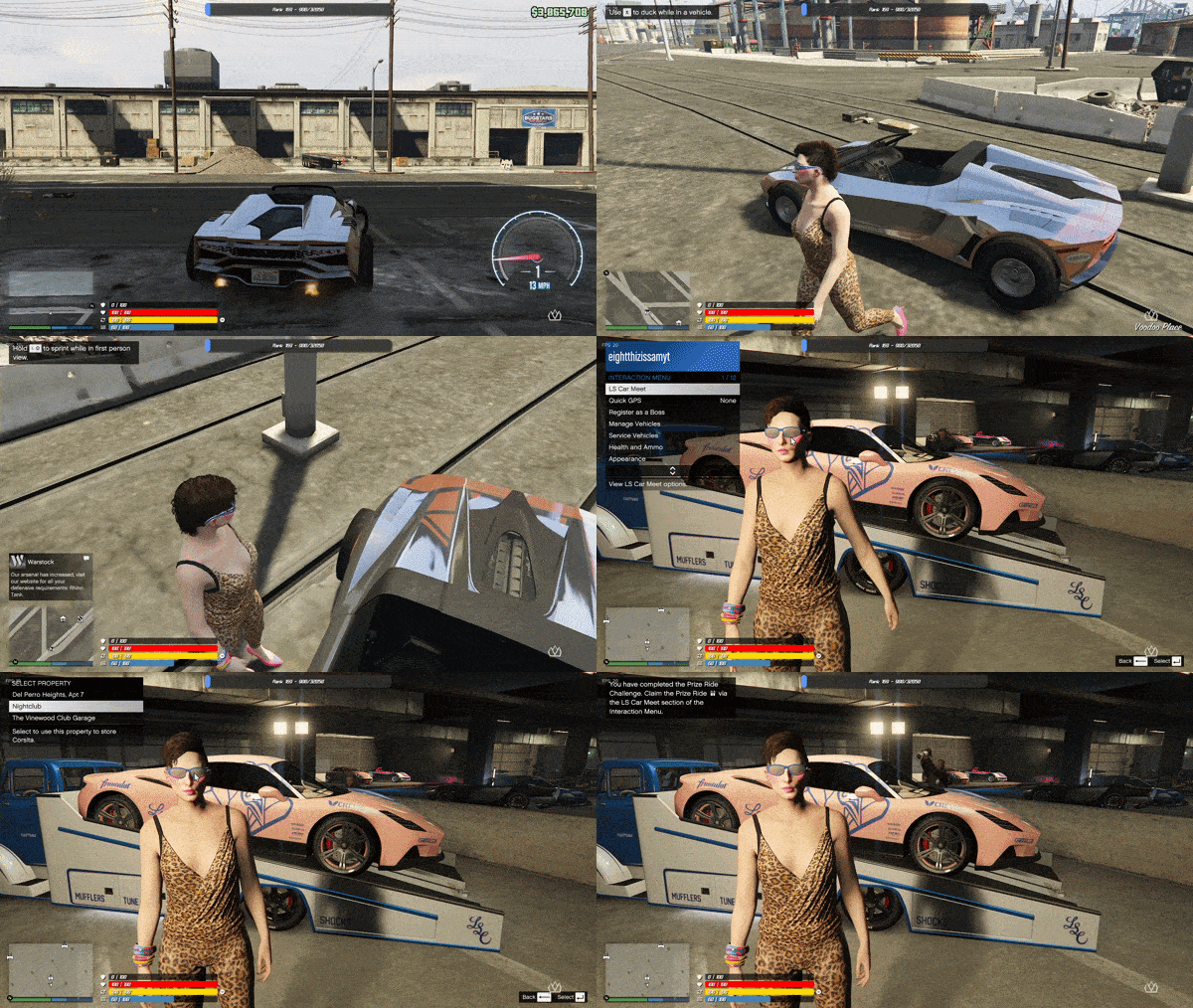
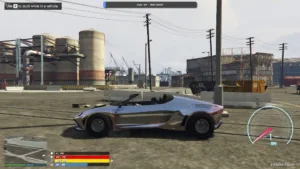
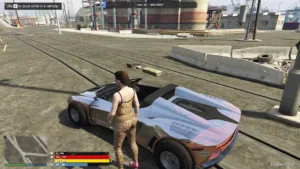
Safety Risks: A True Overview
Before evaluating the many functions of Verox GTA Enhanced, we need to evaluate the safety risks which the developers of Verox GTA Enhanced have pointed out within the documentation. As stated previously, there is always a high risk of employing any type of mod menu or recovery tool in GTA Online. Verox GTA Enhanced is no exception to this rule. Again, the developers have clearly explained the risks. Of course, the most sensitive area of the menu is the Cash Generator. The developers clearly indicate that the cash generator is currently not detectable by Rockstars anti-cheat systems. However, they clearly indicated that there is no warranty on this either. Rockstar Games is continually updating its protection mechanisms and therefore a currently non-detectable tool may become detectable at any point in the future.Important Safety Concerns:
There are no warranties regarding long term immunity from detection. The current non-detectable status of the Cash Generator is a snapshot in time and does not represent a warranty of continued immunity. Users should view this as such and remain informed regarding the status of the tool at all times. Users risk account suspension, reset, or permanent ban. As mentioned above, the recovery or money generating features are violations of the terms of service for GTA Online. Therefore, users employ these types of features at the risk of Rockstar permanently suspending, resetting, or banning their accounts at any time if they employ these features and Rockstar detects this activity, regardless of how cautiously the user employs the tool. Users should practice moderation. According to the developers, the developers strongly advise against excessive abuse of the system. For instance, the Cash Generator has a daily limitation of approximately $30 million. There are both technical and practical limitations to this amount. The limitation is to protect users from automatically triggering Rockstars detection algorithms when large amounts of in-game currency are rapidly generated. User Responsibility. Again, the developers clearly indicate that any adverse outcome resulting from employment of Verox GTA Enhanced will be solely the users responsibility. This is a typical disclaimer, however, it should be taken seriously by any user considering employment of Verox GTA Enhanced prior to doing so. To summarize, Verox GTA Enhanced is a tool for users that are knowledgeable regarding the risks and rewards of employing a mod menu in GTA Online. If employed responsibly and with a full knowledge of the potential risks and benefits, Verox GTA Enhanced can be a valuable tool for administering GTA Online accounts. Conversely, if employed recklessly, the negative consequences of this action may render an account unrecoverable.Recovery Feature Set: Deep Dive
The primary function of Verox GTA Enhanced is to serve as a recovery feature set. The primary purpose of these recovery features is to assist users in developing, customizing, and advancing their GTA Online accounts in ways that would otherwise take hundreds of hours of traditional gaming. The following is a detailed explanation of each category within the recovery feature set.Character Customization Tools
The character customization tools allow users to exercise fine grain control over the identity information for their account. The Change Character Creation Date feature allows users to change when a character was supposedly created. Changing the creation date is helpful for making new characters appear as if they were older and more experienced. The Modify Rank Up Date feature performs a similar function and allows users to change the date associated with a character’s rank advancement..Statistics & Progression
Many account managers agree that the Statistic & Progression category is the most valuable when working with account management. The Complete K/D Editor offers users the ability to create a Kill/Death Ratio (KDR) of their choice. A KDR is often used to measure how good a player is and can be used to determine if an account is of high enough quality to purchase. The Complete K/D Editor allows users to quickly establish a high-quality KDR. The Global Rank Changer is as simple as it sounds; it creates a desired GTA Online rank for the user. This saves users from spending countless hours grinding for rank points. If you participate in the LS Car Meet scene, the LS Car Meet Rank Changer is a tool that will allow you to instantly increase your reputation in the car meet, without having to spend numerous hours doing the required activities. Lastly, the Max Stats & Progression Editor allows users to instantly raise their characters’ base stats (i.e., Health, Stamina, Shooting, Driving, etc.), which take countless hours of normal gameplay to achieve.Unlock Panel
The Unlock Panel is a comprehensive system for unlocking content that cannot be accessed due to completion of in-game challenges, participation in limited-time events or reaching certain milestones. The Fast Run Unlock is a very popular feature in Verox that allows users to unlock the sprinting speed boost that users acquire after extensive playtime. The Rare Outfits feature allows users to unlock clothing items that have been proven to be extremely difficult to attain. These clothing items include those that have been tied to achieving a specific milestone or legacy content. The Complete Unlock System is the umbrella for all of these individual unlocks and combines them into a singular, easy to use interface.Money & Economy
One of the most popular tools provided within Verox is the Cash Generator. As expected, the Cash Generator allows users to generate a high amount of in-game currency. There is a daily cap of approximately $30,000,000 to prevent users from creating too much in-game currency at once, thereby avoiding triggering Rockstar’s automated detection systems. In addition to the Cash Generator, there is also the Mobile ATM. Described as a Rapid Money Transfer System, the Mobile ATM was created to make the process of transferring funds between accounts, or spreading the generated cash among accounts as quickly and efficiently as possible. The Mobile ATM is a great asset for users that manage multiple GTA accounts.Vehicles
The Vehicle Gifting Via Car Meet Podium is another unique feature of the Verox feature set. Instead of gifting users new cars via normal methods, the Vehicle Gifting Via Car Meet Podium gifts vehicles to users through the LS Car Meet podium. Vehicles gifted to users via this method will come equipped with F1 Wheels. F1 Wheels are a cosmetic modification that is notoriously hard to get and apply to vehicles in GTA Online. They are considered to be a premium modification.Customs UI
The Customs UI feature adds a real-time display of various pieces of account information over the menu. It displays the rank bar, in-game currency balance, and ped information. The Customs UI is a Quality of Life feature that allows users to see the status of their account while navigating the menu.Miscellaneous Features
Additional features have been added to Verox GTA Enhanced to enhance the experience for users that are managing multiple accounts and/or using the application for daily activities. Most of the additional features listed below have enhanced the overall experience of the application for the end-user. Rockstar Developer Mode: This is another feature included in Verox GTA Enhanced. Users can purchase the R*Dev T-Shirt in this mode; it is a rare item that is normally obtained from a valid Rockstar developer account during normal play. The developers of Verox GTA Enhanced have a background of being involved in the GTA modding community. They had a desire to add features that would assist in the overall experience of the application for users. The developers’ background in modding was helpful in developing a functional application that they were familiar with. No Idle Kick: Another feature added to the application was No Idle Kick. It prevents the game from kicking a user from a session if he/she has been inactive for an extended period. A lot of times, users spend hours on the computer while managing multiple accounts. Restore Solo Session Access: Another feature included in Verox GTA Enhanced is Restore Solo Session Access. With this feature, users can gain access to public solo sessions again. Most users of GTA are aware of how difficult it is to regain access to these sessions. Free Appearance Changes with Cooldown Bypass: This feature removes the charge and waiting period associated with changing a user’s appearance. Account managers that create and manage multiple accounts often find themselves changing the appearance of each account. Unlock Missed Events: Another feature that is unique to Verox GTA Enhanced is the Unlock Missed Events feature. This feature gives users the ability to access holiday-themed or limited-time content (e.g. Halloween, Christmas with Snow, etc.) created by Rockstar Games. Normally, this type of content is only accessible for a short amount of time. However, users of Verox GTA Enhanced are given the option to unlock this content and keep it on their account. CEO Interaction Menu Features: Two features added to the CEO Interaction Menu were designed to help improve the quality of life for users that are account managers or work in the business and organizational structure of GTA Online. Both features were designed to provide convenience for the user. Make All CEO Transactions Free: This feature allows all transactions involving CEOs to be free. Provide a Full Cooldown Bypass System for CEO Activities: This feature allows the cooldown of all CEO related activities to be bypassed.Network & Session Features:
In addition to the features discussed above, Verox GTA Enhanced has improved upon network and session management. These improvements allow Verox GTA Enhanced to be compatible with other tools and applications being developed and used in the GTA modding community. Users can search for and join public sessions containing compatible menu users to enable users of Verox GTA Enhanced to find and enter lobbies populated with compatible menu users. Utilizing this feature creates a more controlled and stable online environment for users to complete their account management functions. Verox GTA Enhanced is also compatible with publicly shared lobbies of users utilizing YimMenu. This is one of the most popular GTA mod menus in the modding community. Typically, users that are part of the modding community have their own menu systems. Verox GTA Enhanced has removed the possibility of users experiencing issues from having different tools.Steps to Gift a Vehicle Using the Vehicle Gifting Feature:
Below are the steps to follow to correctly use the Vehicle Gifting feature. Arrive at the LS Car Meet location in GTA Online. Before you begin the process of gifting a vehicle, verify that your spawn point is set to the LS Car Meet via the in-game interaction menu. Once you switch to a new session, you should always spawn at the same location when claiming a vehicle so you can successfully apply the gift. Open Verox GTA and click on the vehicle you want to gift using the menu’s vehicle selection interface. Once you’ve selected the vehicle, exit to a new session. Enter the new session. Spawn at the LS Car Meet. Open the Interaction Menu to claim the vehicle. You should now have a vehicle that has been gifted to you via the car meet mechanic. Also, this vehicle will be located in your account’s garage along with the permanently applied F1 wheels bonus discussed earlier. Developed by @VoxModz & @BlackSh0t | Credits: YimMenu for Signatures & NativeInvokerCredits to #VoxModz, Mr.X, SourceModzz & MaybeGreat48 & the team behind it
Download Links:
Password : 123