
What Is YimMenu?
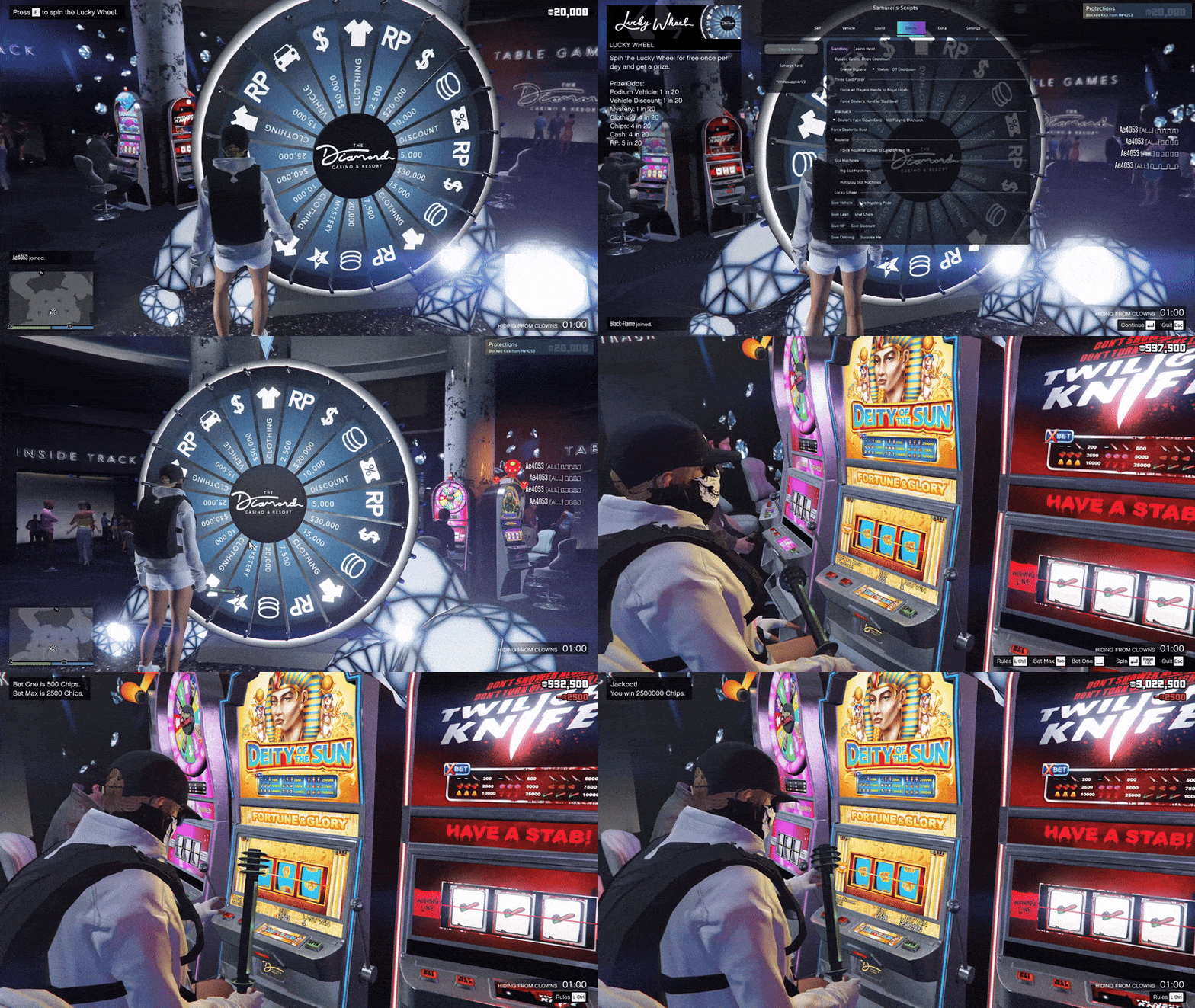
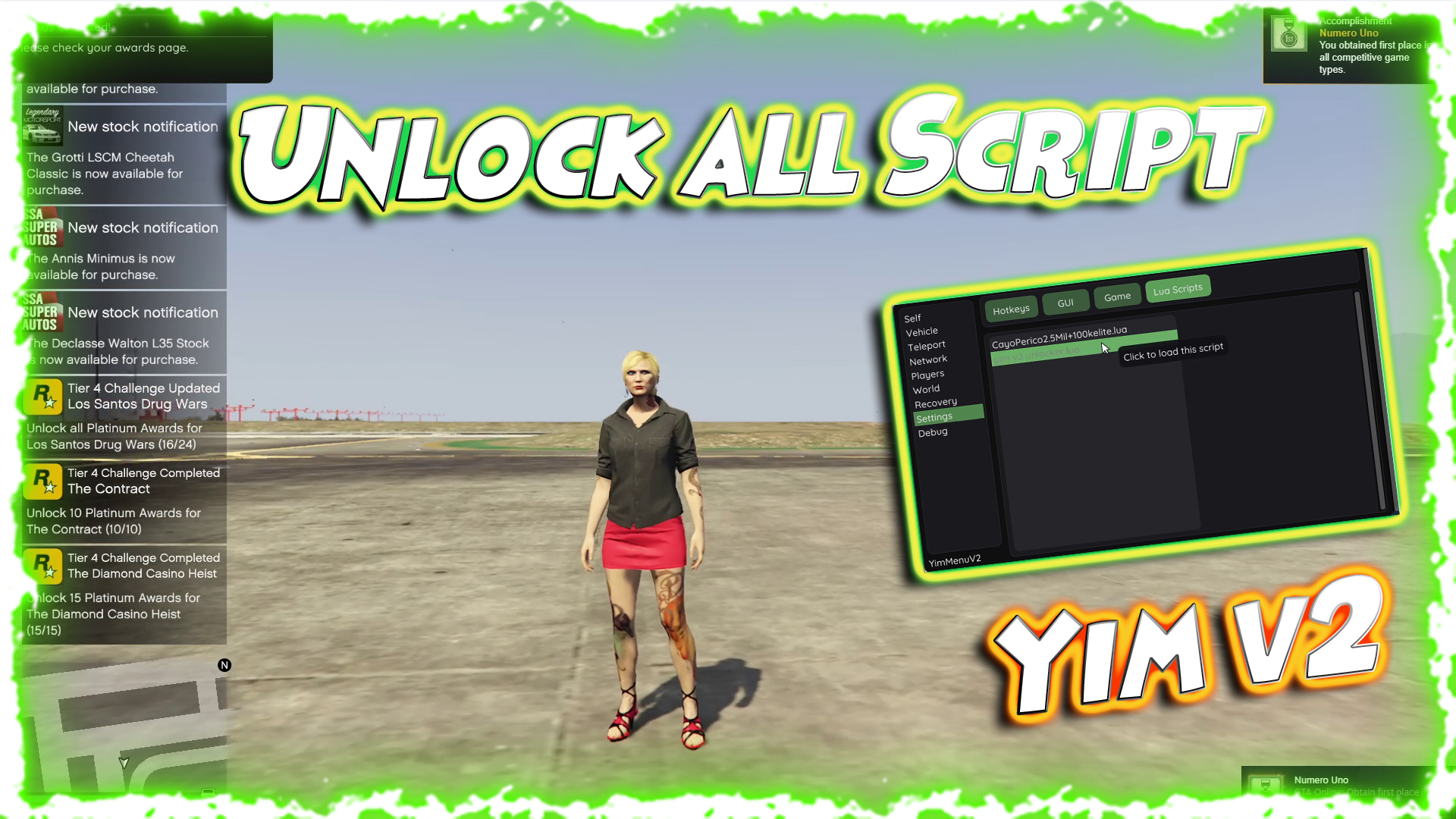
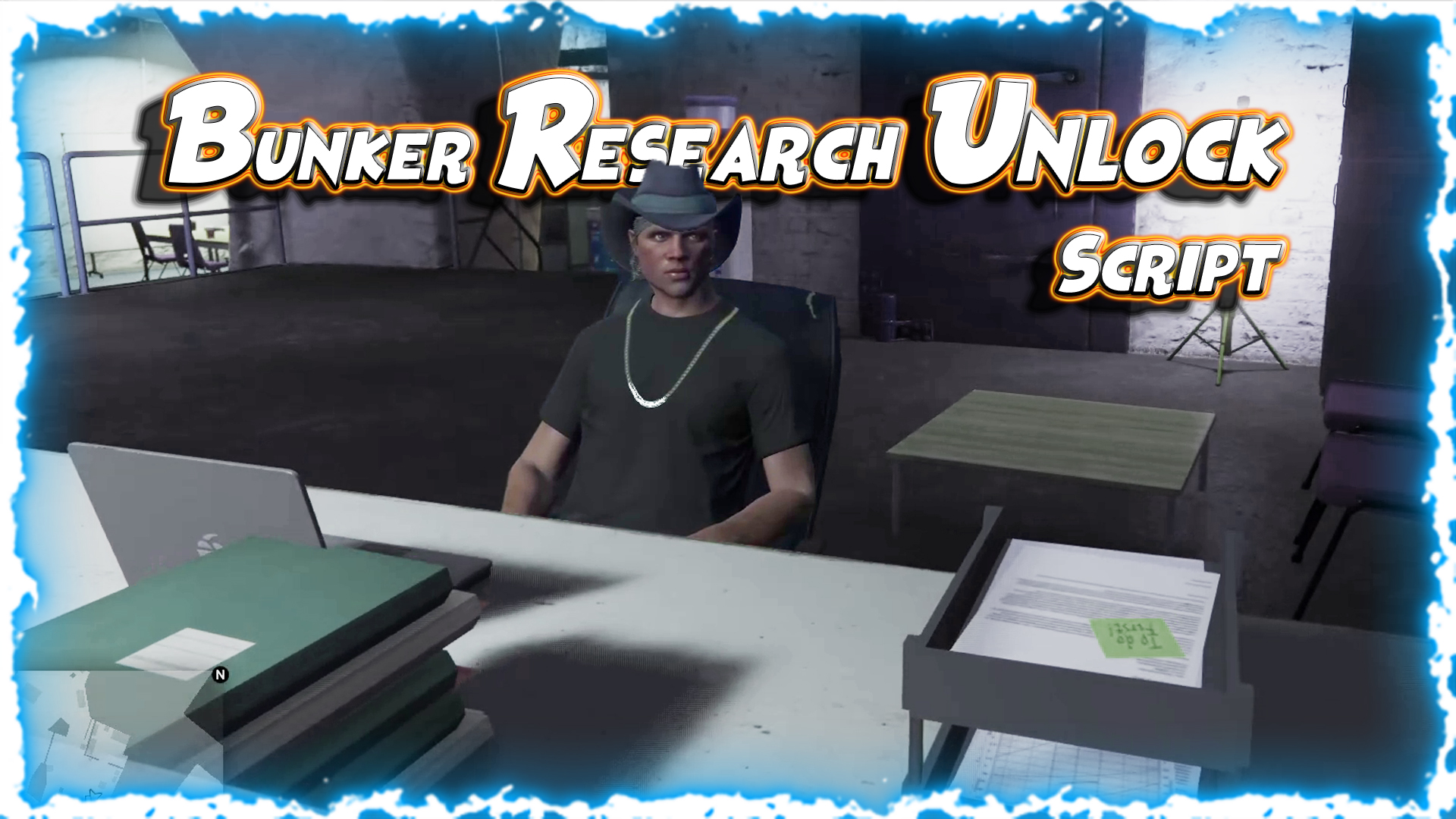
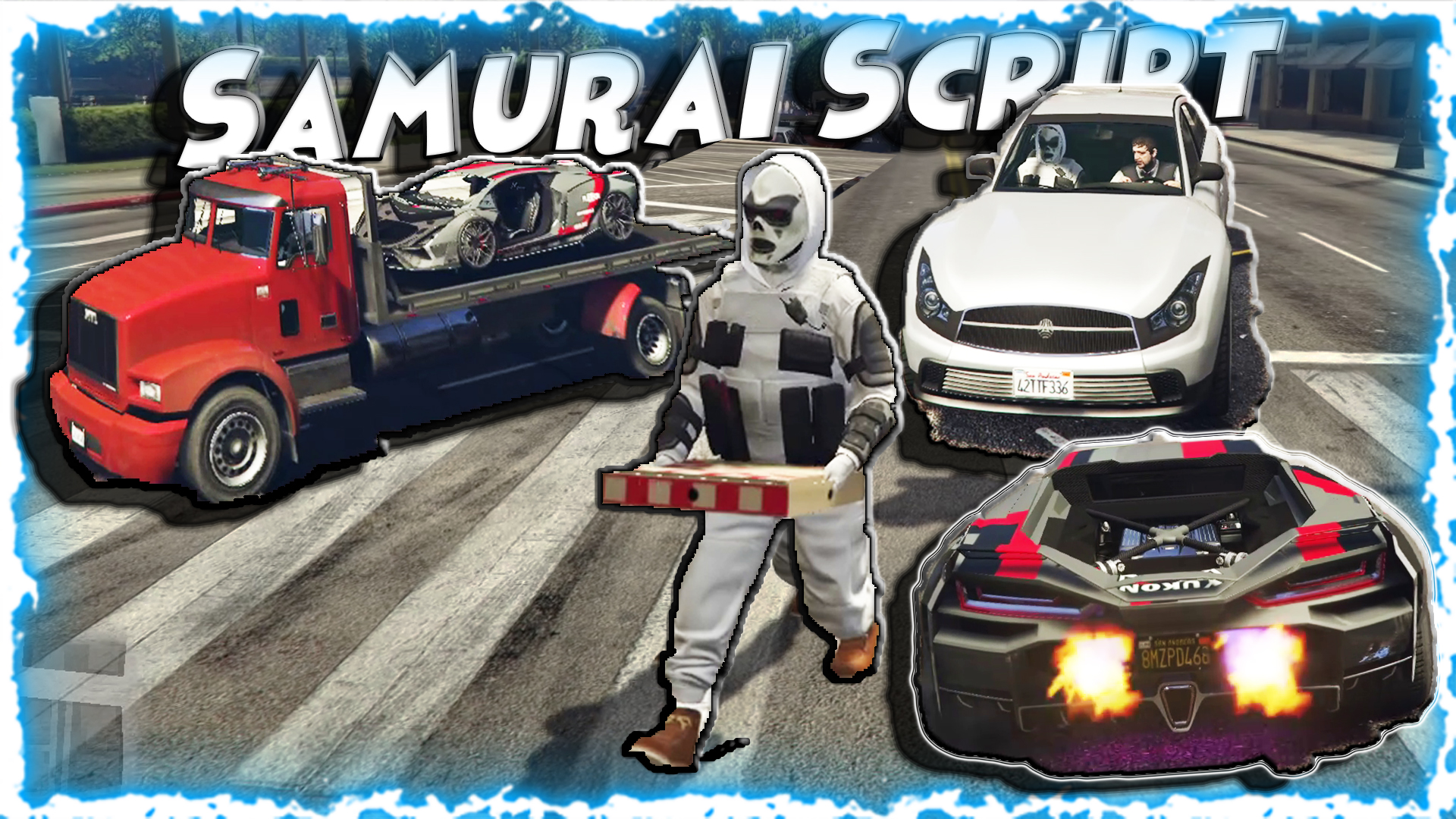
YimMenu is an open-source mod menu project for Grand Theft Auto V that serves as an in-game overlay and controller for players to manipulate game options, protect against crashes when playing public matches, and generally enhance their GTA V experience. The version hosted on GitHub by Mr-X-GTA is a fork of the original YimMenu repository and shares the same core goal: to be a powerful & flexible menu for modders. Originally created as an open-source project, YimMenu is essentially a collection of C++ code, build files, scripts, and resources which, when compiled and injected, load up the custom menu into the GTA V process. Players can then press the appropriate key while playing to start the overlay (like Insert). In-Game Menu Screenshots :
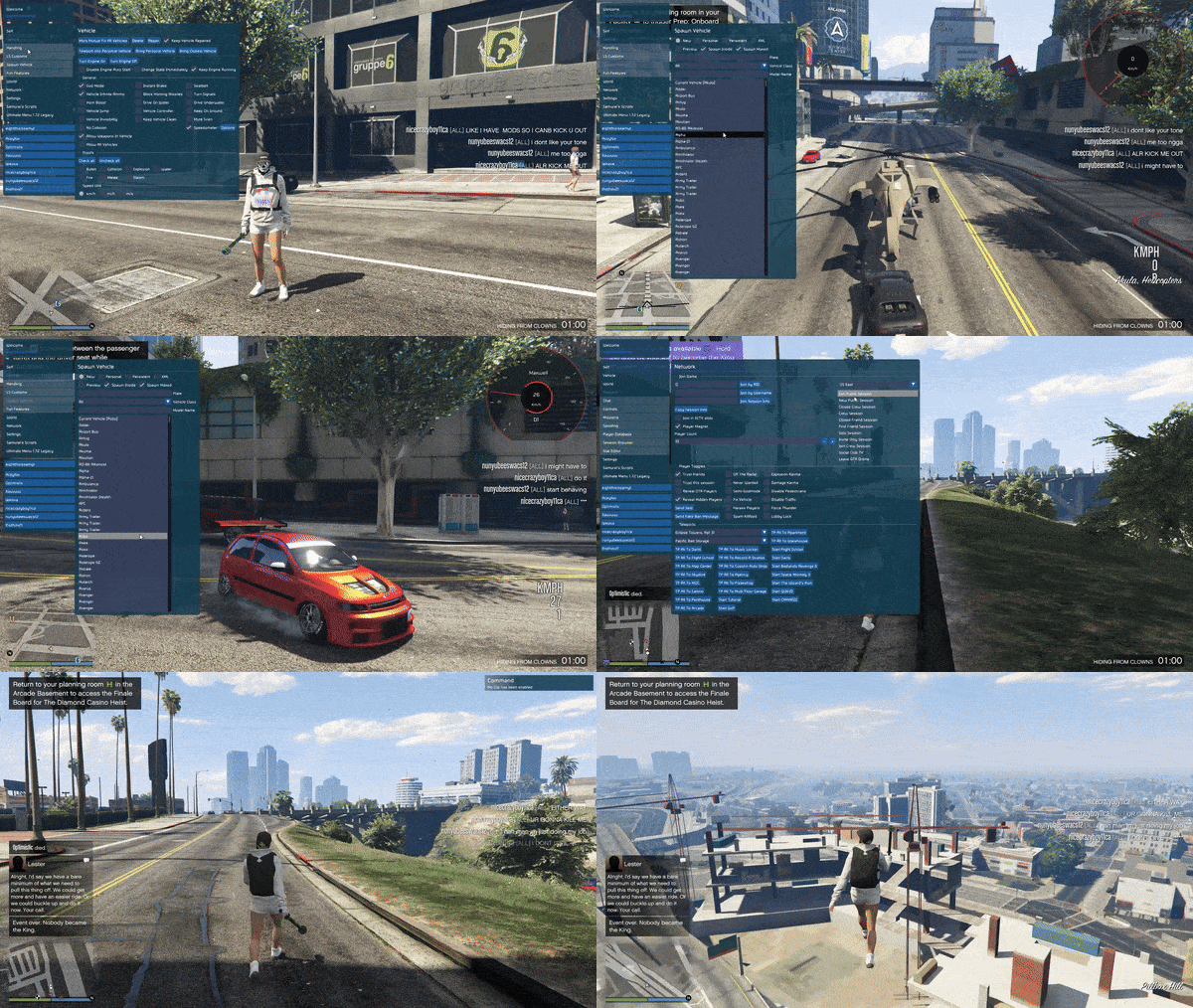
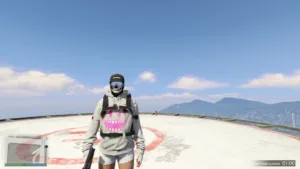
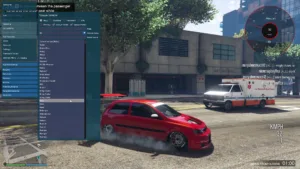
 Video Guide
Video Summary – What You’ll See.
In the video walk-through, the user demonstrates how to inject the menu, how to teleport to Mount Chiliad, and spawn rare vehicle and modded vehicles. The narrator demonstrates “god mode”, toggling the night/day cycle, and changing the number of pedestrians to spawn. All tasks are performed without lag or crash. The visual shows how the updated Mr.X fork works just like software that has been supported and maintained, with none of the broken functionality and UI lag of abandoned titles. There is also a section on how to use the stat editor to unlock awards, which is a common offline test for script developers.Credits to #Yimura, Mr.X, SourceModzz & MaybeGreat48 & the team behind it
Download Links:
Password : 123
Core Purpose and Philosophy
YimMenu’s stated goal is to offer:- Protection Against Crashes
- More Control Over Gameplay
- Developer Friendly Menu
What YimMenu Is Not
Before moving forward, it’s wise to discuss what it isn’t:- Not an official Rockstar product
- Not verified, approved, or supported by Rockstar or Take-Two Interactive
- Doesn’t guarantee protection from bans or detection in GTA Online
- Doesn’t function with the official anti-cheat unless those features are disabled
YimMenu’s Major Features
While not all menus in the YimMenu family of menus offer the same features, the specific branch, build, and other versions you use will dictate many of the features available. Most YimMenu Family Mod Menus offer tons of modding tools/custom utilities to enhance or change GTA V gameplay.Crash Protection & Stability Tools
One of the highlighted features of YM is protections against certain crashes caused by malicious users or unstable mods. These are commonly checks or filters that aim to stop certain in-game events from crashing the client, especially useful for those that wish to play in public sessions, prone to players using crash triggers to boot colleagues out. Features like these, while not perfect, do make public play more stable.Menu Loading / UX
Most YimMenu builds load some variety of menu and are then available to be triggered by a hotkey (INSERT, CTRL + \) and then navigated by keyboard or controller inputs. These usually include:- Player options
- Vehicle spawners
- Teleportation tools
- Recovery options (stat editors)
- Money and reward options
- World controls and weather
Player & Session Tools
Within many menus based on YimMenu, players have access to tools such as:- Teleport to waypoints
- Set player speed/movement modifiers
- Give weapons/change loadouts
- Adjust health, armor, and more.
Vehicle Management
Vehicle spawners and vehicle mods are a major part of the majority of GTA mod menus. YimMenu inspired or included mods to allow for instant spawning for most standard game cars, modding, color, and various upgrades, allowing players access via teleport, to and from the players’ location. Players often use this for recreation or stunt creation, or just cruising around mistaken for someone who loves to chill in Los Santos.Lua & Script Support (Community)
A YimMenu-Lua extension separate from the main YimMenu repo provides a hook for players to launch scripts for household tasks like claiming a vehicle, mission unlocks such as the huge contraption of Elysium Island or solo heist play, and utilizes YimMenu more than what it was designed for.Installation & Usage (Typical Workflow)
Installing and using YimMenu is similar to other GTA V mod menus. As each version and fork will be slightly different, here is a brief description of a typical workflow used by many modders. ⚠️ Most mod menu workflows may require anti-cheat systems like BattleEye to be disabled, which is not officially supported by Rockstar, and can have repercussions on your setup and online security.- Download the Build of the Menu: From the Releases section of the GitHub repo (like the nightly or latest build), grab the YimMenu .DLL or archive.
- Preparations: Before launching GTA V: Backup your game files, disable anti-cheat (this may be in the game launcher settings), and ensure you are playing in a solo or private session (preferably).
- Injector: Much like every other mod menu for GTA V, YimMenu will require a mod injector tool like Xenos, Mongoose, or similar. This tool will attach the menu .DLL to the running GTA V process. Fire up GTA V (either in Story Mode or Online mode). Hit Alt-Tab to the injector, select the YimMenu .DLL, and inject into the game process. If successfully done, you’ll receive some feedback from the menu in a console.
- Opening the Menu: Finally, injecting the script will enable you to open the mod menu. In most instances, the menu will become accessible upon injection. Depending on what you prefer, it will usually open upon pressing “INSERT,” or another designated key mapped by your selected build. Alternatively, if you have a controller connected, you’ll be able to navigate within categories and use the various features of the menu by using the arrow keys. You will have access to teleport, vehicles, player options, and more.
Safety, Risks & Anti-Cheat Concerns
Making use of just any kind of mod menu in GTA V, especially in GTA Online, inherently bears risk. In this community, a notable section of the user base experienced noticeable issues with getting banned/having reason flagged in relation to anti-cheat for what they were doing in-game, and more. Some users reported getting swept up in anti-cheat alerts or bans simply for spraying with bad builds, particularly in public online sessions where there is a vast array of players around you. Take measures to test in offline mode before venturing into anything remotely risky like that. Utilize private lobbies, or an invite if you’ve got them handy. You would also be recommended to back up saves and everything else just in case. After all, you’ll never be able to find a mod menu that will be foolproof, unfortunately. As well as that, YimMenu as a project has had a section go up on a DMCA from Take-Two Interactive per claim of it utilizing GTA’s best practices and proprietary code, or noted as “circumventing an existing security feature of the Software.” This just proves the point of modding being off in a grey area for sure, especially if you are in a multiplayer aspect of the game as well.Community Support & Extensions
Because YimMenu is about the community, and thus because it’s open-source, way too many developers have utilized it to either extend on or port YimMenu itself:- YimMenuV2 - Again, for the GTA V enhanced edition fallouts, but with FSL support and more
- UltimateMenu - Depending on what you want in terms of menus and tool extensions, built on top of the YimMenu builds
- Chronix - Using YimMenu as a base, this menu boasts powerful features like crash protection and various custom utilities
- YimMenu-Lua - Community scripting support
Alternative Mod Menus & Tools
If you can see that YimMenu doesn’t necessarily fulfill your requirements, or even if you want a more polished experience than YimMenu, there are other mod menus you may want to explore that some of the user base have fallen to in the GTA scene:- Kiddion’s Modest Menu
- Stand
- Simple Trainer
- Menyoo